
Documentation Index
Fetch the complete documentation index at: https://docs.heymilo.ai/llms.txt
Use this file to discover all available pages before exploring further.
Languages & Voices
Note: The in-app page title may show Locale Support or Available Languages and Voices — same place as Sidebar → Interviewers → Languages & Voices.What’s on the page
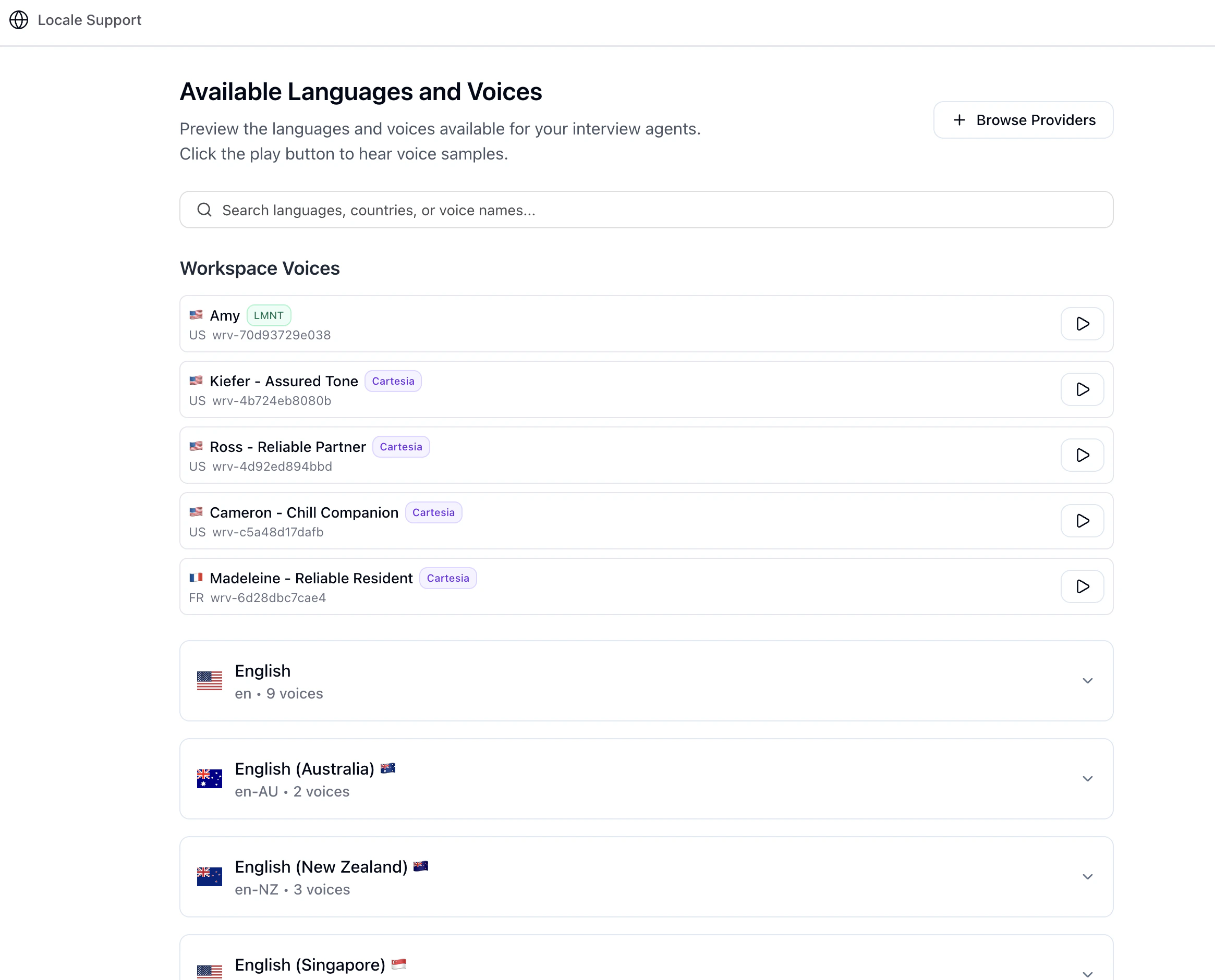
- Search — Filter by language name, code, country, or voice name.
- Workspace Voices — Voices your team has added from providers; these are the ones you’ve explicitly pulled into the workspace.
- Languages (accordion) — Each language expands to show built-in / default voice options for that locale.
- Play — Use the play control to preview a voice (some registry voices generate a sample on demand).
Browse Providers (LMNT & Cartesia)
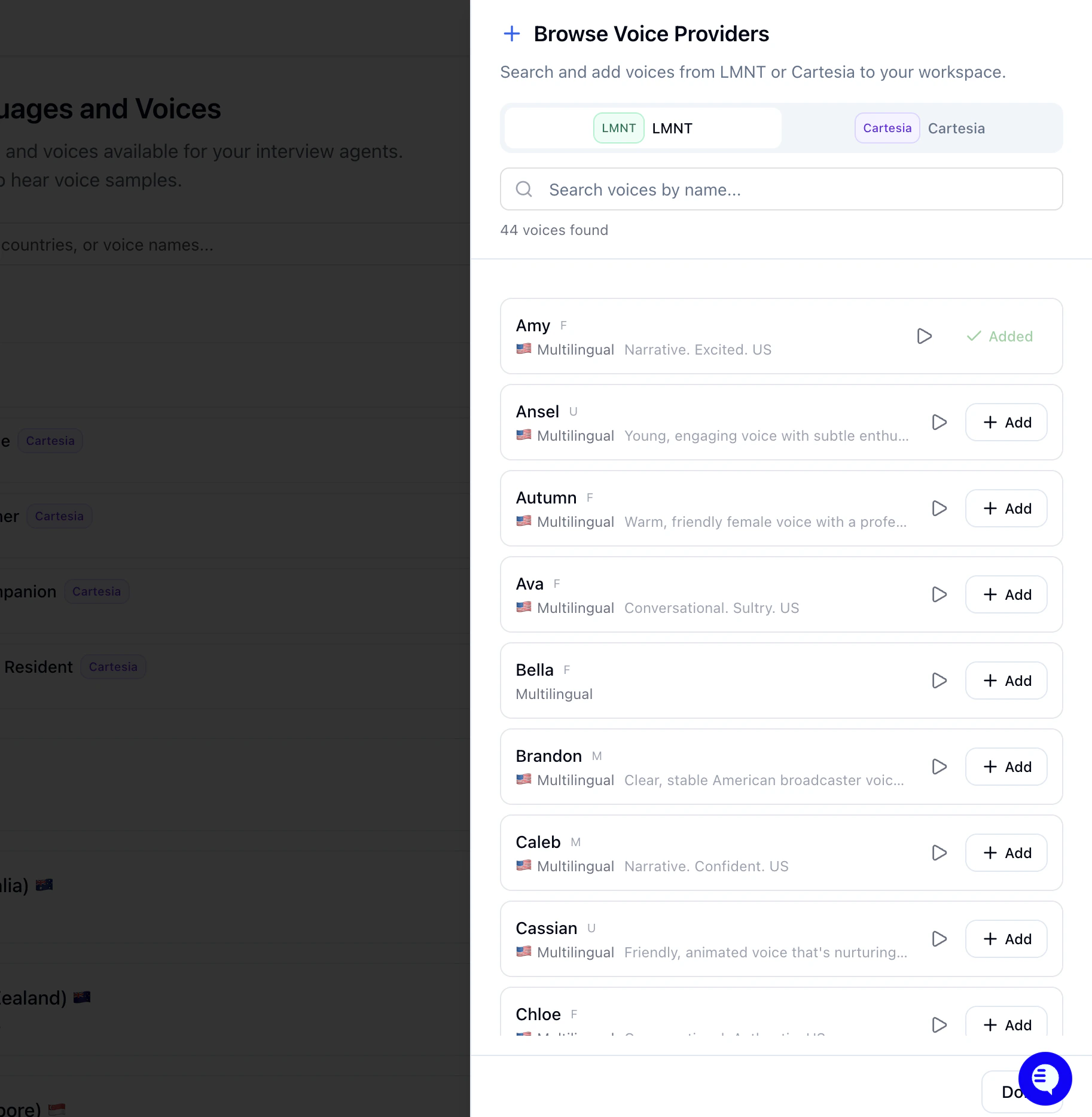
- Switch between providers (LMNT and Cartesia in the product).
- Search and filter to find a voice you like.
- Preview with play.
- Add a voice to your workspace — after that, it should appear under Workspace Voices and in voice dropdowns when you create or edit an interviewer (where the product exposes voice selection).
How this ties to interviews
- Interview language — Set when you configure the interviewer / posting (e.g. voice or video step). The AI runs the conversation in the language you select there.
- Voice — Pick a voice that fits your brand; options include defaults per language plus any voices you added under Workspace Voices.
- This page is mainly discovery + workspace voice inventory, not the full interviewer builder.
When to use it
- Hiring in non-English locales or testing accent / locale fit.
- Standardizing on a specific voice across roles after previews.
- Expanding voice choice beyond defaults by adding LMNT/Cartesia voices.
Tips
- Preview voices with headphones in a quiet room—compression and speakers change how they sound.
- Match language and voice (don’t pick a voice trained for a different language than your interview).
- After you settle on a setup, consider saving the interviewer as an Interview Template so the team reuses the same language + voice combo.
Next steps
- Multilingual Support — Reports, downloads, and candidate experience
- Configuring Your AI Interviewer — Where language and voice are set per posting
- Interview Evaluation — Language proficiency rubrics (workspace templates)
- AI Settings — Other AI defaults