
Documentation Index
Fetch the complete documentation index at: https://docs.heymilo.ai/llms.txt
Use this file to discover all available pages before exploring further.
Custom Email Addresses
Send candidate emails from your own domain (for example, no-reply@yourcompany.com) instead of the default HeyMilo address.
What this enables
- Branded communications that match your company domain
- Higher trust and improved deliverability
Where to set this up
Outreach → Sender Domains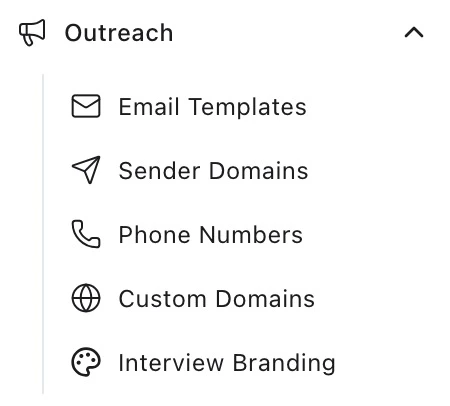
Requirements
- Your email domain must be verified before creating any sender addresses.
- You must have admin access to add or verify sender domains.
Setup steps
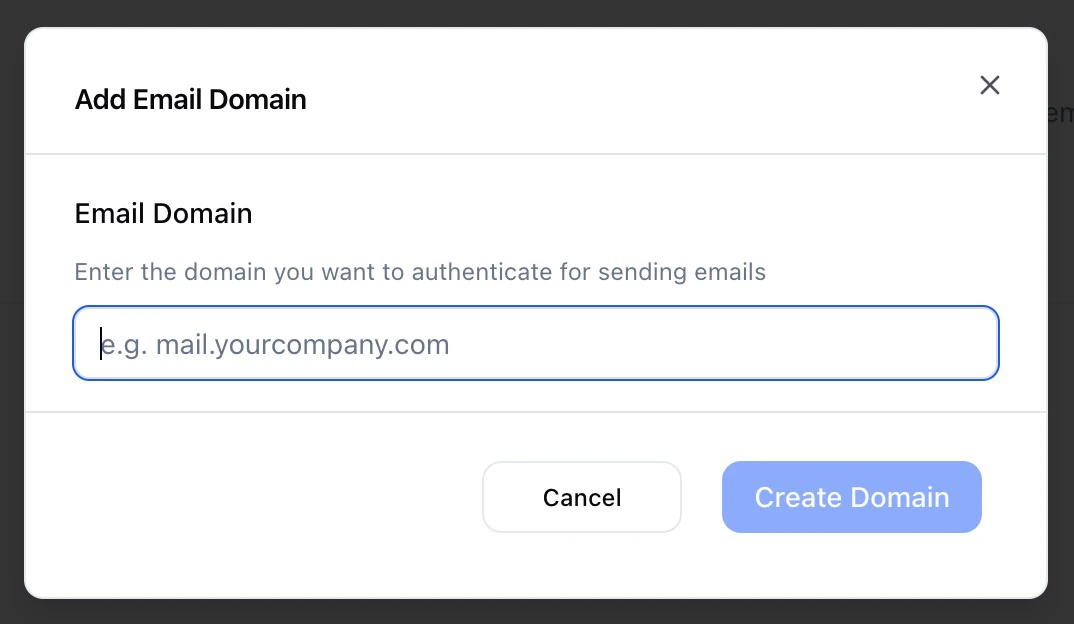
Step 1 — Add your email domain
- Enter your company domain (for example,
yourcompany.com).
Step 2 — Add the DNS records shown in the app
- The app will display the exact DNS records to create at your DNS provider.
- Create the records exactly as shown.
Step 3 — Verify the domain
- After DNS is updated, click Verify in the app.
- DNS can propagate in ~30 minutes but may take several hours. If verification doesn’t pass immediately, try again later.
Step 4 — Create a sender email (after domain verification)
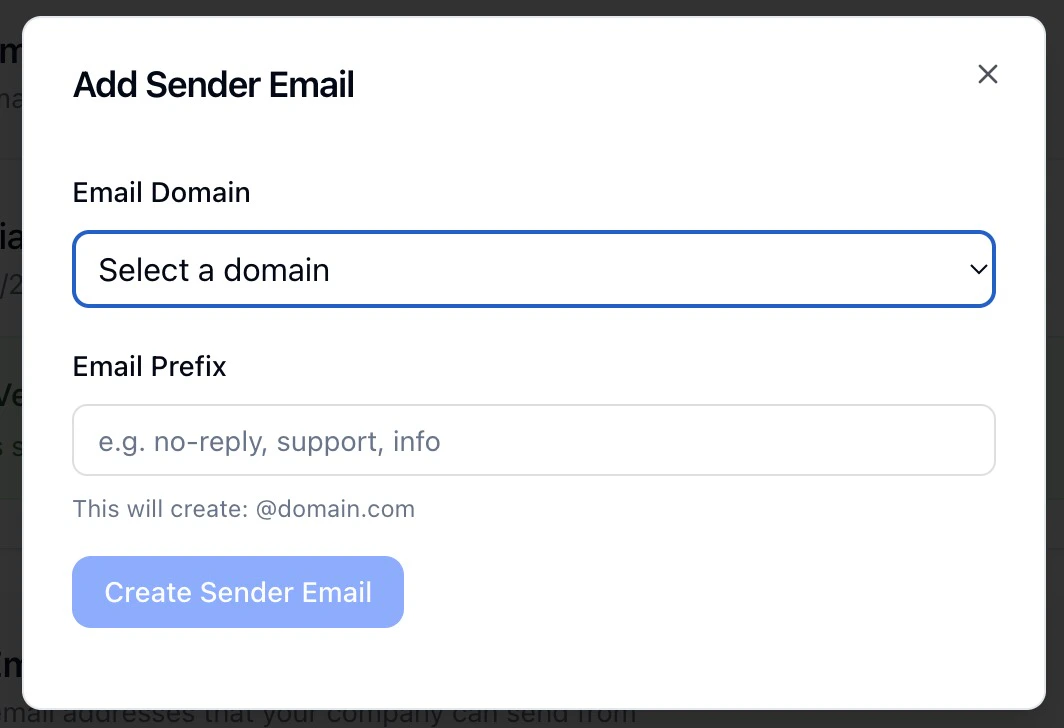
- Once your domain is verified, the Sender Email Addresses section becomes available. Click Add Sender Email, choose your verified domain, and enter an email prefix (for example,
interviews) to create an address likeinterviews@yourcompany.com
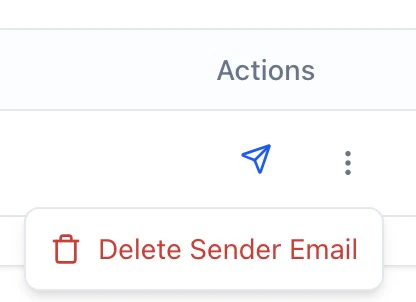
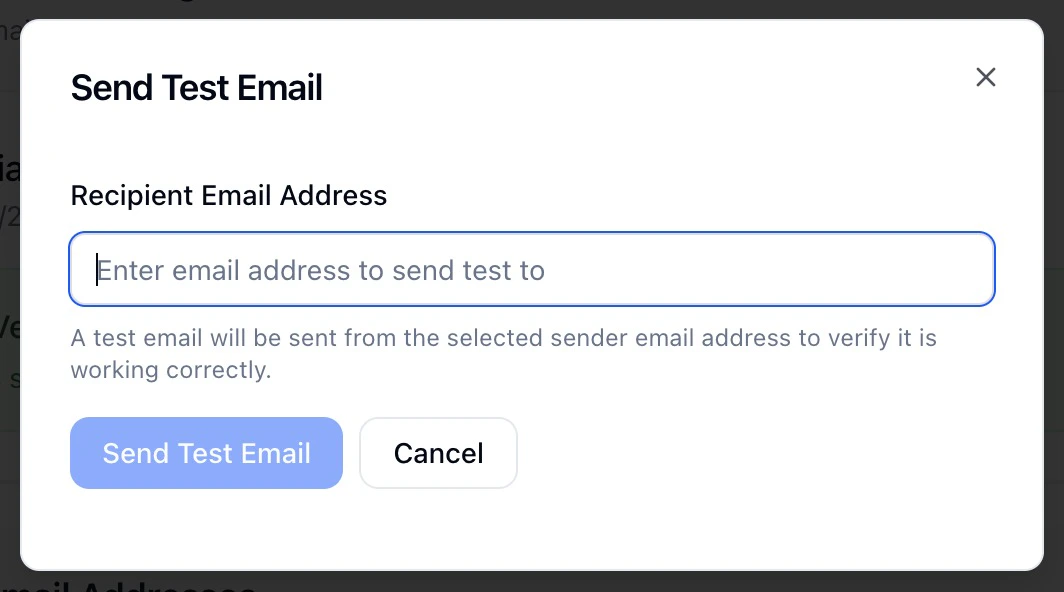
- From the Sender Email Addresses table, you can send a test email or delete sender addresses you no longer need.
Timing
- DNS propagation typically completes within ~30 minutes but can take several hours depending on your DNS provider.
Under the hood
- HeyMilo uses SendGrid for domain authentication and sending.
- Verification checks your DNS for required records (DKIM and a mail
CNAME). Once valid, the domain is marked verified and you can send from addresses on that domain.
Troubleshooting
- Copy/paste DNS record values exactly (name, value, type).
- If verification fails, wait and retry after propagation.
- If issues persist, re-check your DNS entries or contact support.