
Documentation Index
Fetch the complete documentation index at: https://docs.heymilo.ai/llms.txt
Use this file to discover all available pages before exploring further.
Crafting Compelling Interview Questions
Learn how to craft effective interview questions to find the best candidates, with tips, examples, and customization tools to make your interviews more insightful and efficient!The quality of your interview questions directly impacts the quality of candidates you identify. HeyMilo automatically generates interview questions for every role. You can review, edit, reorder, or replace these questions at any time. This guide shows you how to review, refine, and customize those questions to get stronger signal from candidates
AI-Generated or Custom Questions
- 🤖 Let AI Generate Questions
- ✏️ Craft Your Own Questions
Our AI can automatically create relevant questions based on your job description:
- Saves time - Questions ready in seconds
- Industry-specific - Tailored to your role and sector
- Best practices - Based on successful interview patterns
- Comprehensive coverage - Ensures all key areas are addressed
Recommendation: Start with AI-generated questions, then customize based on your specific needs and experience.
Re-use Existing Questions
When adding questions to your agent, you can pull from questions you’ve already created in other agents.- In the Questions & Scoring step, click Re-use Existing Question
- The Question Library drawer opens, showing questions from your workspace
- Search or browse questions by type (voice, SMS, resume, form)
- Click a question to add it to your current agent
Tip: This is useful when you frequently assess the same skills across roles (e.g., communication, problem-solving) and want consistent questions.
Types of Effective Interview Questions & Examples
Question Crafting Best Practices
Customizing Follow-Ups
Each voice or video interview question can include smart follow-up questions that adapt to the candidate’s response. Follow-ups help clarify vague answers and encourage candidates to expand when more detail is needed.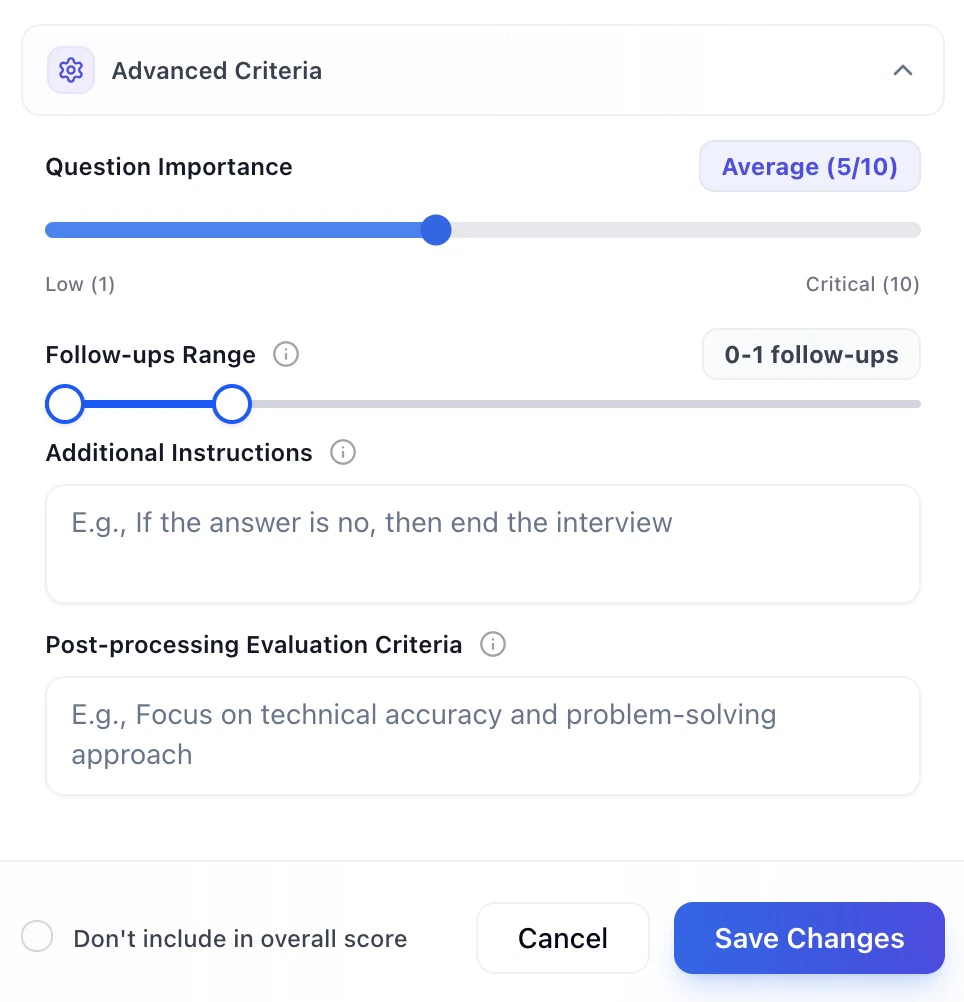
- Set a follow-up range using the slider (for example, 0–1 or up to 5 follow-ups)
- Control depth per question, allowing more probing only where it matters
- Keep interviews balanced—the UI will warn you if too many follow-ups may impact candidate experience or performance

- Follow-ups are generated dynamically based on what the candidate says
- The slider sets a maximum range, not a guaranteed number
- Follow-ups are optional and never required
Start with 0–1 follow-ups for most questions. Increase only for questions where additional context is critical. Always test before going live to ensure the pacing feels natural.
Setting Up Scoring Criteria
Question Weight Distribution
When your questions have different score weights, a Question Weight Distribution pie chart appears below your questions list. This gives you a visual breakdown of how much each question contributes to the candidate’s overall score.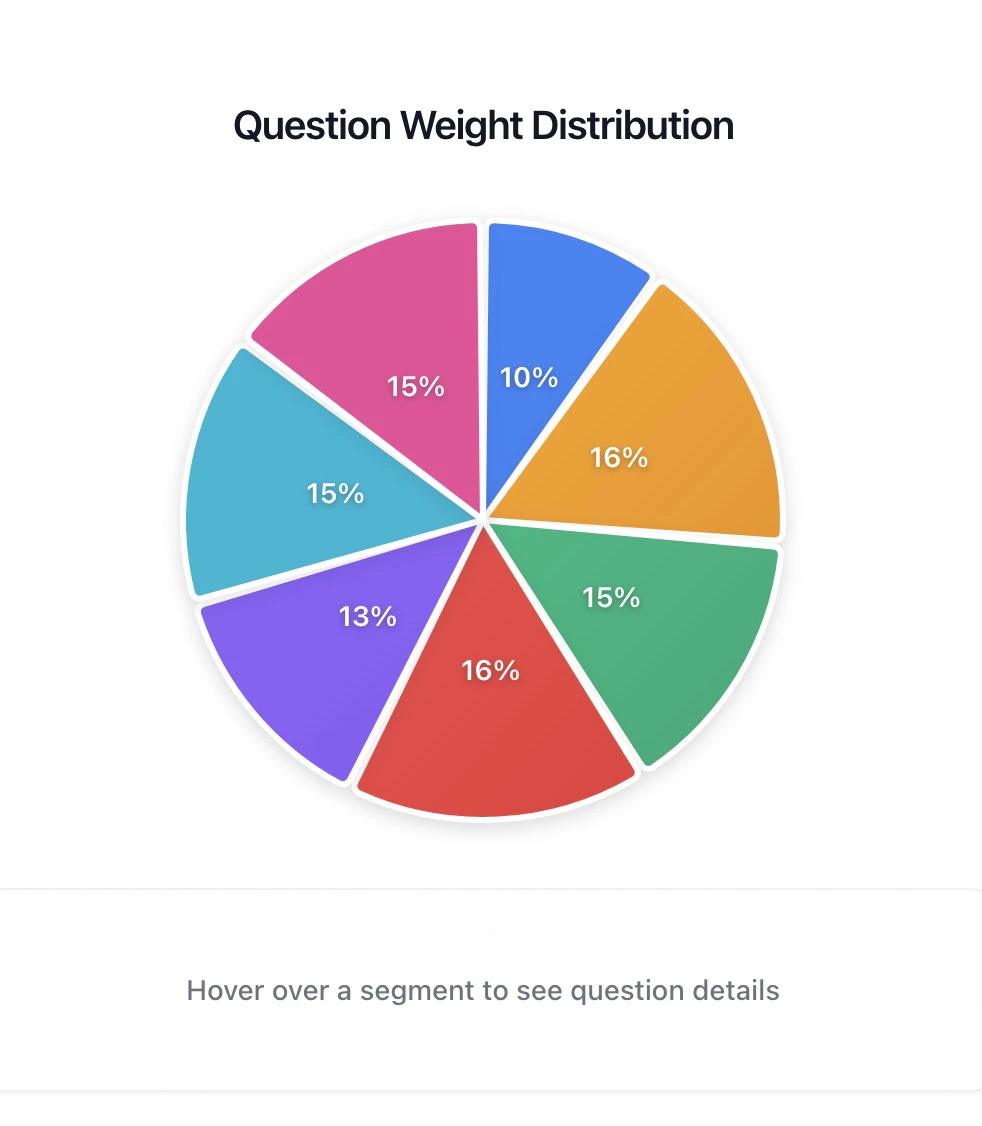
Tip: Use the pie chart as a gut check before going live. If your most important question is a tiny sliver, bump its weight. If a minor question dominates the chart, dial it back.
Question Optimization Tips
Leveraging Data and Insights
Pro Tip: The best interview questions are those that help you predict on-the-job success. Focus on behaviors and experiences that directly relate to the role requirements.