
Documentation Index
Fetch the complete documentation index at: https://docs.heymilo.ai/llms.txt
Use this file to discover all available pages before exploring further.
Configuring Scoring Criteria
This is where you decide what qualifies a candidate and how HeyMilo evaluates them across every stage of your end-to-end AI recruiting flow. By setting up clear, weighted criteria, you ensure every candidate is evaluated fairly and consistently, making it easy to identify your top talent.
Understanding HeyMilo Scoring
- Automatic Analysis
- Scoring Components
Your AI agent automatically:
- Evaluates responses against your defined criteria
- Assigns scores based on response quality and relevance
- Provides reasoning for each score given
- Ranks candidates by overall performance
- Highlights strengths and areas of concern
Reviewing the AI-generated questions and customizing them to meet your exact needs ensures the interview reflects your real hiring standards, and that you can gather the most relevant information.

- Resume Screening
- Voice / Video Interview
- SMS Screening
- Application Form

Customization Is the Point
Some employers:- use the AI-generated questions exactly as they are
- make light edits to wording or scoring
- generate evaluation criteria + tune with AI
- replace everything with their own rubric and design every detail
What You Can Customize (Across All Stages)
This applies to every screening agent.Reordering Questions and Criteria
You can drag and drop questions or criteria to change their order.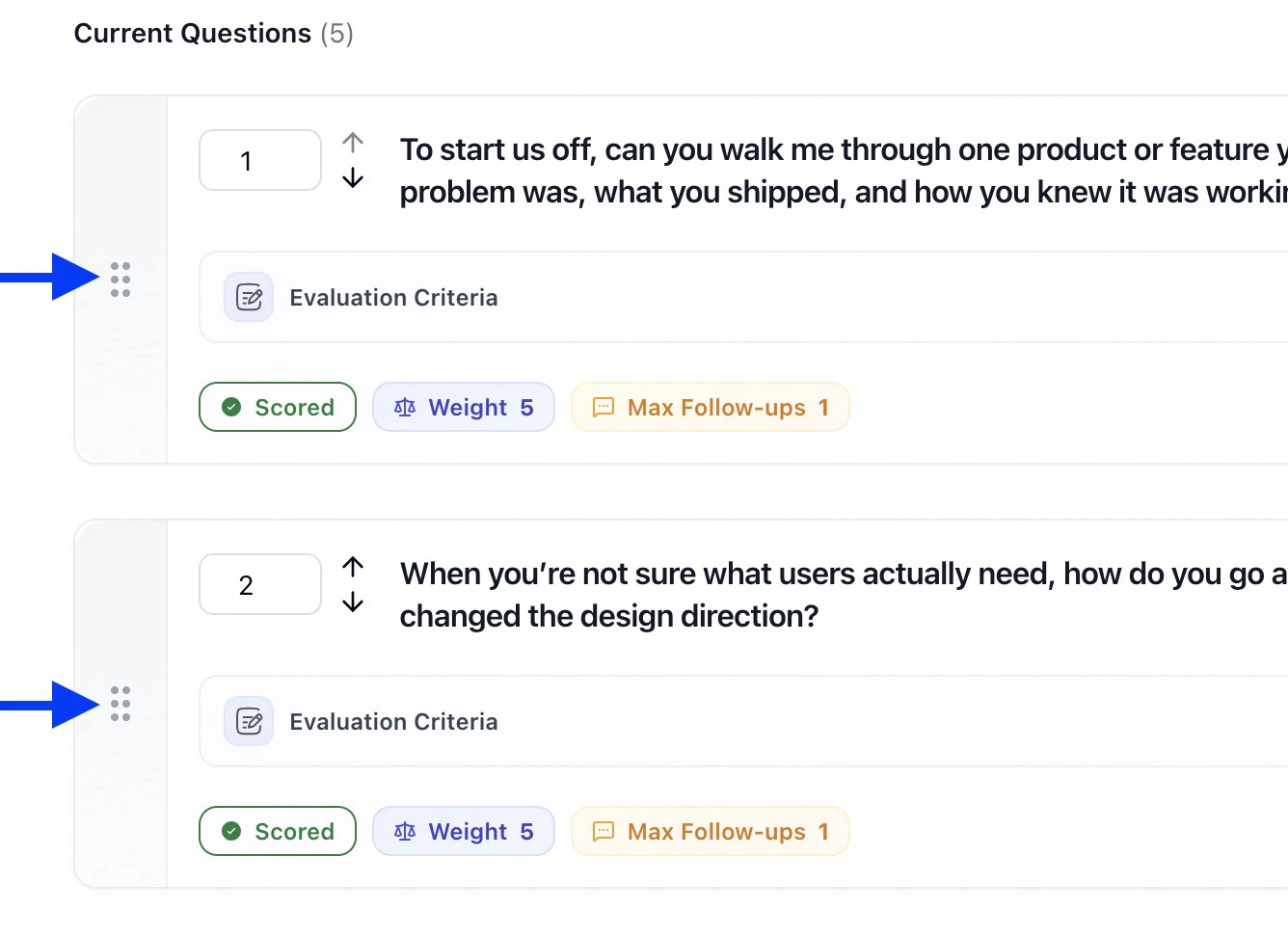
Understanding Weights (What “Importance” Really Means)
Weighting tells HeyMilo how much a question should influence the final score.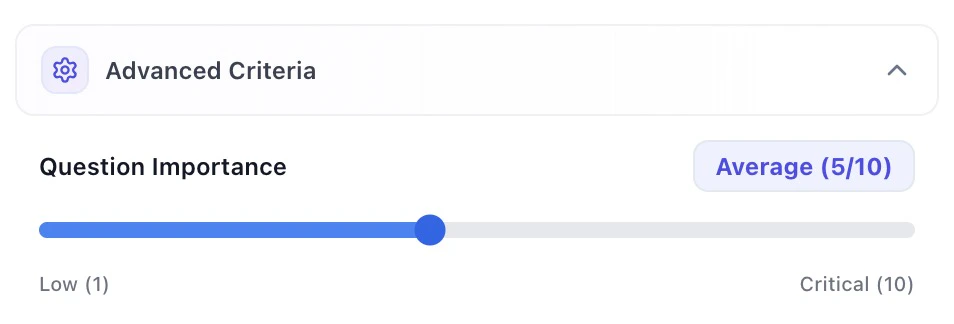
- Higher weight = matters more in the final score
- Lower weight = still evaluated, but less critical
Resume Screening: Early Signal, Clean Filters
Contextual Resume Screening works best when you want to filter fast before other screeners and interviews. You can configure: Use resume screening to remove noise early while keeping standards consistent.Application Forms: Structured Intake
Form questions are ideal when you need structured data, and want to qualify fit before interviews.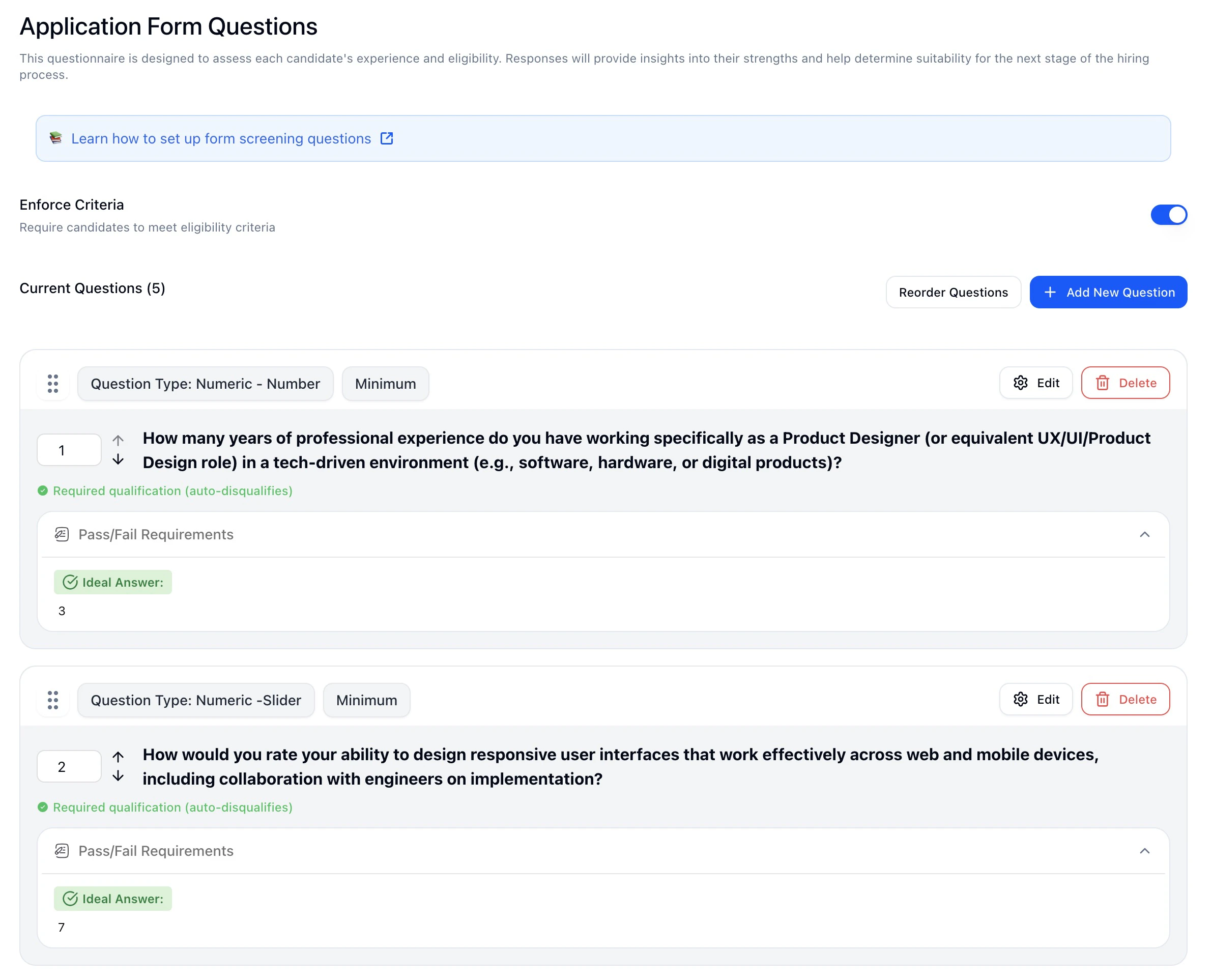
SMS Screening: Speed and Eligibility
SMS Screening is optimized for quick engagement and qualification.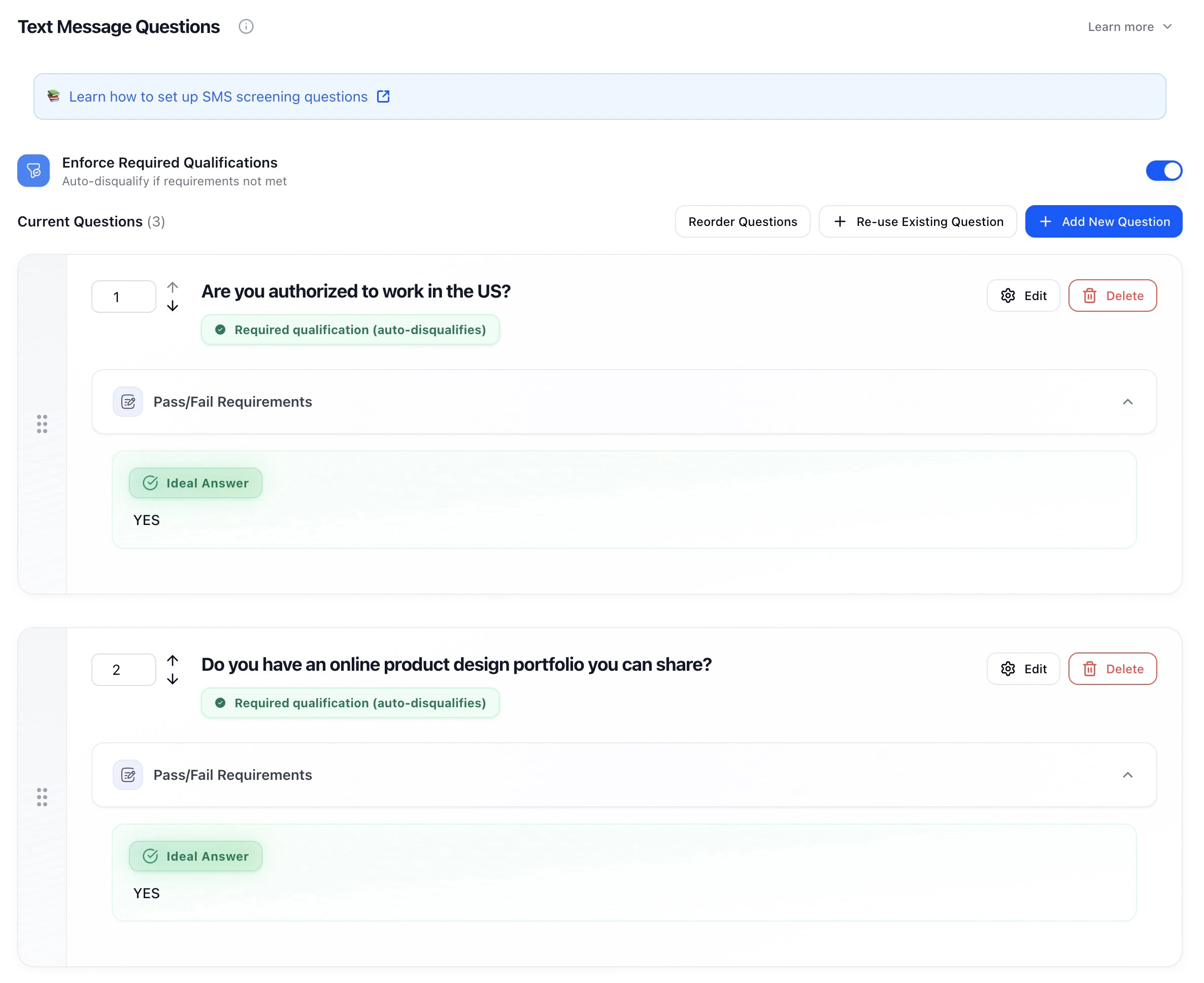
Voice / Video Interviews: Judgment and Depth
Voice interviews are where nuance matters. HeyMilo starts you off with a balanced set of open-ended questions that you can edit or replace.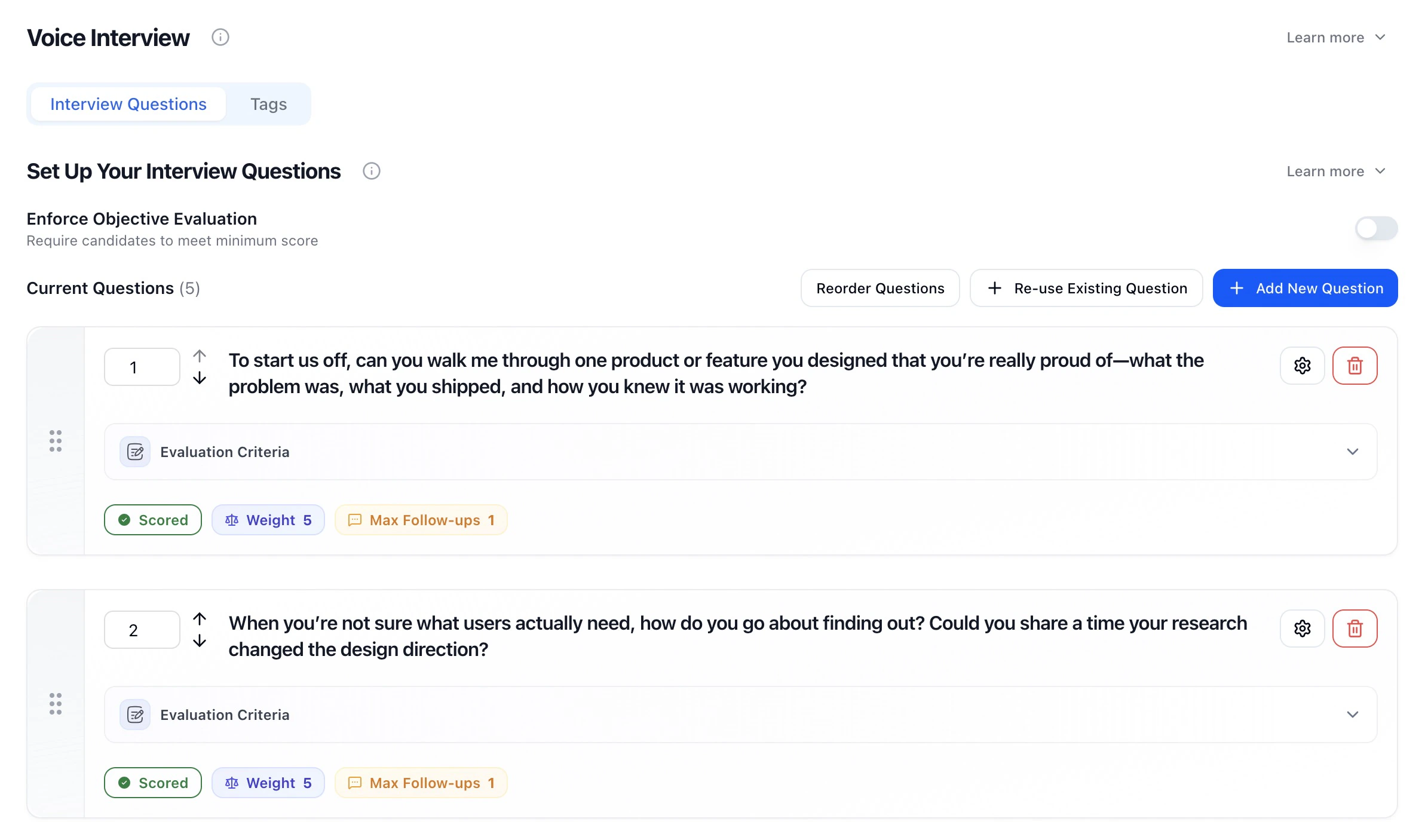
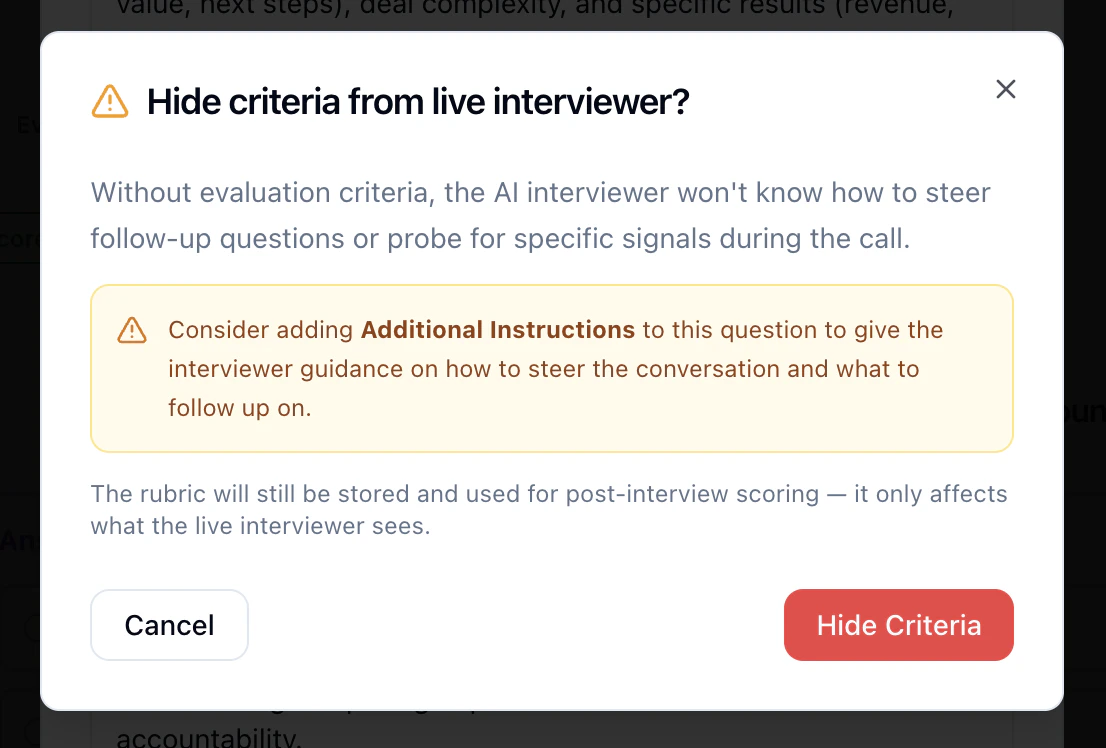
Hide scoring criteria from candidates (voice / video)
Some teams do not want candidates to hear or see scoring detail during the interview. HeyMilo can still score answers using your rubric; only the live rubric is hidden.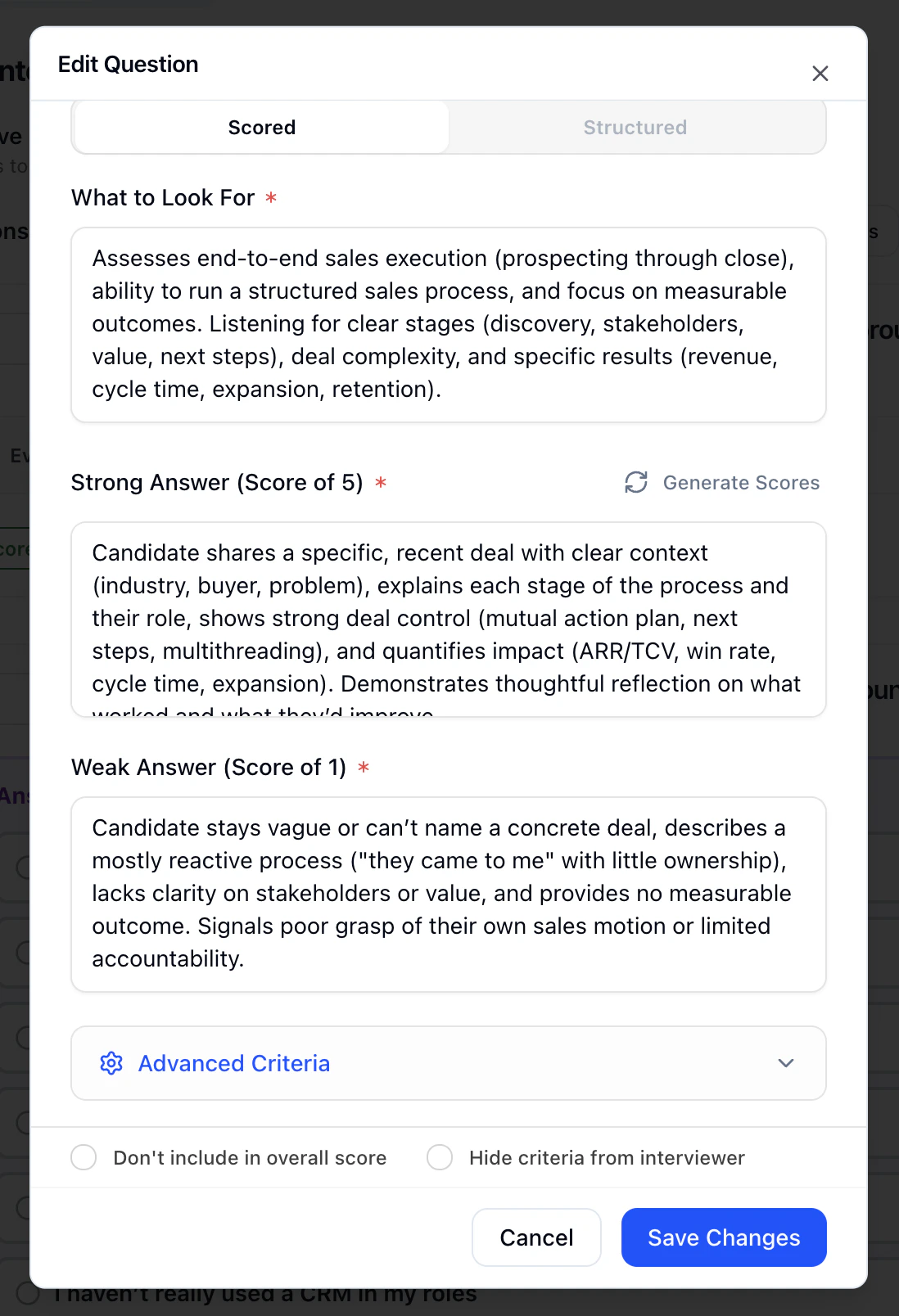
- Set context and criteria as usual (used for scoring).
- Leave Don’t include in overall score unchecked so Hide criteria from interviewer appears.
- Turn on Hide criteria from interviewer.
Dealbreakers vs Scoring
A simple way to think about it:- Dealbreakers = eligibility
- Scoring = quality
Tags (Optional, Informational)
Tags extract additional useful details from candidate responses (transcript) without affecting scores.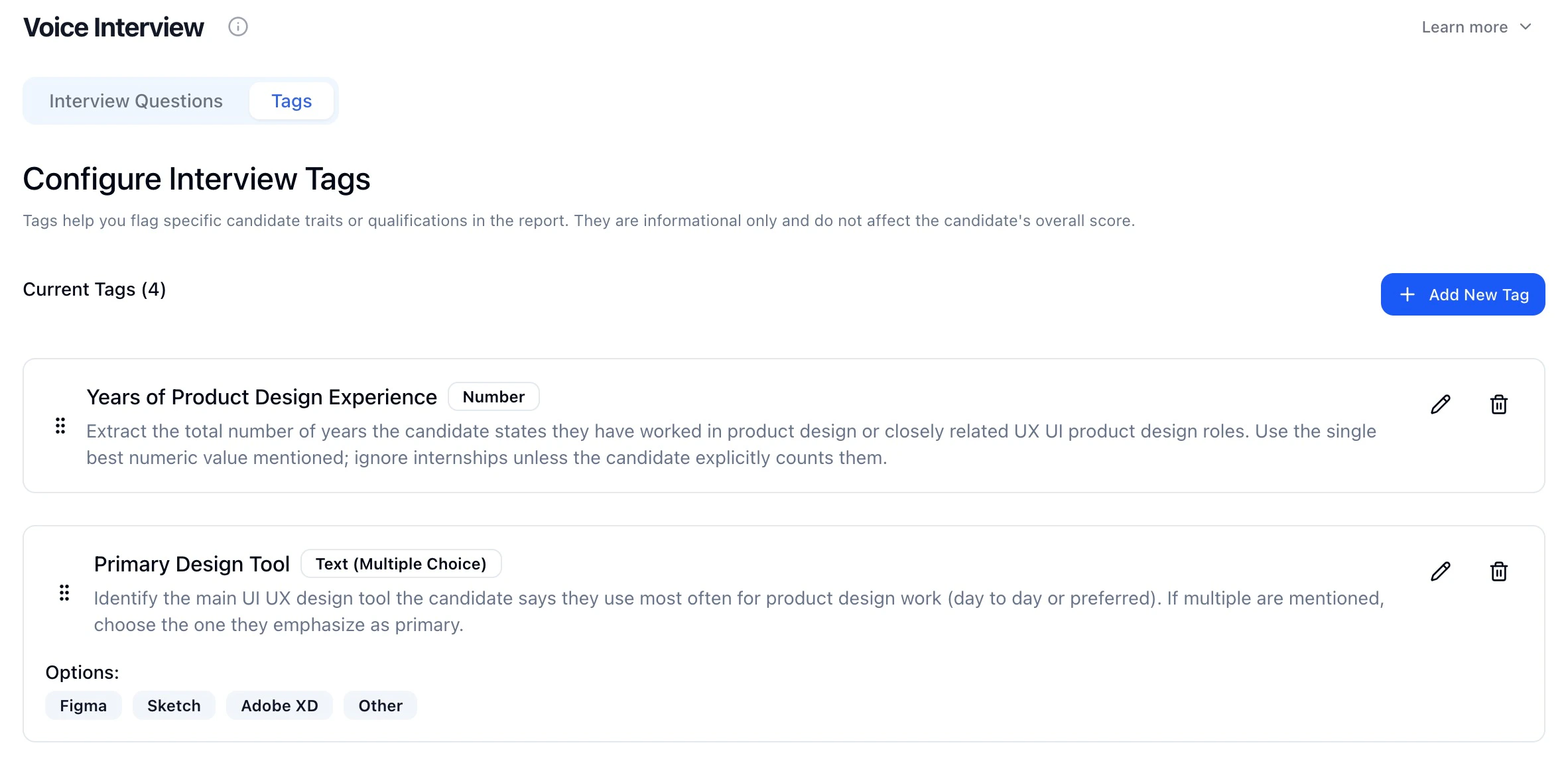
Test Before You Launch
Every Questions & Scoring section includes Test Now before you activate your agent.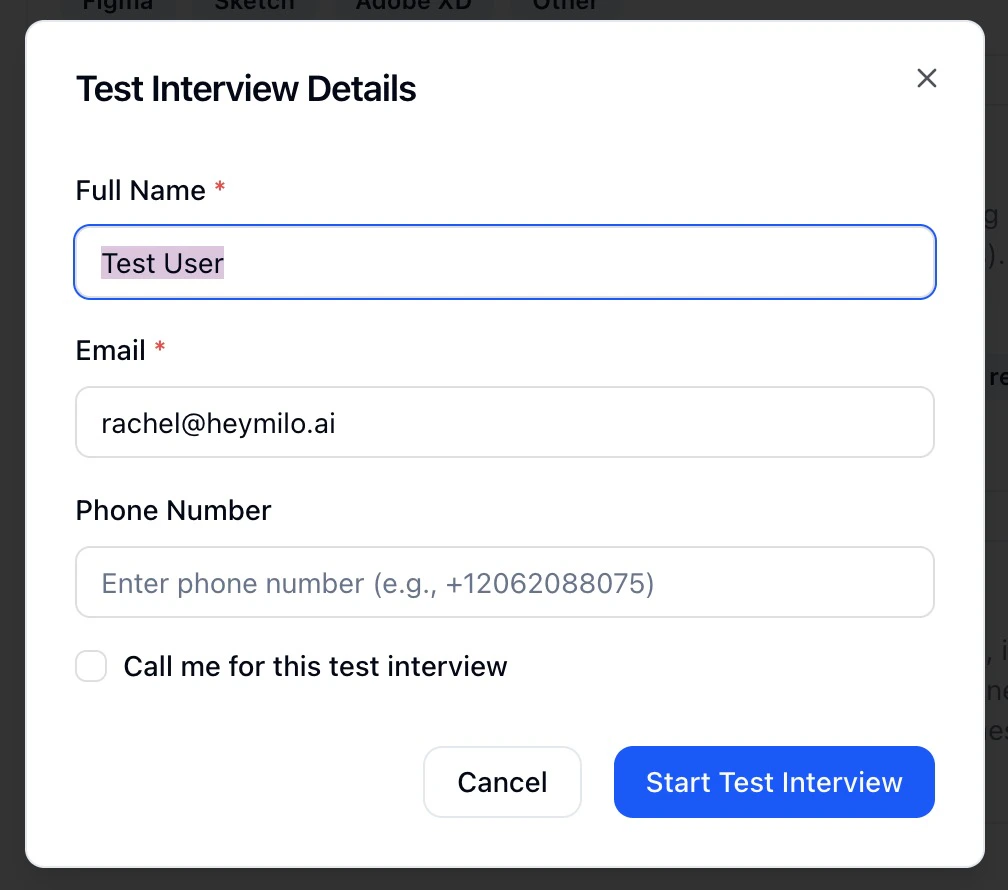
Scoring Best Practices
Common Scoring Mistakes
Interpreting Overall Candidate Scores
Continuous Improvement
Pro Tip: The best scoring system is one that consistently identifies candidates who succeed in the role. Focus on criteria that predict actual job performance, not just interview performance.