
Documentation Index
Fetch the complete documentation index at: https://docs.heymilo.ai/llms.txt
Use this file to discover all available pages before exploring further.
Notifications
In-app inbox (bell)
Open the bell in the top bar to see your notification inbox. When a notification includes a candidate, you can open it to jump to the candidate from there.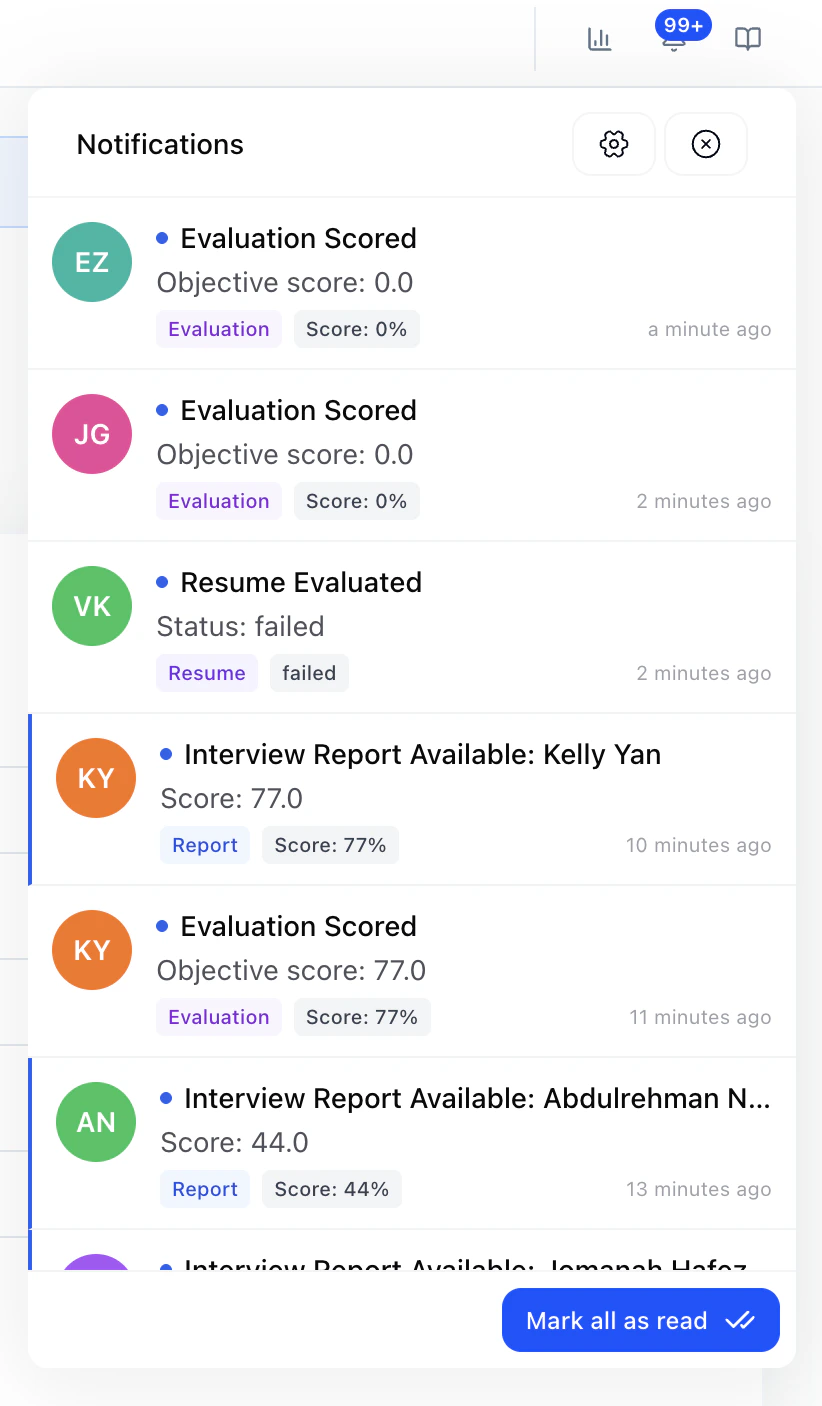
Notification Settings
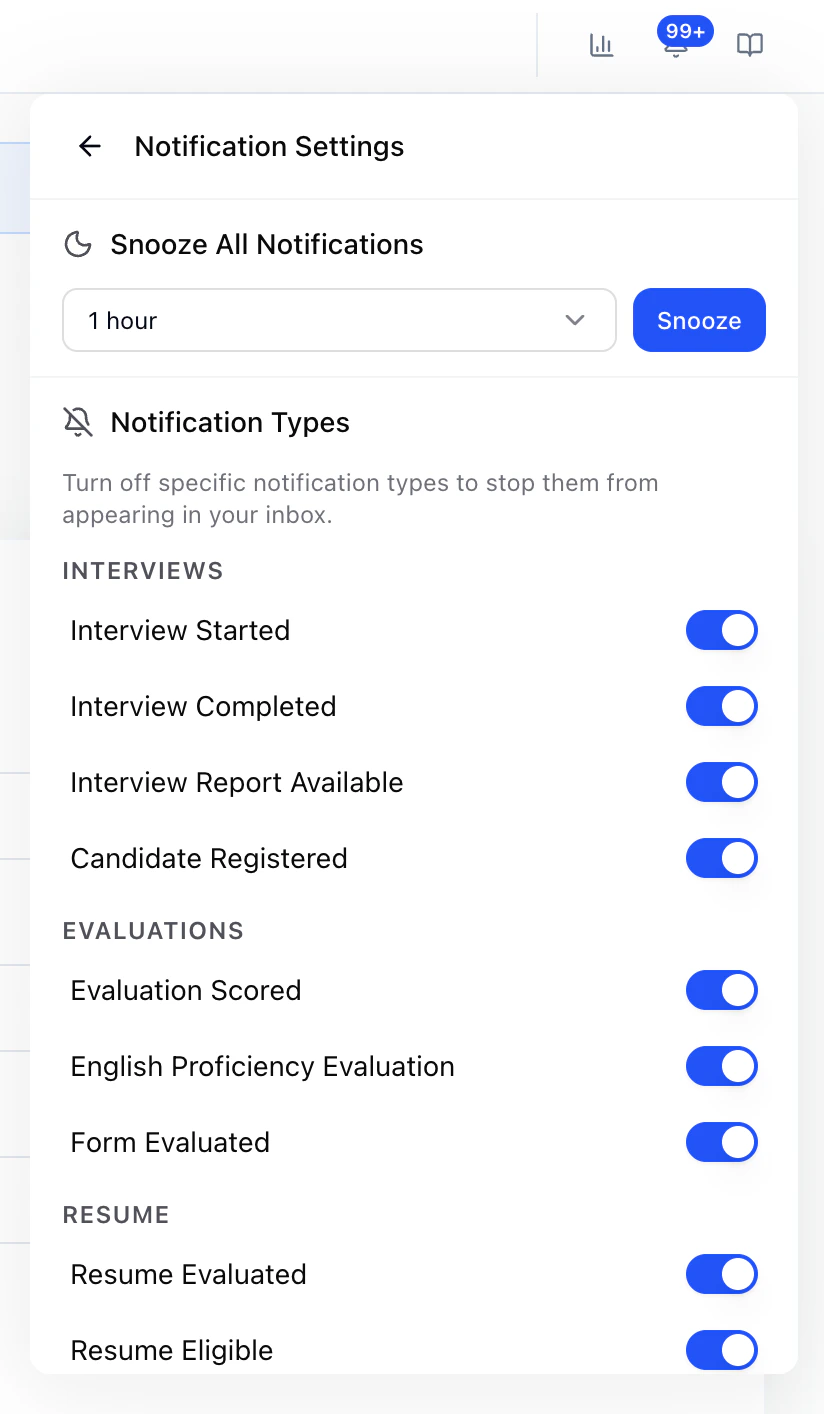
Interviews
- Interview Started
- Interview Completed
- Interview Report Available
- Candidate Registered
Evaluations
- Evaluation Scored
- English Proficiency Evaluation
- Form Evaluated
Resume
- Resume Evaluated
- Resume Eligible
- Resume Ineligible
Messaging
- SMS Received
- SMS Sent
- SMS Failed
Tip: If the inbox feels noisy, turn off types you do not need first. Use Snooze when you want a temporary pause across everything.