
Documentation Index
Fetch the complete documentation index at: https://docs.heymilo.ai/llms.txt
Use this file to discover all available pages before exploring further.
Scheduling & Redirect Links
Use Scheduling Links to let qualified candidates book time with you. Use Redirect Links to send candidates to a specific URL after they complete the interview (for example, a careers page, client portal, or scheduling hub).With scheduling link toggled on, you’ll be able to see who qualified to get the scheduling link and which of those candidates actually scheduled!
Where to Find It
During Interview Experience Creation
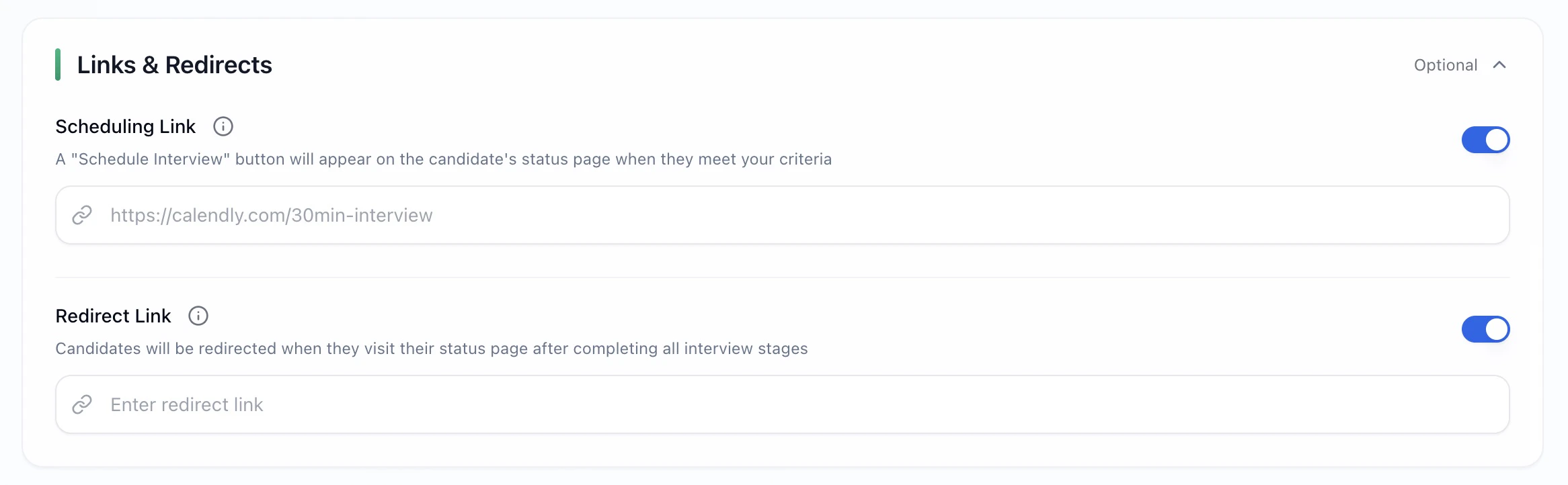
Scheduling Link (qualified candidates only)
Set up
- Toggle Scheduling Link = ON
- Paste your calendar URL (Calendly, Cal.com, HubSpot, MS Bookings, etc.)
- Make sure your Enforce Criteria / Objective Evaluation settings reflect who should qualify
Redirect Link (all candidates)
Set up
- Toggle Redirect Link = ON
- Paste the destination URL
Common Setups (quick picks)
💡 Tips
- Use one canonical scheduling link per role to avoid double-booking
- When enforcing criteria, test internally to confirm who qualifies
- If using both links, ensure the redirect page does not prevent scheduling access