
Documentation Index
Fetch the complete documentation index at: https://docs.heymilo.ai/llms.txt
Use this file to discover all available pages before exploring further.
Inviting Candidates To Interview & Driving Completion Rates
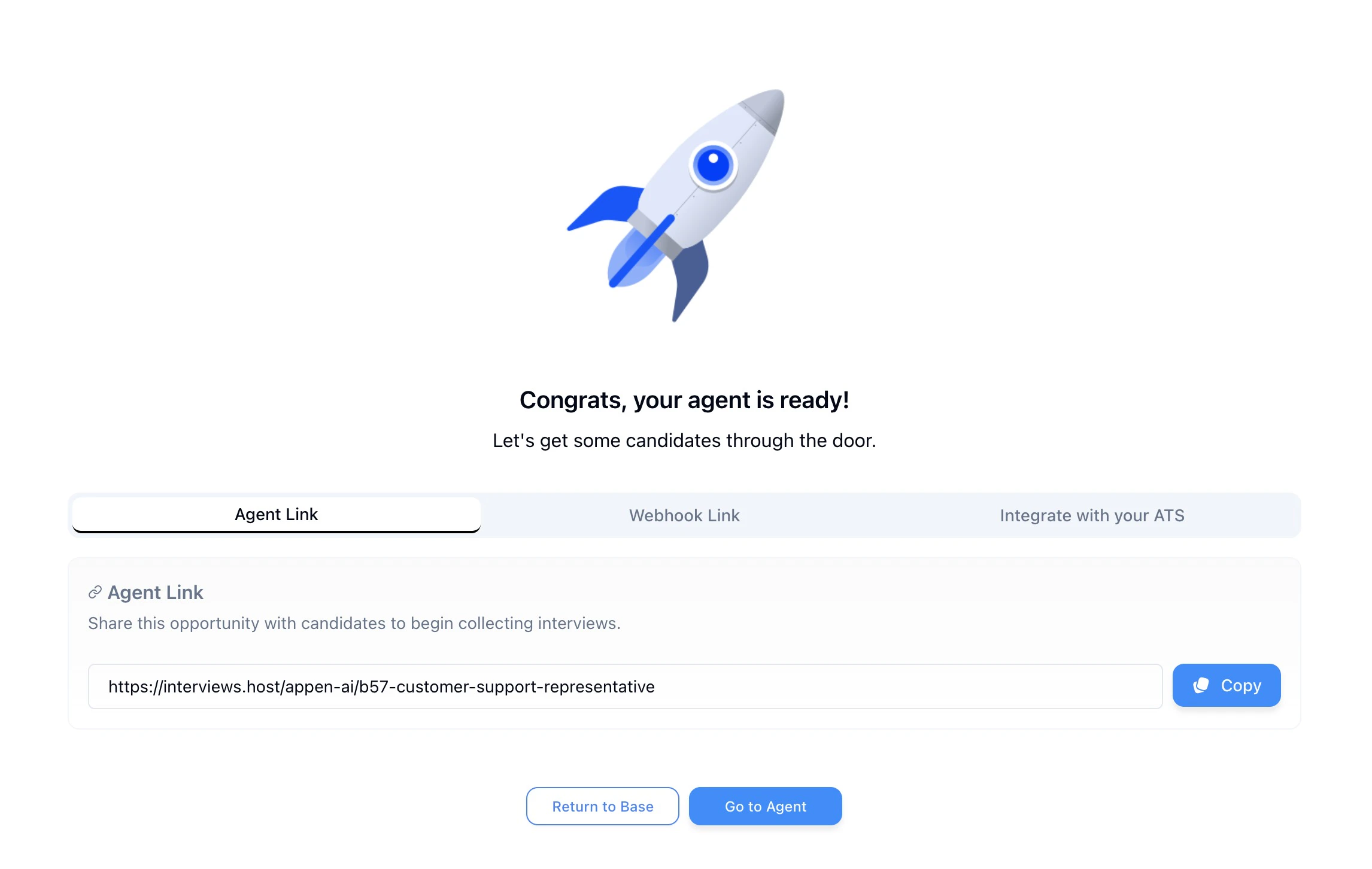
Candidates can be invited to HeyMilo interviews in several ways. Manually, through email or text, via ATS integrations, or by bulk ingestion. This guide covers all options so you can choose what fits your workflow
To turn off all automated emails and SMS from HeyMilo and handle comms yourself, use Turn Off All Candidate Communications under Settings → Company Context.
ATS Integration for Optimal Success
By integrating your ATS with HeyMilo - you’ll see the highest success with completion rates. HeyMilo handles candidate engagement after they apply, including interview invites, reminders, and follow-ups across multiple channels.No ATS Integration? Here’s Your Next Step
ATS integration is ideal for efficiency, but the following will help you manage candidates effectively without it!Step-by-Step Process for Manually Inviting Candidates
Step 1 — Engage
Engage with candidates soon after they apply. Setting up appropriate email or text automations will be key.
Step 2 — Channel
For more professional roles, engagement over email works well. For more shift worker type roles, engagement over text tends to work best.
- With ATS integration, HeyMilo can automate candidate engagement, ensuring you’re seeing the highest possible completion rates of interviews
Step 3 — Messaging
When messaging candidates, ensure you’re direct about the next steps of the interview process being an interactive interview.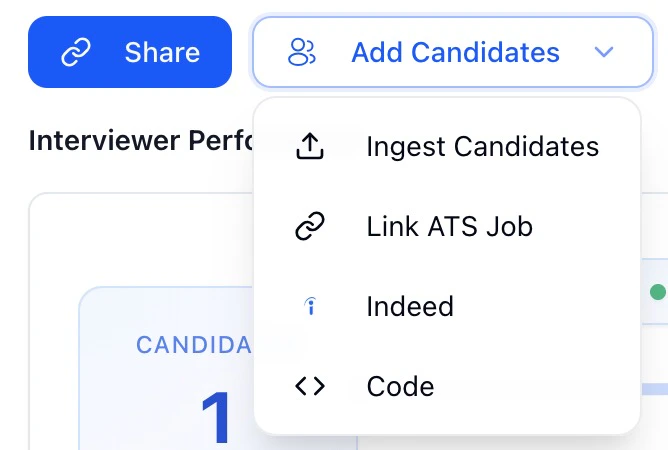
- You can copy the interview link directly from the agent’s Share button or Add Candidates menu and include it in any email, text, or ATS automation.
Step 4 — Reminders
Sending follow-up emails for folks who don’t open the email or click the link can also drive completion rates.
- If they do click the link, and input their Name/Email, but don’t finish the interview completely, you can also use our “Nudge” feature to auto-send a reminder to complete it before the deadline.
Sharing Your Interview Link on Social Media: Facebook & Instagram
You can use the same interview link from your HeyMilo agent (Share button) on social media channels like Facebook and Instagram. Candidates click the link and start your interview flow!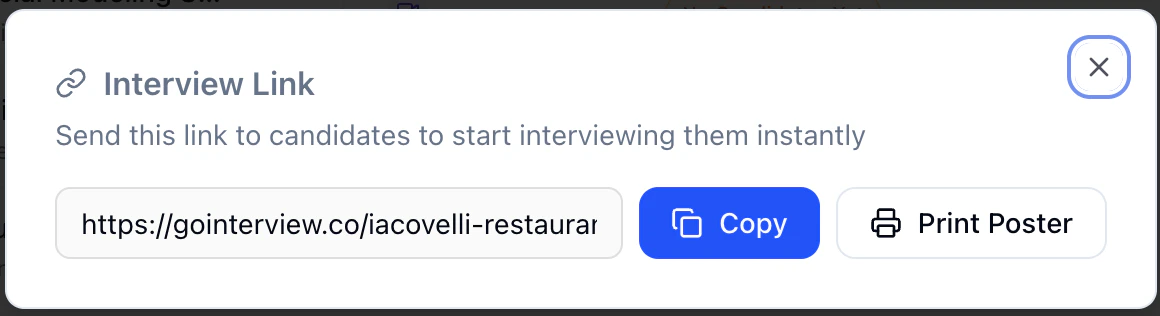
- Job posts – Directly in the post or in the “Apply” button so people go straight to the interview.
- Stories – Add a link sticker so viewers can open the interview.
- Paid ads – Use the interview link as the destination URL.
- Direct messages – Paste the link when someone asks how to apply.
- Bio link – Put your interview link in “Website” so you can say “Link in bio” or “Apply in bio.”
- Stories – Use the link sticker so viewers can open the interview.
- Paid ads – Send traffic to your interview link.
- Direct messages – Send the link when people ask how to apply.
Or - Email Automation Setup (If You’re Not Integrated)
Even if you don’t have a direct integration with HeyMilo, you can still set up email automations inside most ATS or HR platforms to keep things running smoothly.- For example, systems like iCIMS, Rippling, or iSolved all allow you to configure an automated email trigger that fires whenever a new candidate applies.
You can also layer in automated reminders (e.g., 24 or 48 hours later) for anyone who hasn’t completed their interview yet.