
Documentation Index
Fetch the complete documentation index at: https://docs.heymilo.ai/llms.txt
Use this file to discover all available pages before exploring further.
SMS Screening
Connect with and screen candidates instantly using quick, adaptive text messages. It’s perfect for fast hiring, high response rates, and roles where speed matters.We like to visualize this flow using Tyler the Texter, our SMS screening mascot. Tyler reaches out to candidates via text, asks short questions, collects their responses, and optionally filters them before moving them to the next step!
.png?fit=max&auto=format&n=a36iCrOYkAjGnbcv&q=85&s=c4a1165ac2c55ca426d58c23e8fe9081)
When SMS Screening Works Best
SMS Screening is a great fit when you want to:- Screen large applicant volumes quickly
- Reduce no-shows and slow responses
- Ask simple, mobile-friendly questions
- Filter on must-haves before investing time
- Engage candidates who won’t open long emails
Where SMS Screening Is
SMS Screening is configured as part of your Interview Stages when you create a new Interviewer: New Interview Flow → Generate Interview Plan → Interview Settings → Interview Stages → Questions & Scoring → Budget & Notifications You can use SMS as:- a standalone screen, or
- the first step before voice interviews for example
Prerequisites
Make sure you have:Step 1 — Create a new Interview Flow
- In Interview Stages, add SMS Screening.
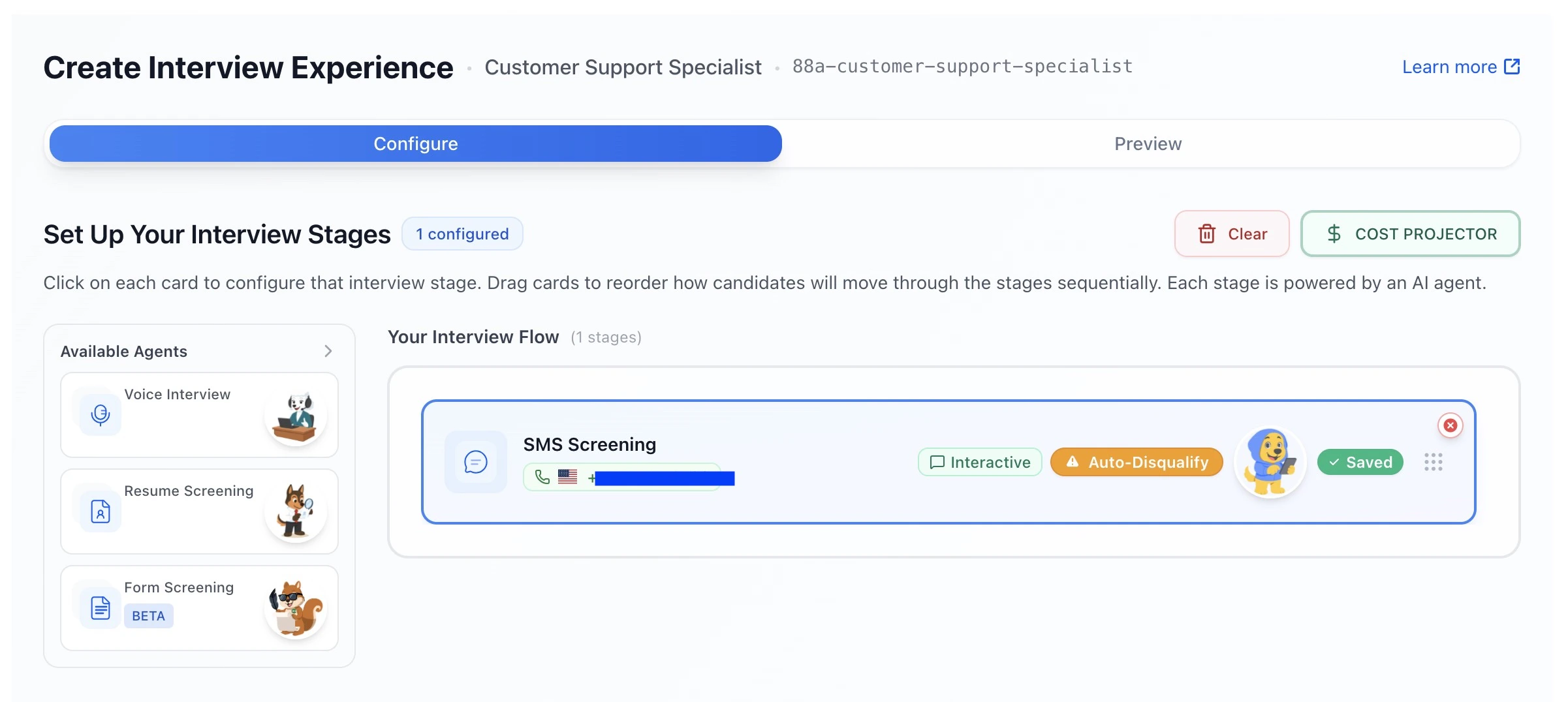
- Click into the SMS Screening card to configure it.
Step 2 — Quick Setup & Configuration
When you open the SMS screening card, you can control how the agent runs at a high level.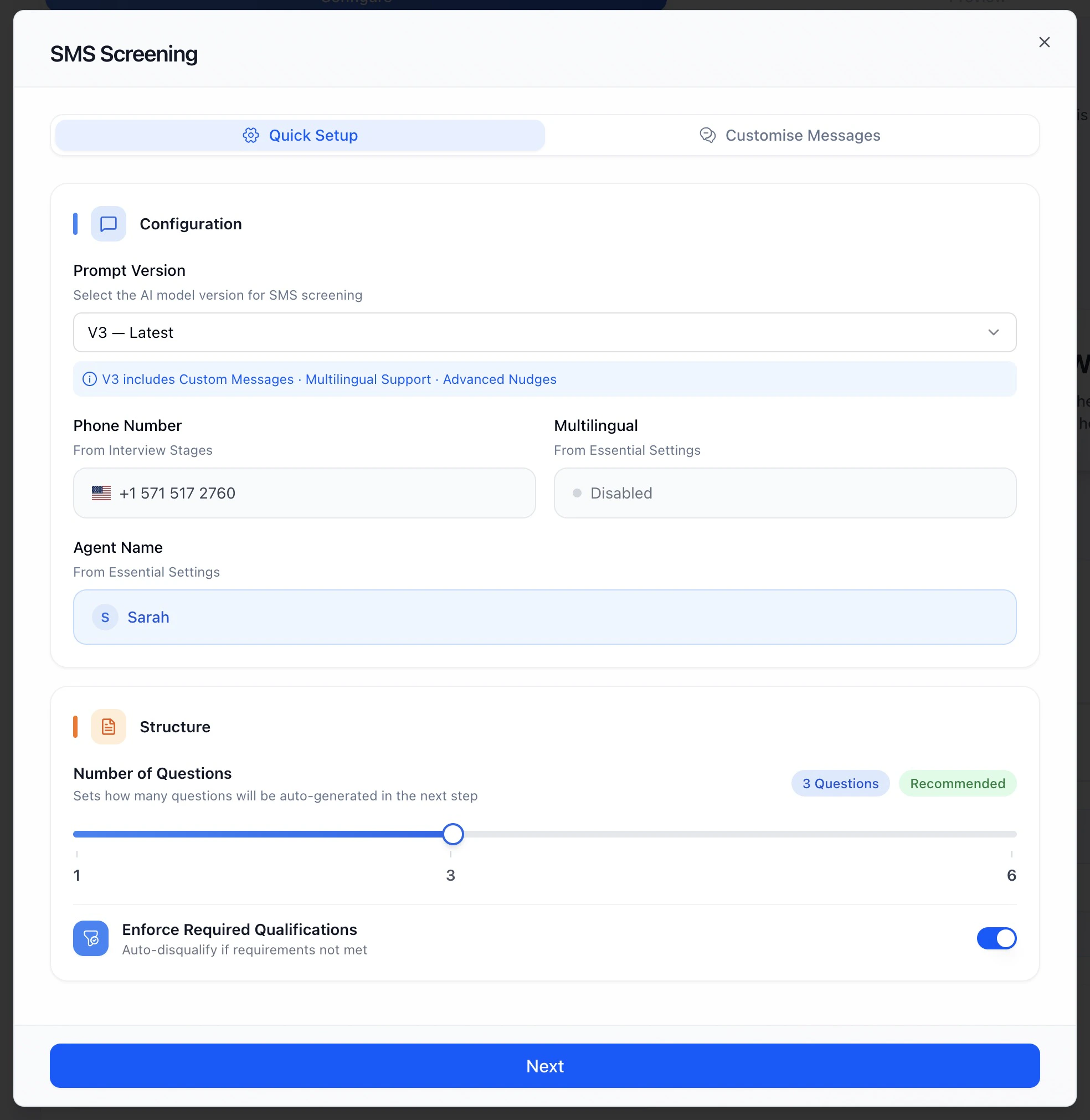
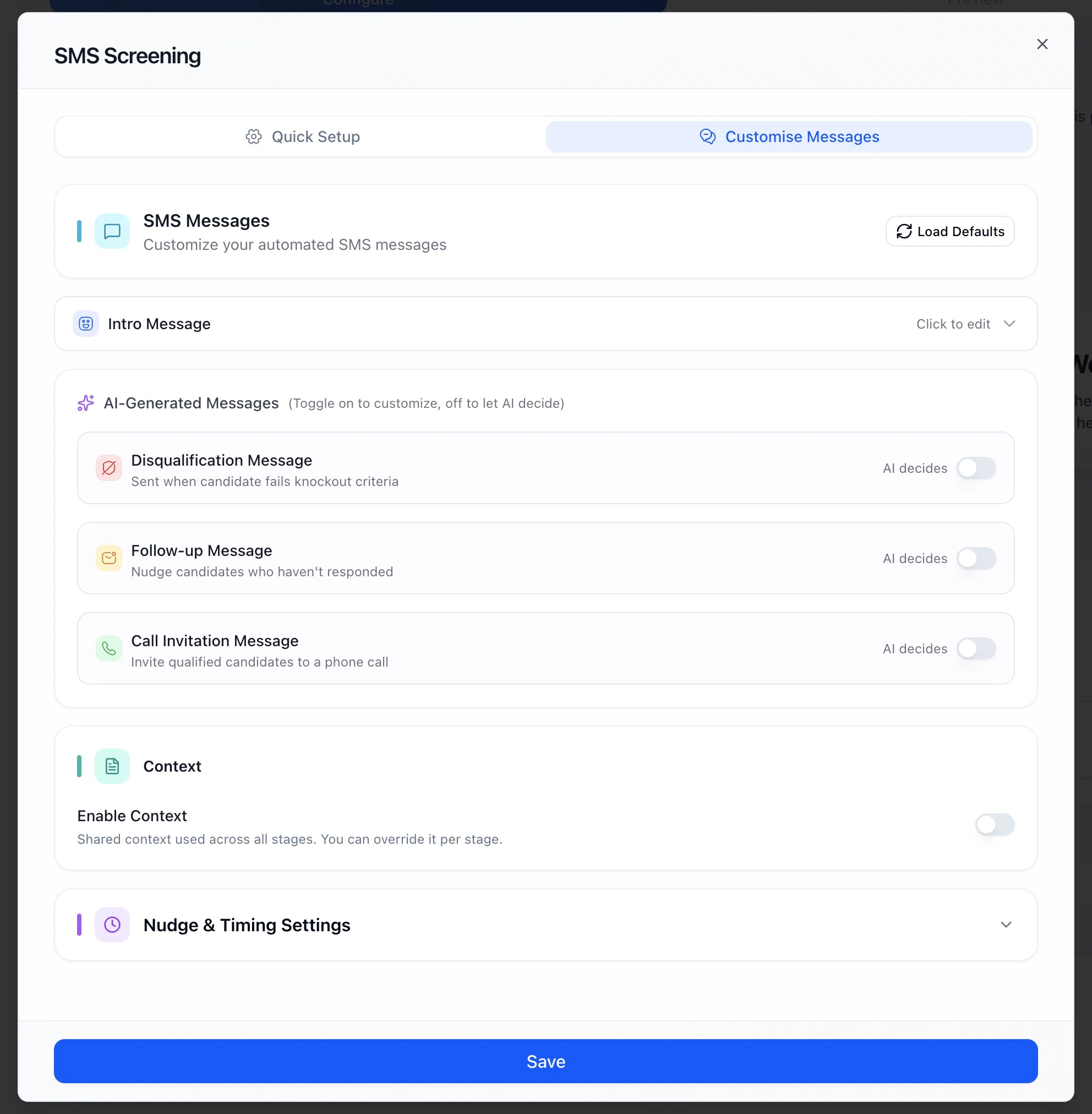
Step 4 — Context (Optional)
Context helps the Tyler understand why it’s asking questions.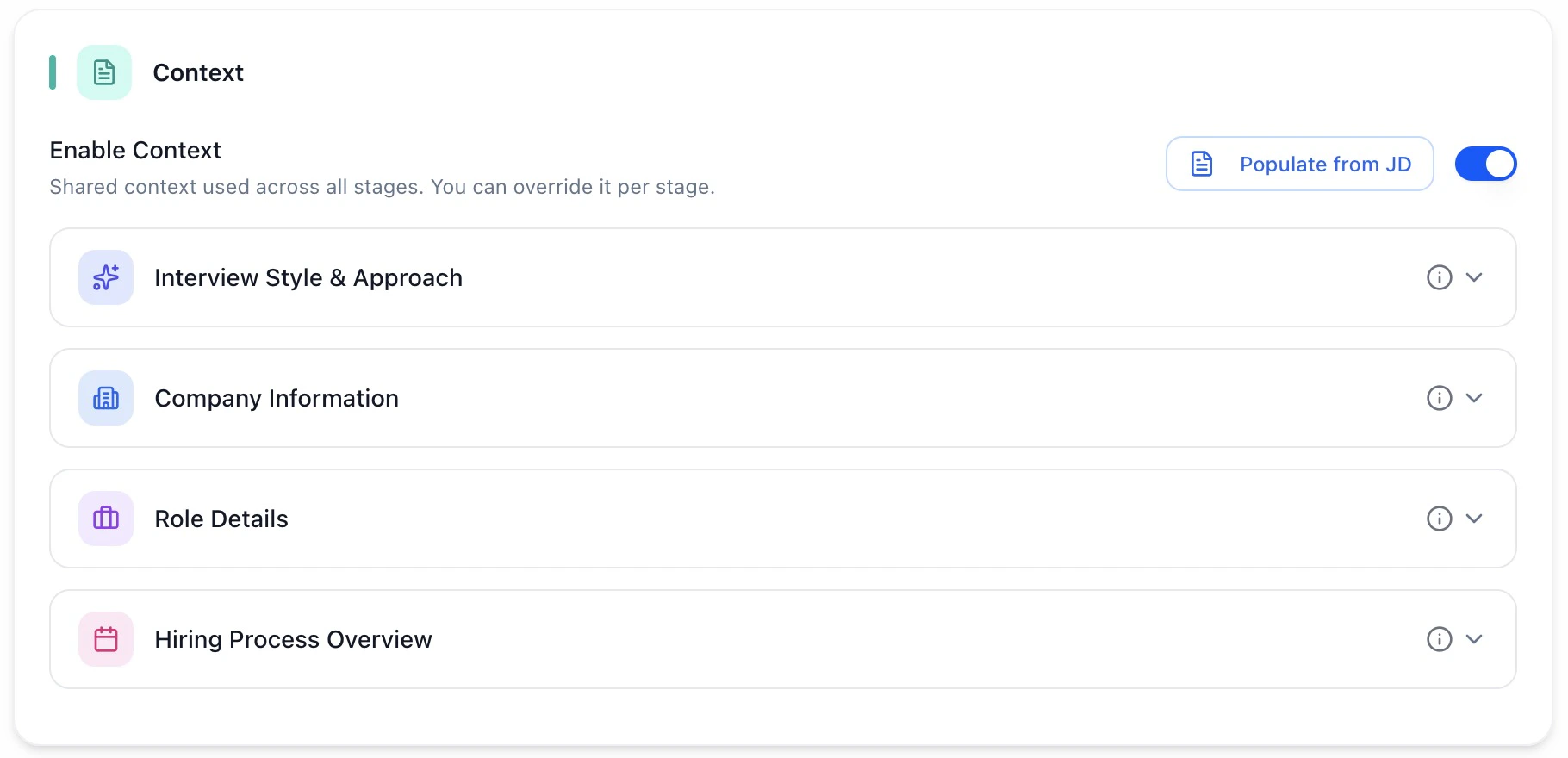
- Company Information
- Role Details
- Hiring Process Overview
- Interview Style & Approach
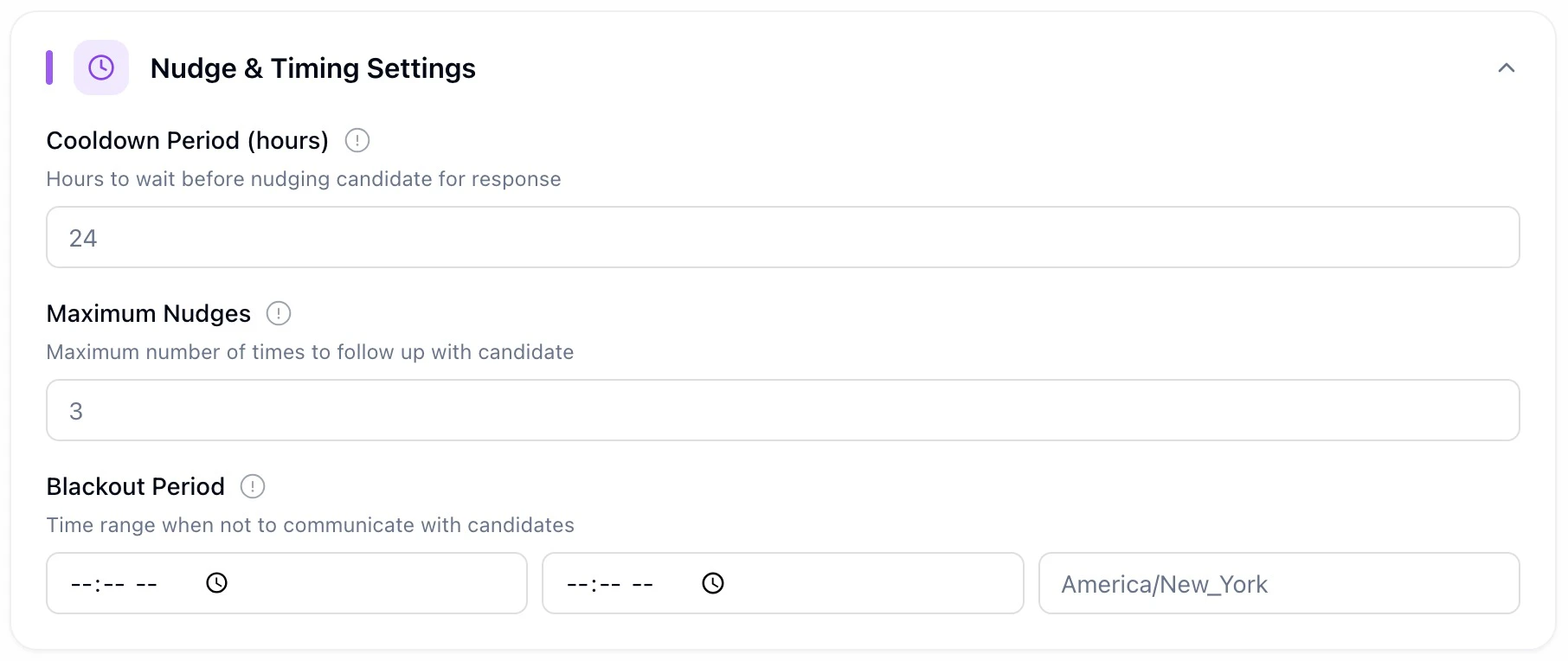
Step 6 — Questions & Scoring (Where the Real Logic Lives)
After setup, you’ll move to Questions & Scoring. HeyMilo automatically generates a baseline set of SMS questions for you. This is where you customize them and define what qualifies a candidate
💡 Tip: Each message costs money and may increase candidate drop off if the flow feels long. Keep questions short, mobile-friendly, and relevant. Consider using SMS early, then hand off to a resume screening agent and/or a voice/video interview agent if needed.
Step 7 — Test Before Going Live
Test the flow you created before going live!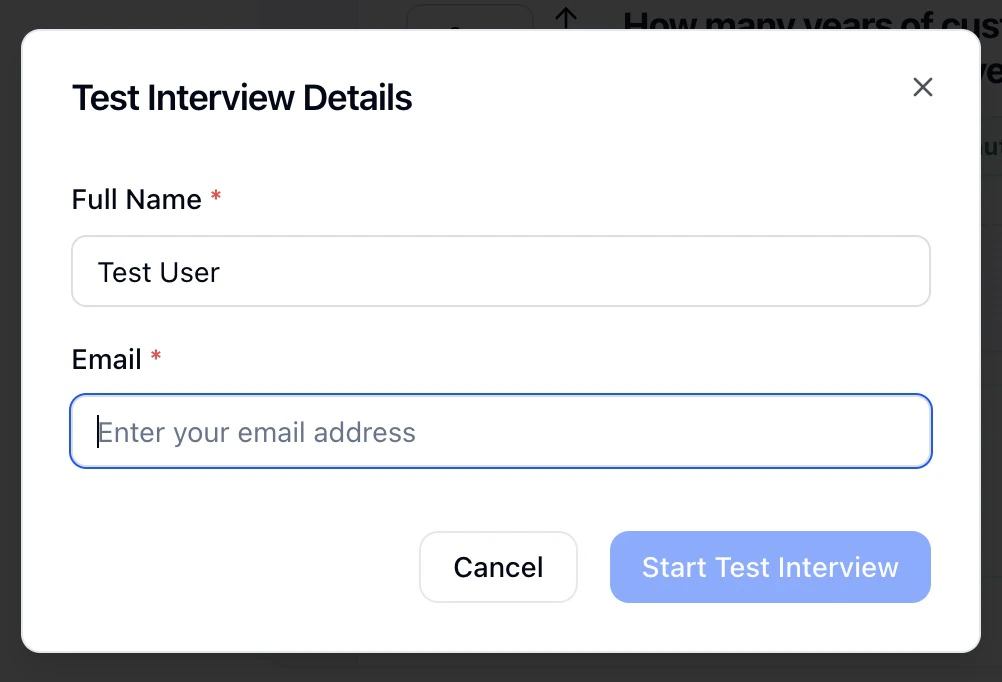
- how questions are asked
- how nudges behave
- how disqualifications trigger
- how candidates experience the flow
Step 8 — Activate & Layer In Other Agents
Once SMS is ready, you can:
- activate the interview, or
- add additional screening agents like form, resume screening or voice/video interviews (do this before candidates interact as you won’t be able to change it after, or you can clone the agent and add in extra screeners)