

Log In (If You Already Have an Account)
Sign in with your work email using one of these methods:- Google Sign-In — Click “Sign in with Google” and select your work Google account. Fastest if your company uses Google Workspace.
- Email & Password — Enter your email and password. Forgot it? Click “Forgot password?” to reset via email.
- SSO (Single Sign-On) — Click “Sign in with SSO” and enter your company email. You’ll be redirected to your company’s identity provider.
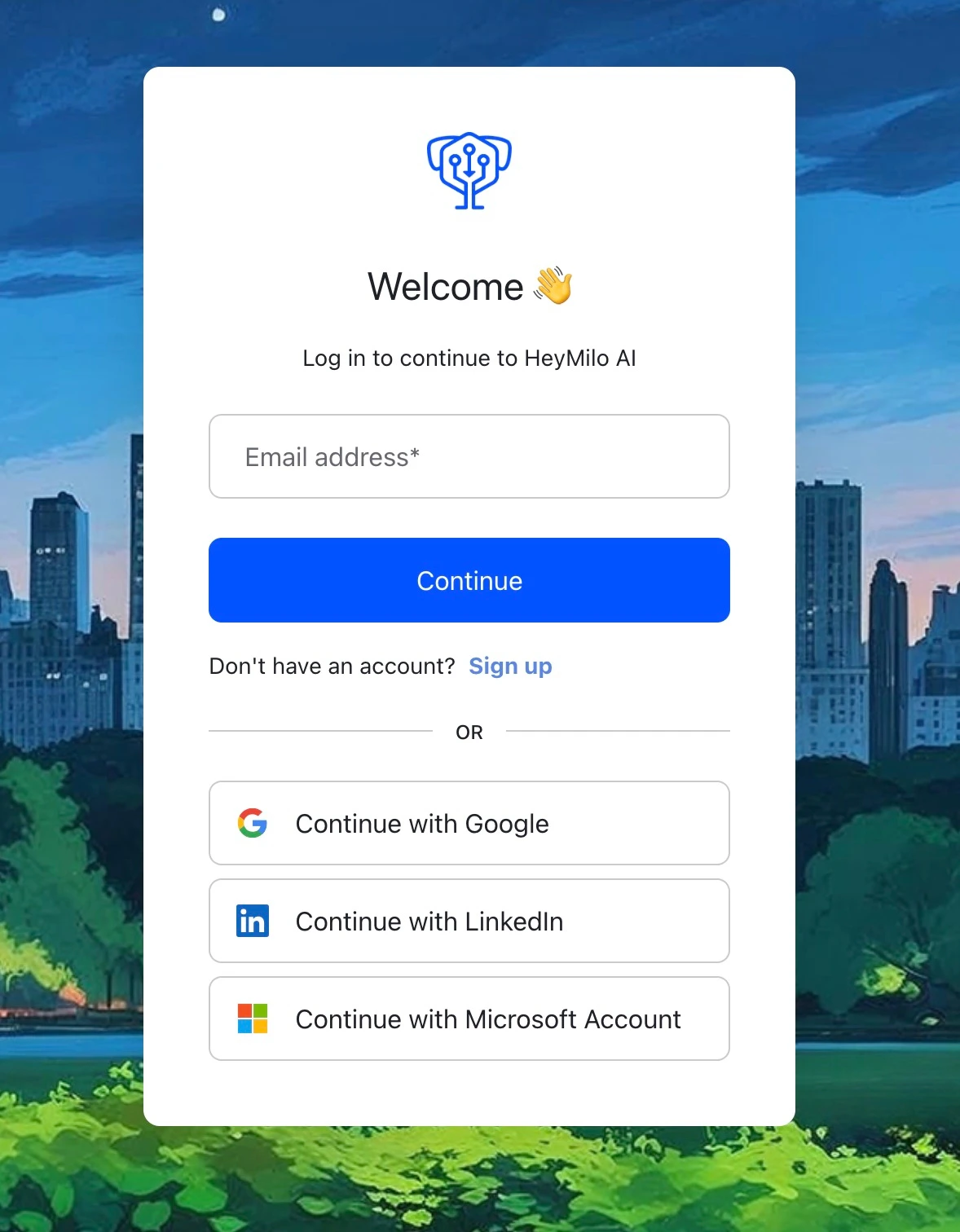
The HeyMilo login page — sign in with Google, email/password, or SSO.
Create Your Account (If You’re New)
1
Enter your email
Go to admin.heymilo.ai and enter the email you want to use. We recommend your work email.
2
Enter the verification code
HeyMilo sends a code to your inbox. Enter it and you’ll land in a fresh new workspace.
3
Initiate your workspace setup
Open admin.heymilo.ai/csm to set up your workspace: company name, logo, and the basics.
4
Enter your onboarding key
Enter the onboarding key the HeyMilo team sent you and complete the setup. That’s it, your workspace is ready.
Don’t have an onboarding key? Email support@heymilo.ai or reach out to your HeyMilo contact. And if your team already uses HeyMilo, you don’t need a new workspace: ask your admin to invite you from Settings → Team instead.
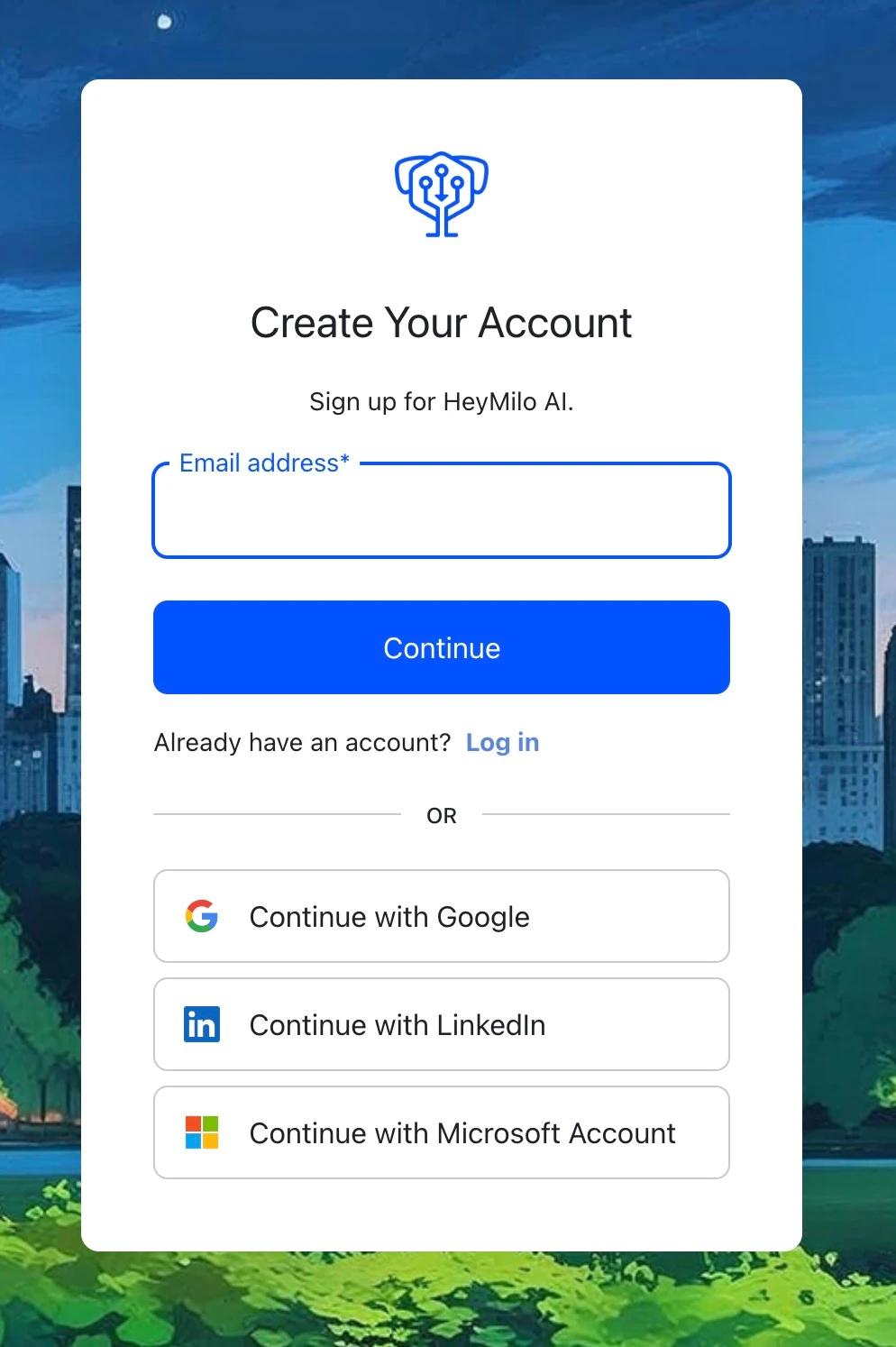
Setting up your account.
Troubleshooting Login Issues
“I never received an invitation email”- Check your spam/junk folder — invitation emails sometimes land there.
- Ask your team admin to resend the invitation from Settings > Team.
- Make sure you’re checking the correct email address (the one your admin used to invite you).
- Click “Forgot password?” on the login page.
- Enter your email address. You’ll receive a reset link within a few minutes.
- If the reset email doesn’t arrive, check spam or try again.
- Double-check the email address — it must match the one your admin used to invite you.
- If you recently changed your work email, ask your admin to update your account or send a new invitation.
- Make sure you’re selecting the correct Google account (your work email, not personal).
- Try clearing your browser cache or using an incognito/private window.
- If your company restricts third-party app access, ask your IT team to allow HeyMilo.
- You may not have the right permissions yet. Ask your team admin to check your role in Settings > Team.
- If you were just added, try refreshing the page or logging out and back in.