
Documentation Index
Fetch the complete documentation index at: https://docs.heymilo.ai/llms.txt
Use this file to discover all available pages before exploring further.
AI Tuning
AI Tuning lets you control how your interview agents behave, what they prioritize, what they evaluate, and how insights are generated.
Where to Find AI Tuning
- Go to your Dashboard
- In the sidebar, open AI
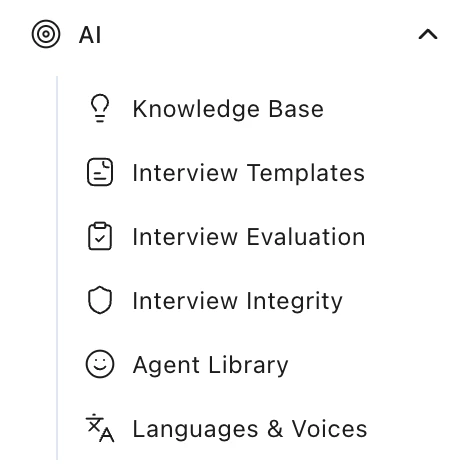
- You’ll see these sections:
- Knowledge Base
- Interview Templates
- Interview Evaluation
- Interview Integrity
- Agent Library
- Languages & Voices
Company Context
This section tells the AI who you are and how candidates should experience your brand. Settings → Company Context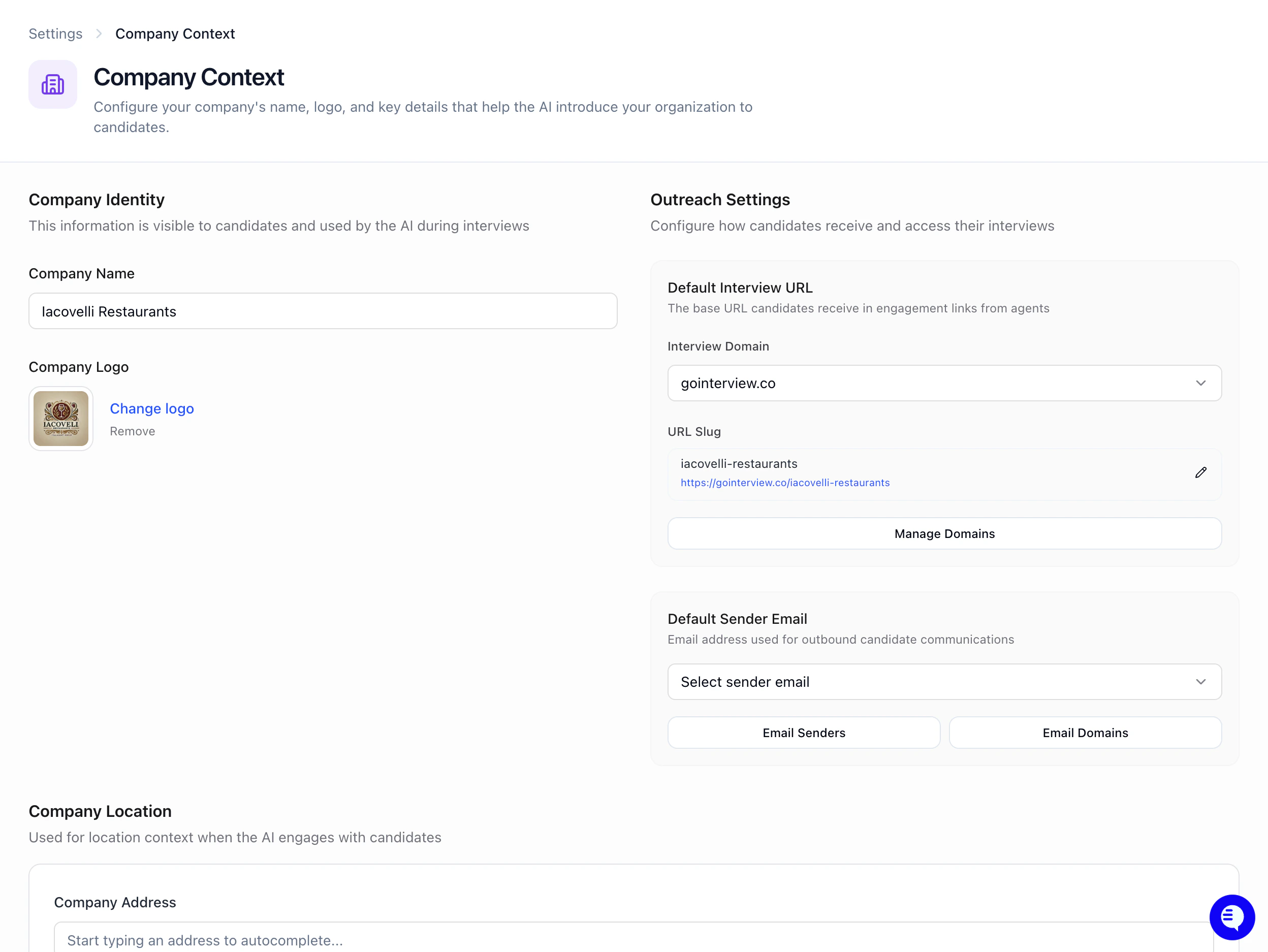
Knowledge Base
This section lets you add reference points that help AI interviewers understand your company’s preferences and context.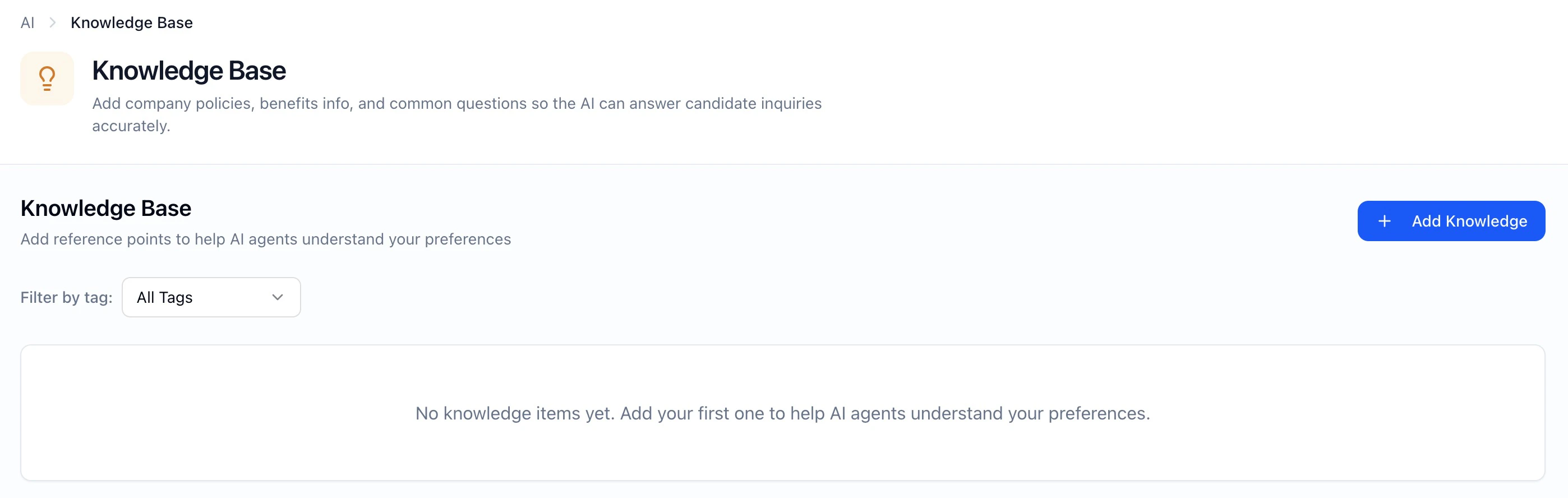
Interview Templates
This section lets you create reusable interview configurations that can be quickly applied to new job postings. Set one as a default by starring a template!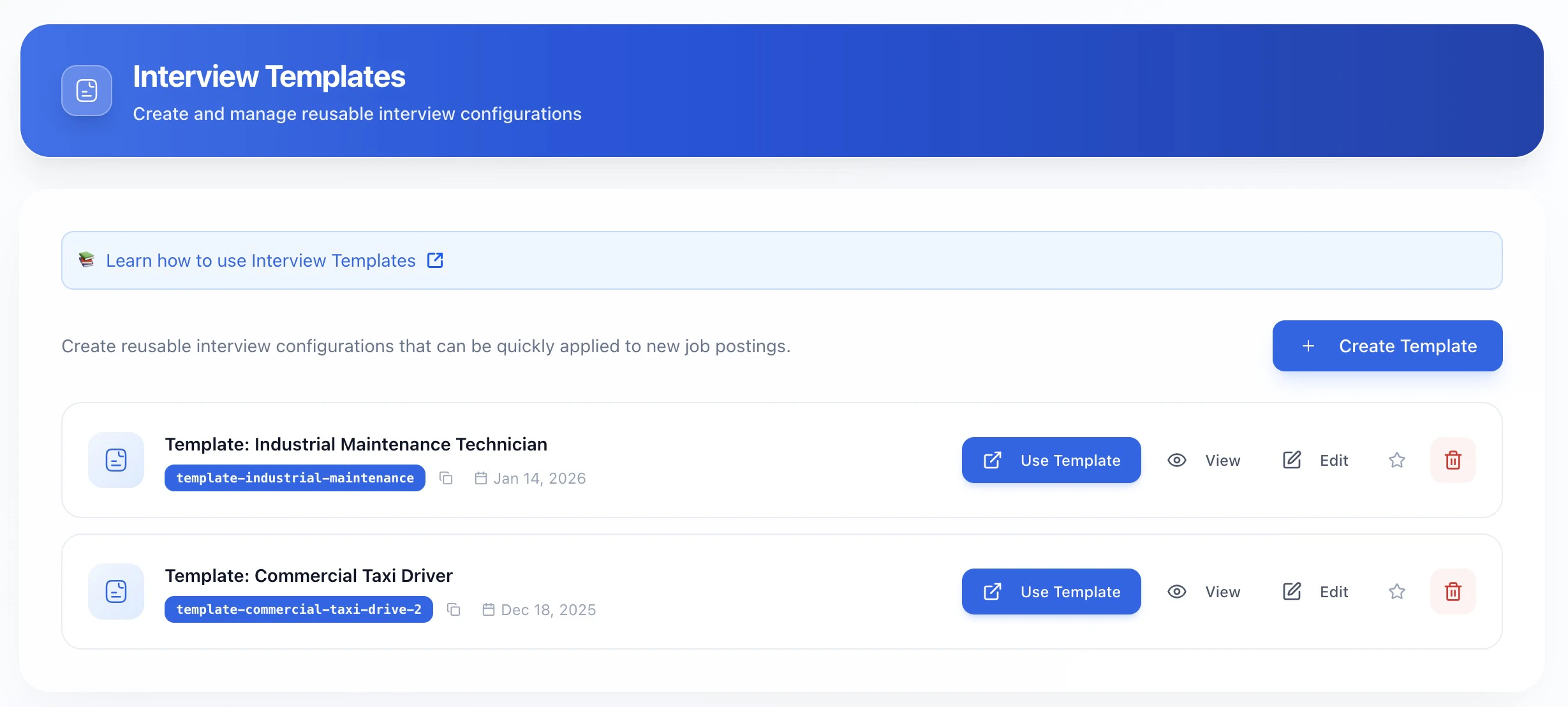
Interview Evaluation
This section controls how the AI scores and evaluates candidate language proficiency.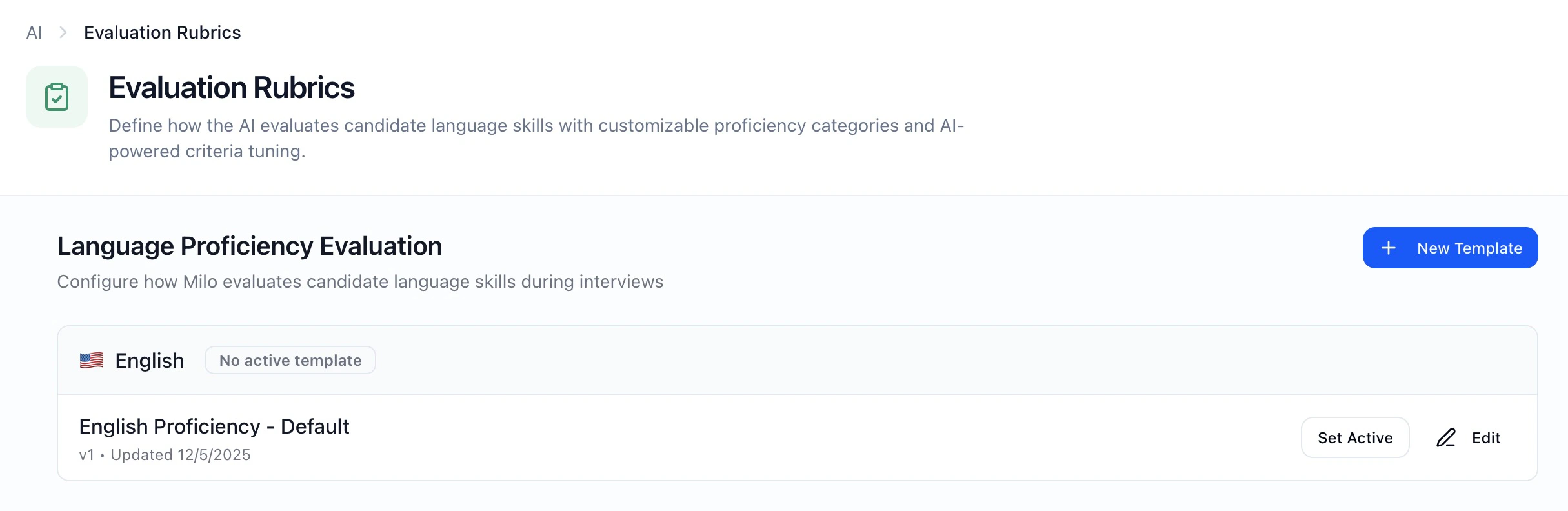
Interview Integrity
This section controls interview trust, fraud prevention, and cheat detection rules.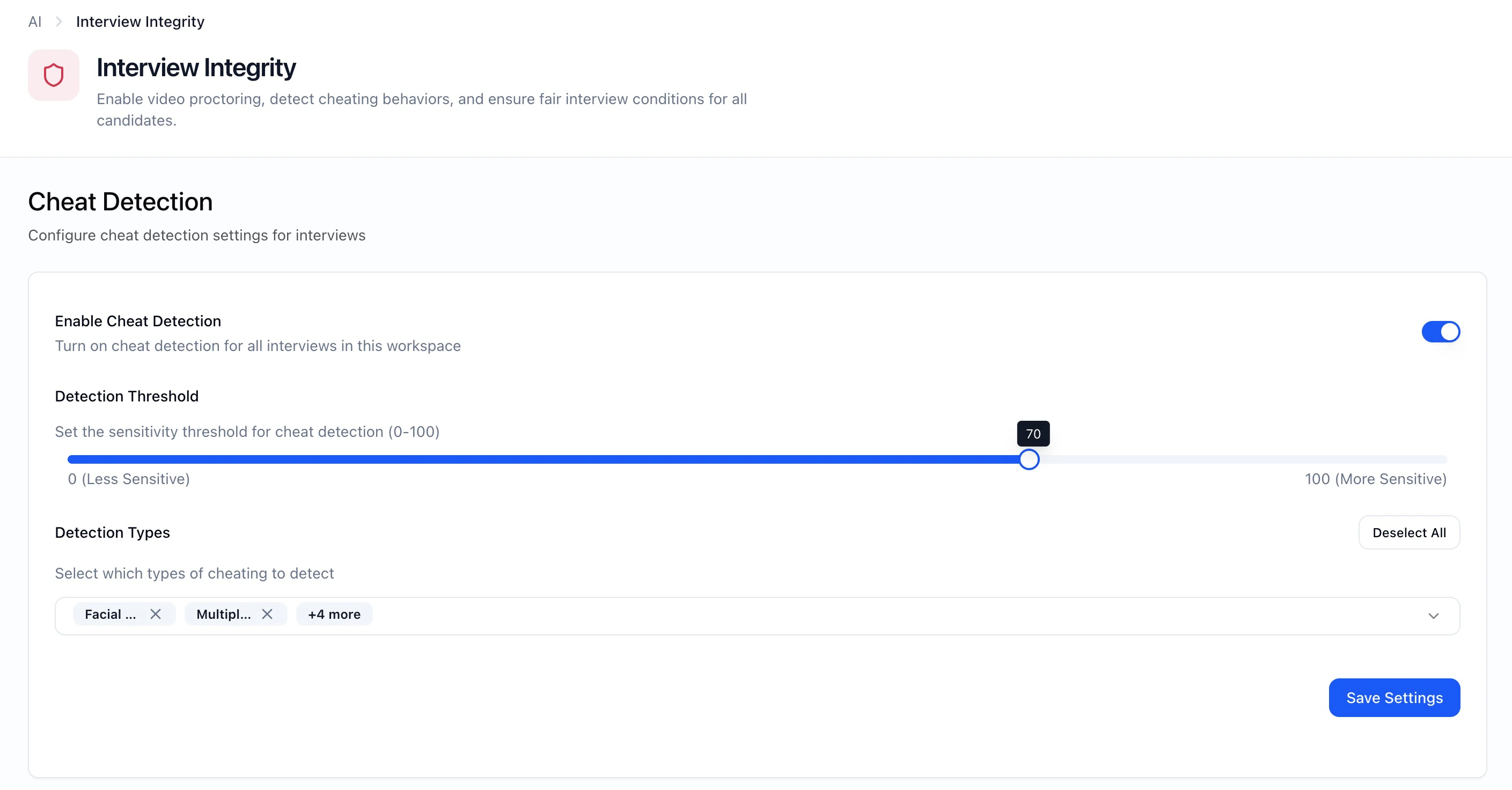
Agent Library
This section lets you browse and preview the AI agent personas (mascots) available for your interviewers.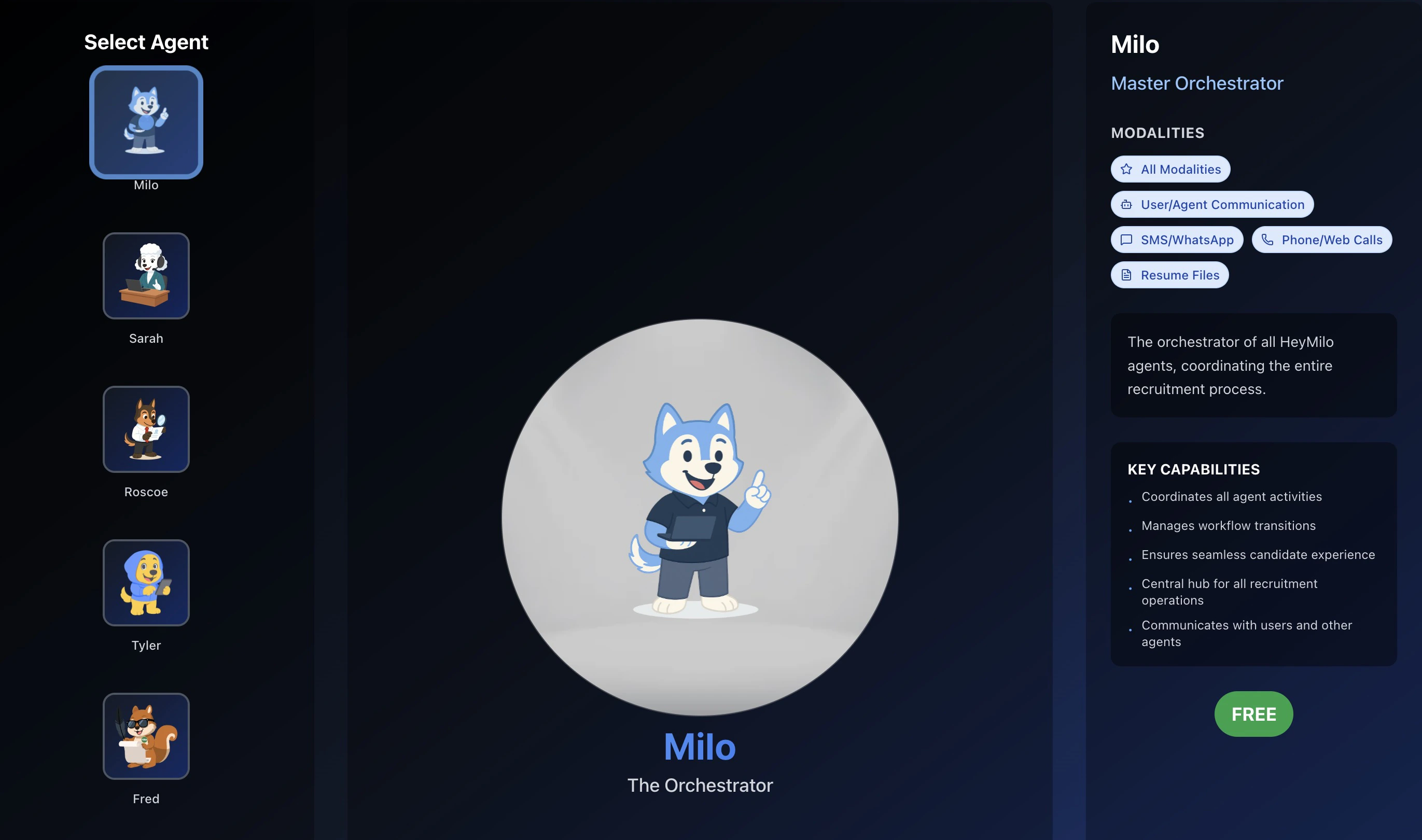
Languages & Voices
This section shows all available languages and voice options for your AI interviewers. Voices are powered by LMNT and Cartesia.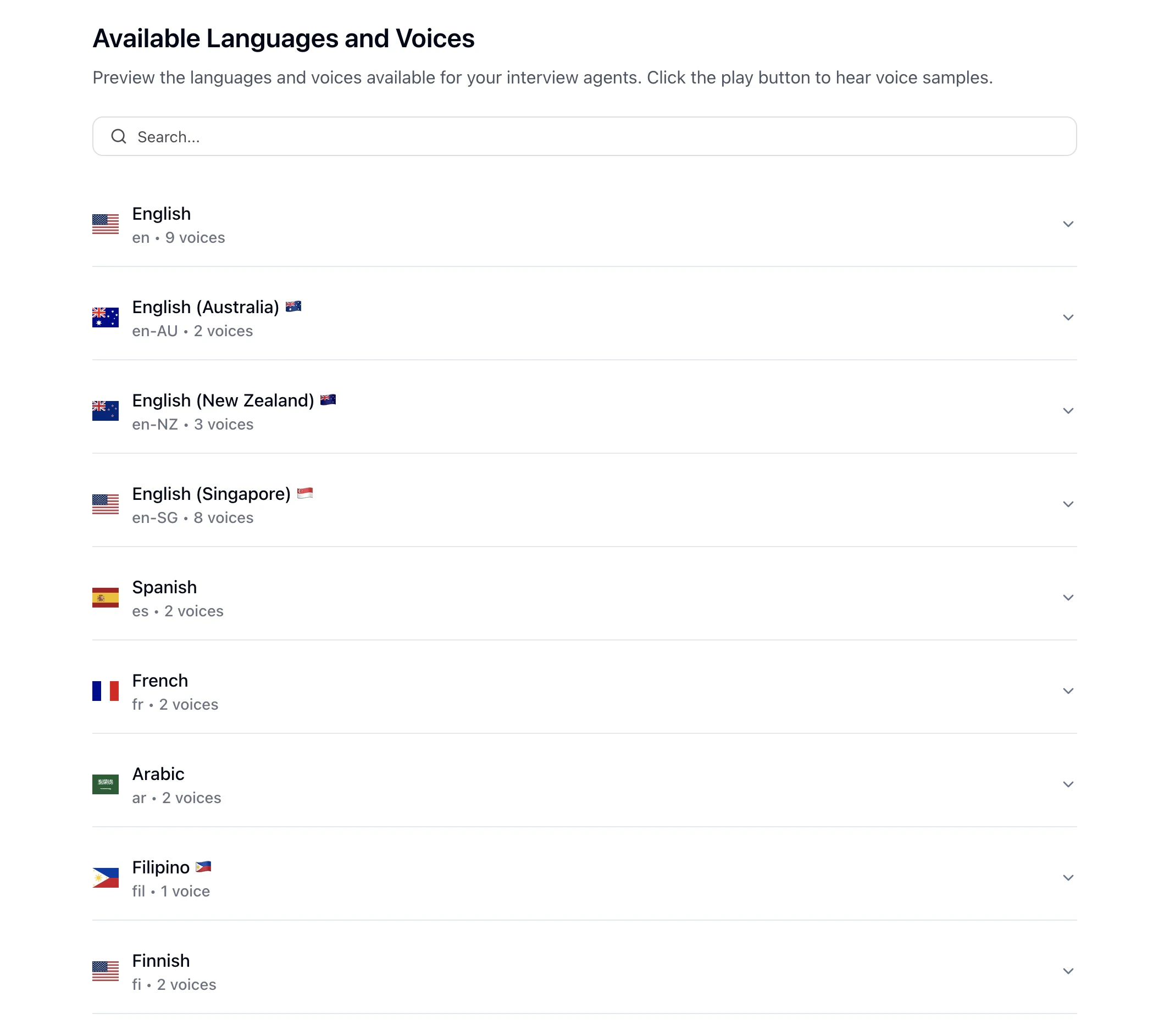
Best Practices for AI Tuning
- Keep Company Context concise — just enough for the AI to represent your brand
- Add key information to your Knowledge Base so it’s available across all interviewers
- Create Interview Templates for roles you hire repeatedly to save setup time
- Use AI Tune in Evaluation to customize scoring criteria with natural language
- Enable Cheat Detection for high-volume or skills-based interviews
- Preview voices in Languages & Voices before selecting one for your brand
- Treat AI Tuning as your foundation — interviewers inherit these defaults automatically