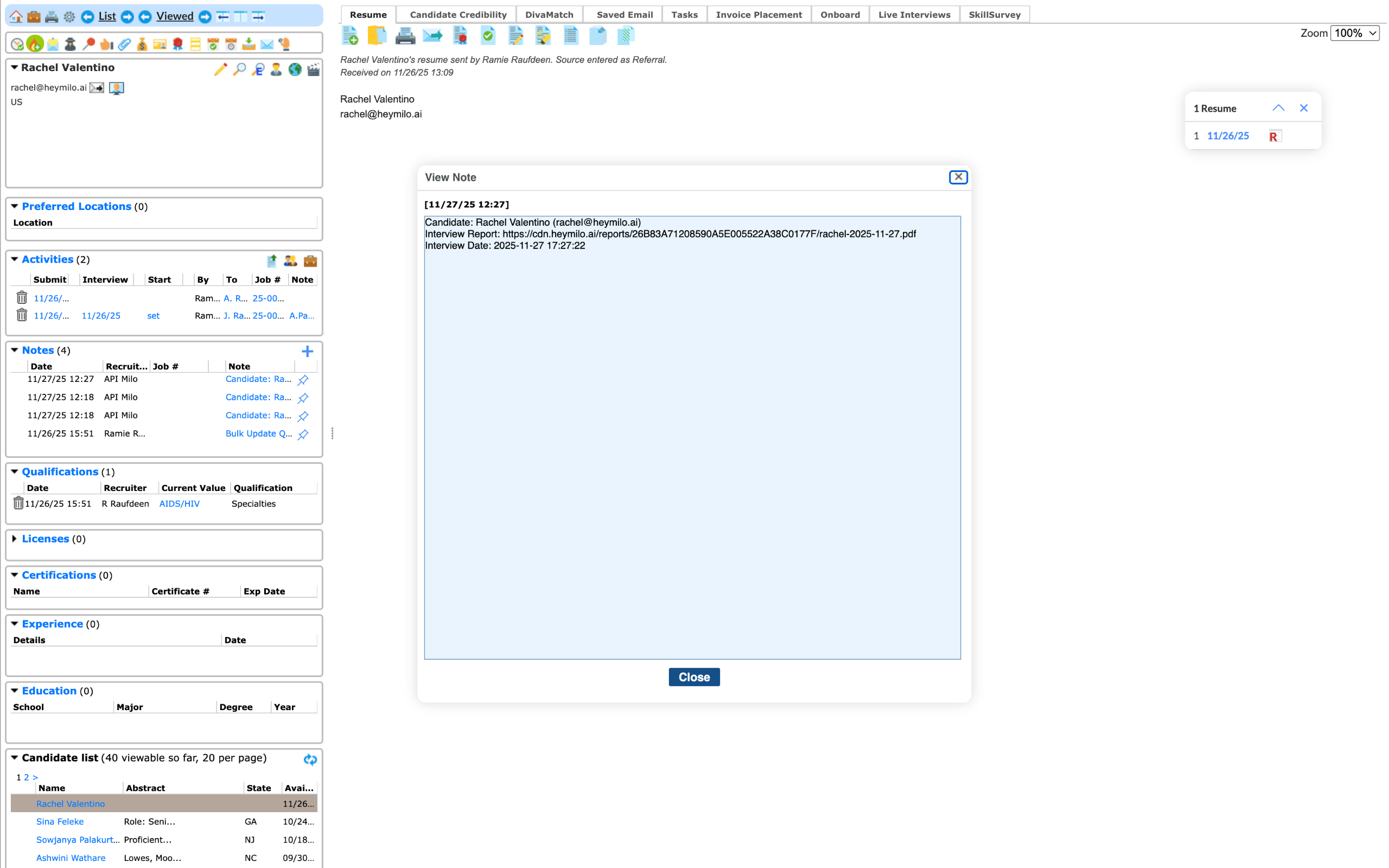
Agents Supported in JobDiva
💡HeyMilo supports SMS screening across all ATS platforms—as long as a valid phone number (with country code) is provided. Since most ATSs don’t collect phone numbers by default, be sure to make the mobile number a required field in your job post.Alternatively, you can enable both resume and SMS screening on your HeyMilo job, ensuring candidates are screened even if their phone number or resume isn’t accessible via your ATS.
Follow These Easy Steps to Set Up the HeyMilo Integration With JobDiva
Click through the interactive demo, and follow the steps below to learn how to connect HeyMilo in Job Diva:1
Have a HeyMilo Agent Ready
Log in to the HeyMilo portal.If you don’t already have an agent for this role:
- Click Create Interviewer, customize it and return to your dashboard
2
Open Integration Settings
From your agent’s page, click Check Available Integrations.
- You will see multiple ATS options — select JobDiva.
3
Enter JobDiva Credentials + Set Polling Interval
To connect HeyMilo to JobDiva, enter: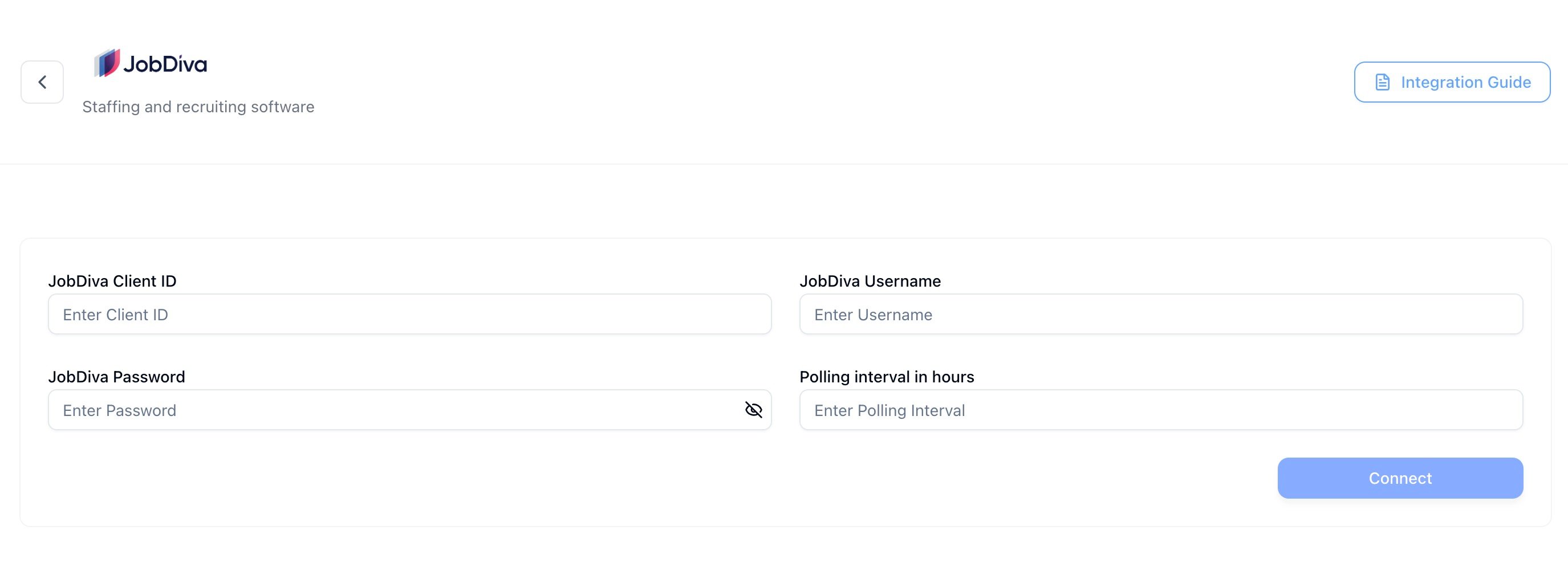
- JobDiva Class Name
- JobDiva Username
- JobDiva Password
Recommended Polling Interval: 1 hour. This ensures new candidates are synced reliably without unnecessary load.
4
Get Your JobDiva Hotlist ID
In JobDiva: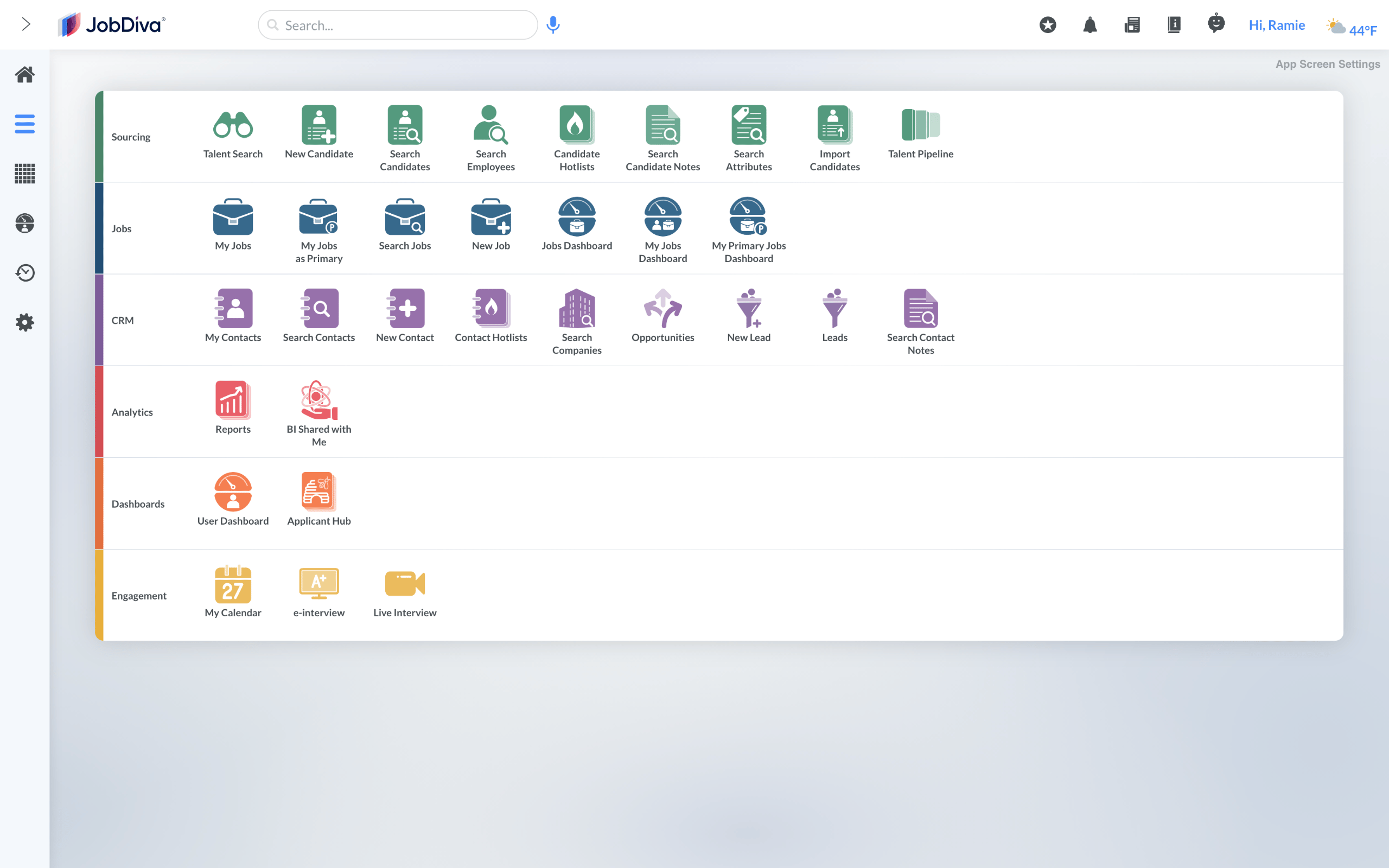
- Go to Candidate Hotlist
- Select the Hotlist you want to use
- Copy the Hotlist ID from the URL
https://www.jobdiva.com/hotlist.jsp?hotlistid=12345Hotlist ID = 123455
Map Your Hotlist to the HeyMilo Agent
Return to your HeyMilo agent → Go the the Integrations tab.Go to ATS Integration and choose: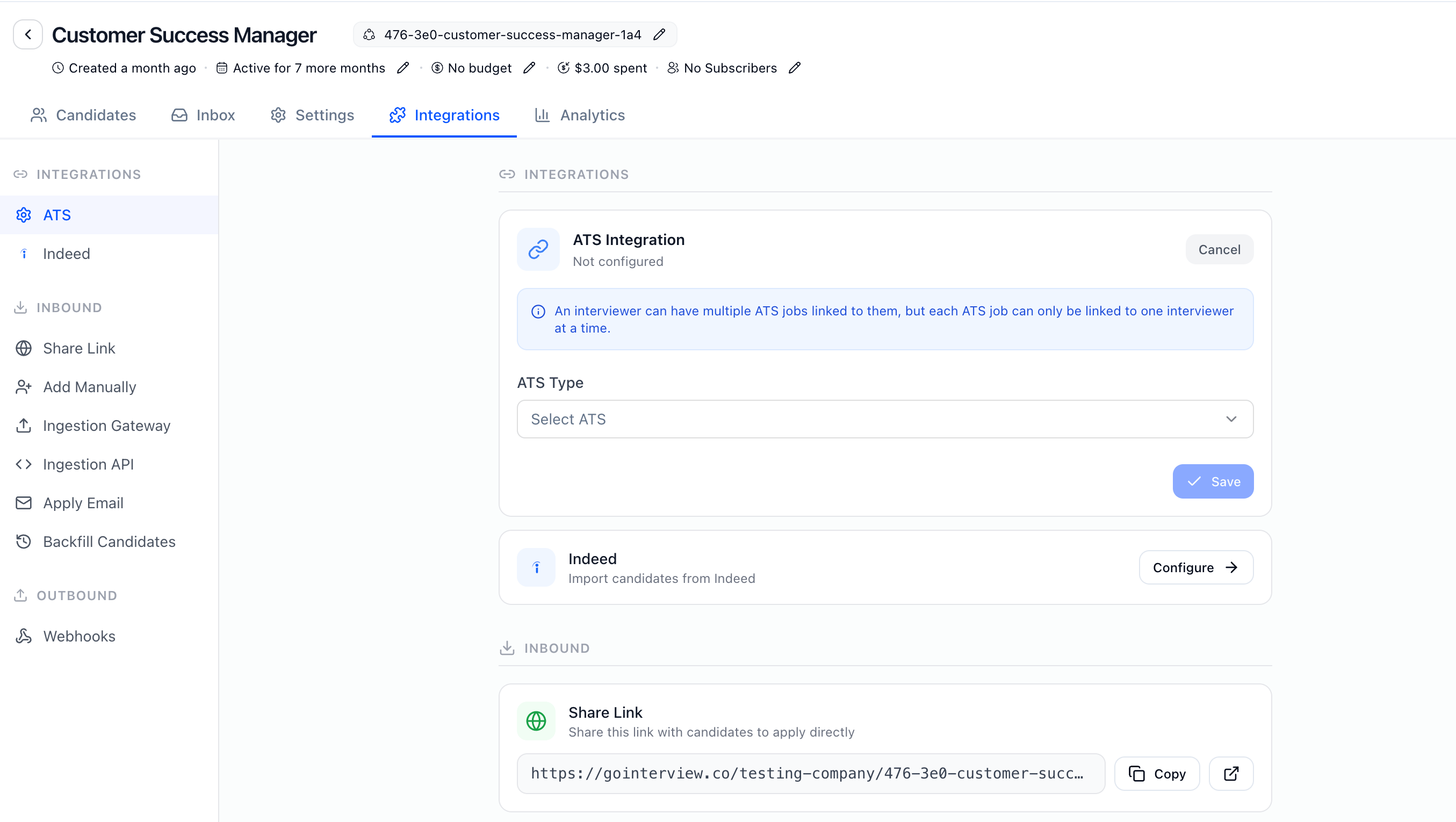
- ATS Type: JobDiva
- Paste the Hotlist ID
How Do I Review Screening Results in JobDiva?
After candidates complete their screening, HeyMilo automatically attaches results to Candidate Notes within JobDiva. You’ll see:- The candidate’s name and email
- HeyMilo’s detailed structured report: score breakdowns, recording links, transcript
- When the candidate interviewed