

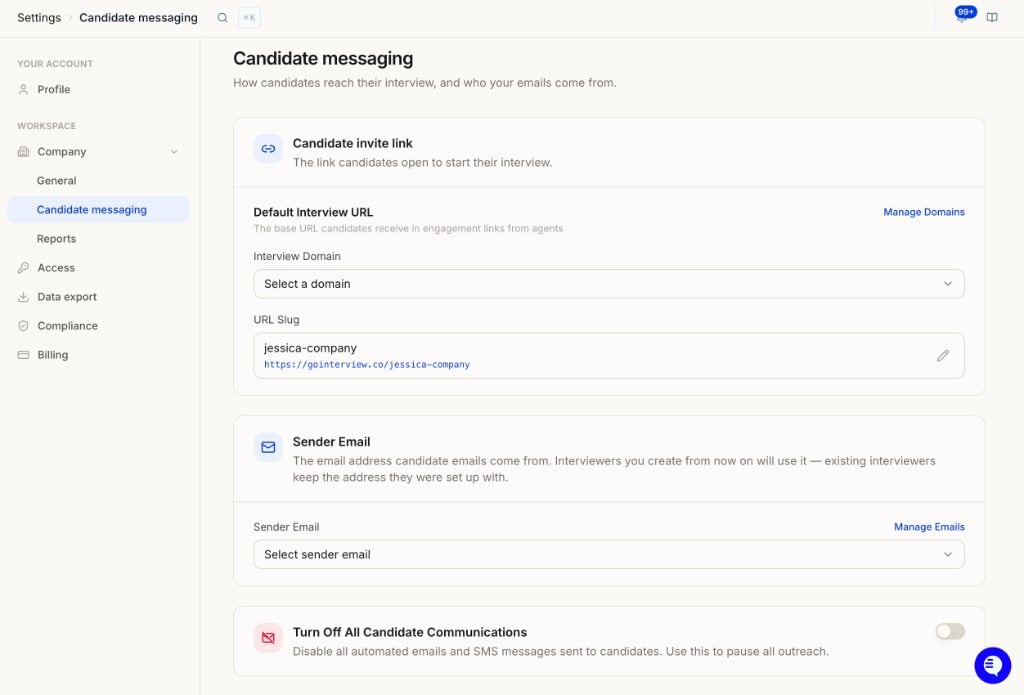
Candidate invite link
The link candidates open to start their interview.Default Interview URL controls the base domain. Use Manage Domains to configure or verify custom domains.
Sender Email
The email address candidate emails come from.- Interviewers you create from now on will use this address.
- Existing interviewers keep the address they were set up with.
- Select a verified sender from the dropdown, or use Manage Emails to configure one.
Turn Off All Candidate Communications
Disable all automated emails and SMS messages sent to candidates. Use this to pause all outreach.- Toggle on to stop every automated email and SMS from HeyMilo.
- Toggle off (default) to resume normal candidate communications.