

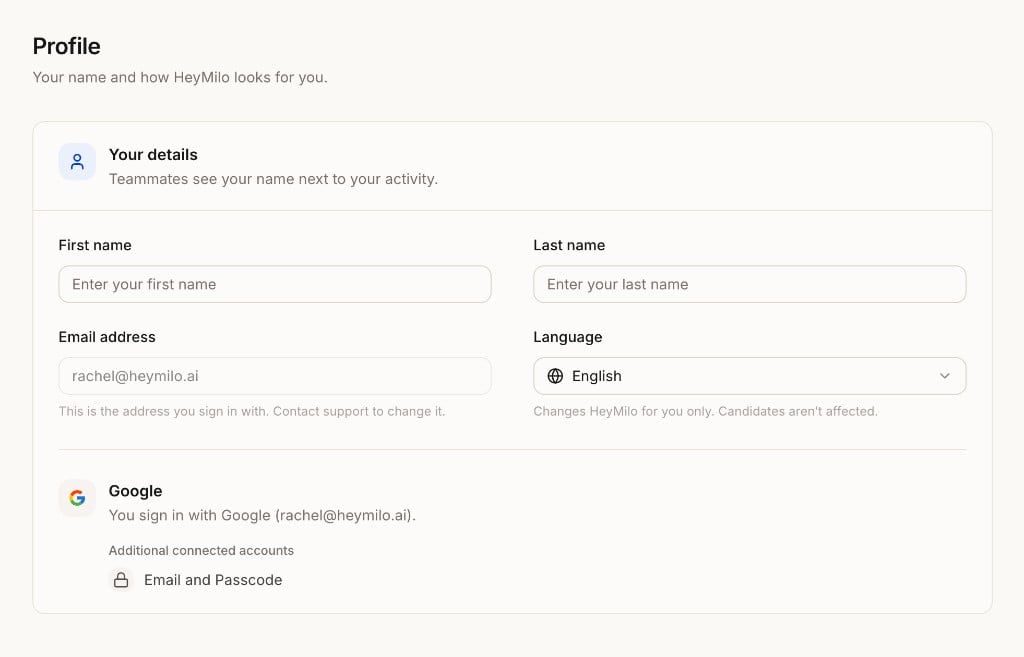
Your details
Teammates see your name next to your activity.Sign-in methods
At the bottom of Your details, you’ll see how you sign in today (for example, Google with your work address). Additional connected accounts lists any other methods on your account, like Email and Passcode, which works as a backup if Google isn’t available.Next steps
- Company → General — Company name, logo, brand color, and location
- Access — Invite teammates and assign roles and teams