Documentation Index

Fetch the complete documentation index at: https://docs.heymilo.ai/llms.txt

Use this file to discover all available pages before exploring further.

Newer Frontier versions are the strongest option; Active ones are still supported for production;
Sidebar → Interviewers → Agent Library.

Two kinds of models

Interactive models talk with the candidate: voice/video or SMS/WhatsApp. They can follow up and adapt as the conversation goes.
Use the in-app labels and Compare models when two options look close—that view lines up reasoning, languages, cheat detection, SMS extras like nudges or call escalation, and latency.

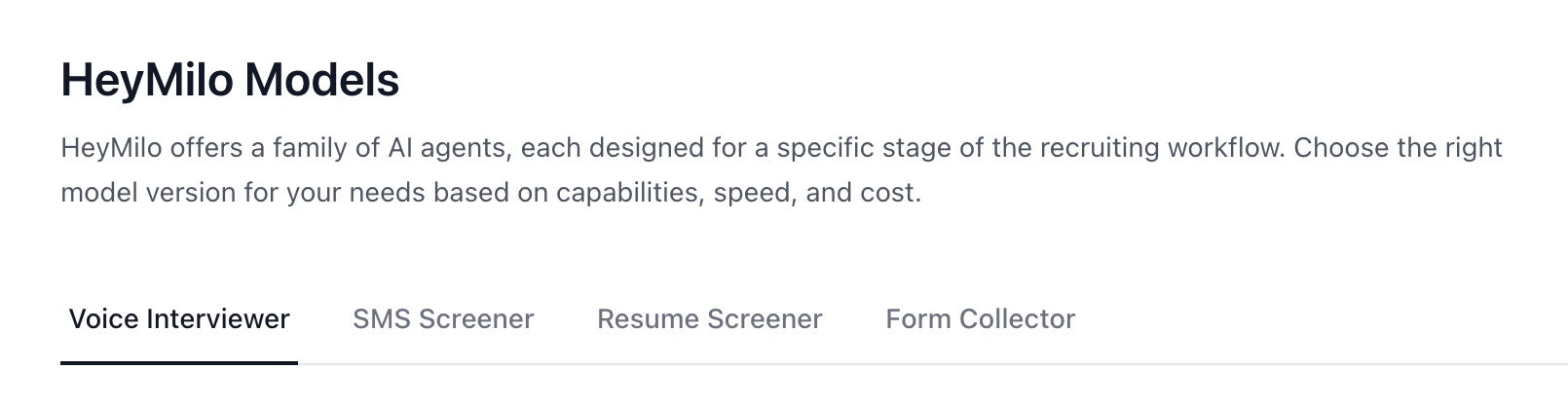
Voice interviewer

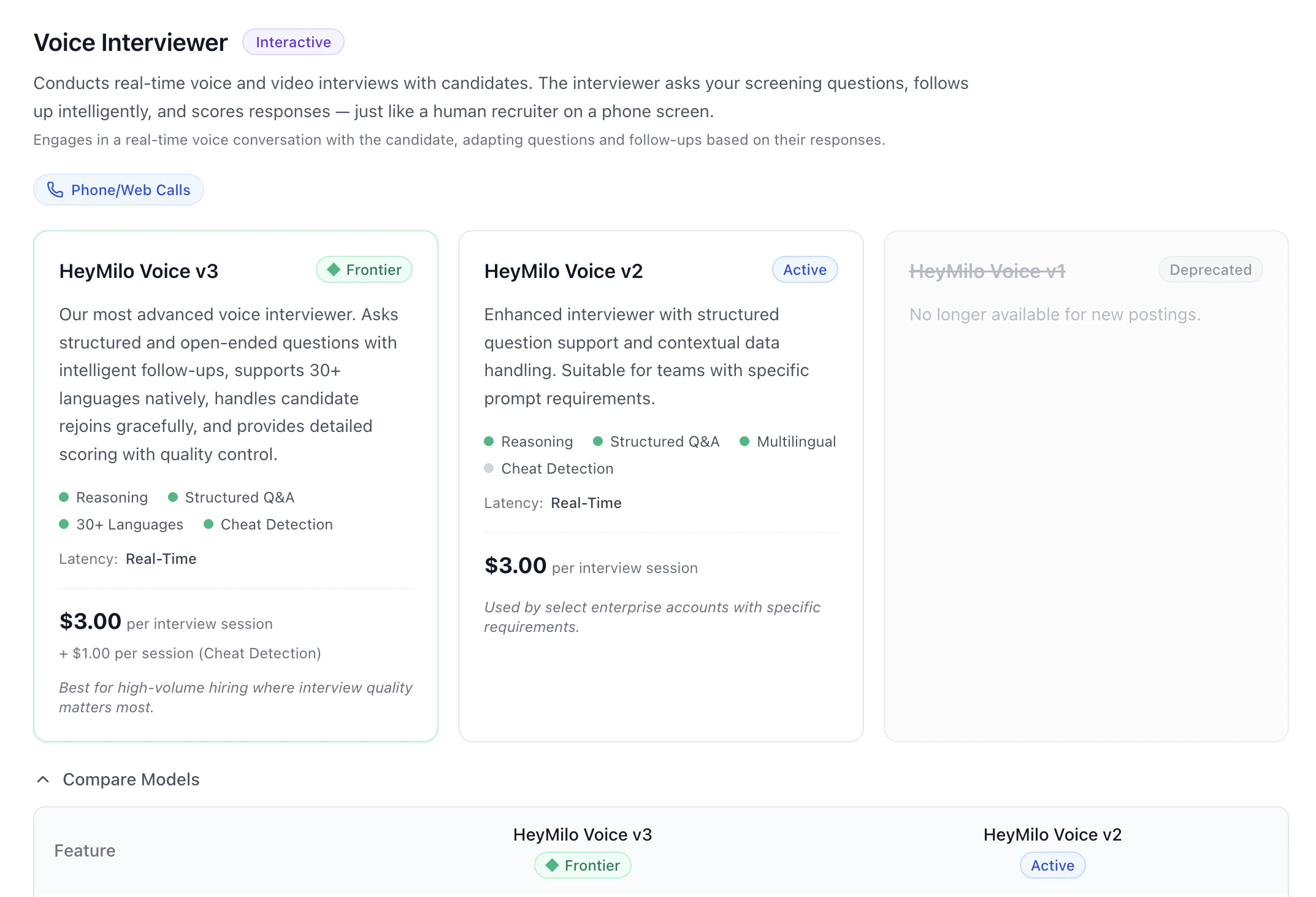
Live phone or web interviews: your script, intelligent follow-ups, scoring. HeyMilo Voice v3 is the current Frontier line—broad language support, strong structure and follow-ups, rejoin-friendly, detailed scoring, and cheat detection where you turn it on. Voice v2 stays Active for teams that stay on that generation.

SMS screener

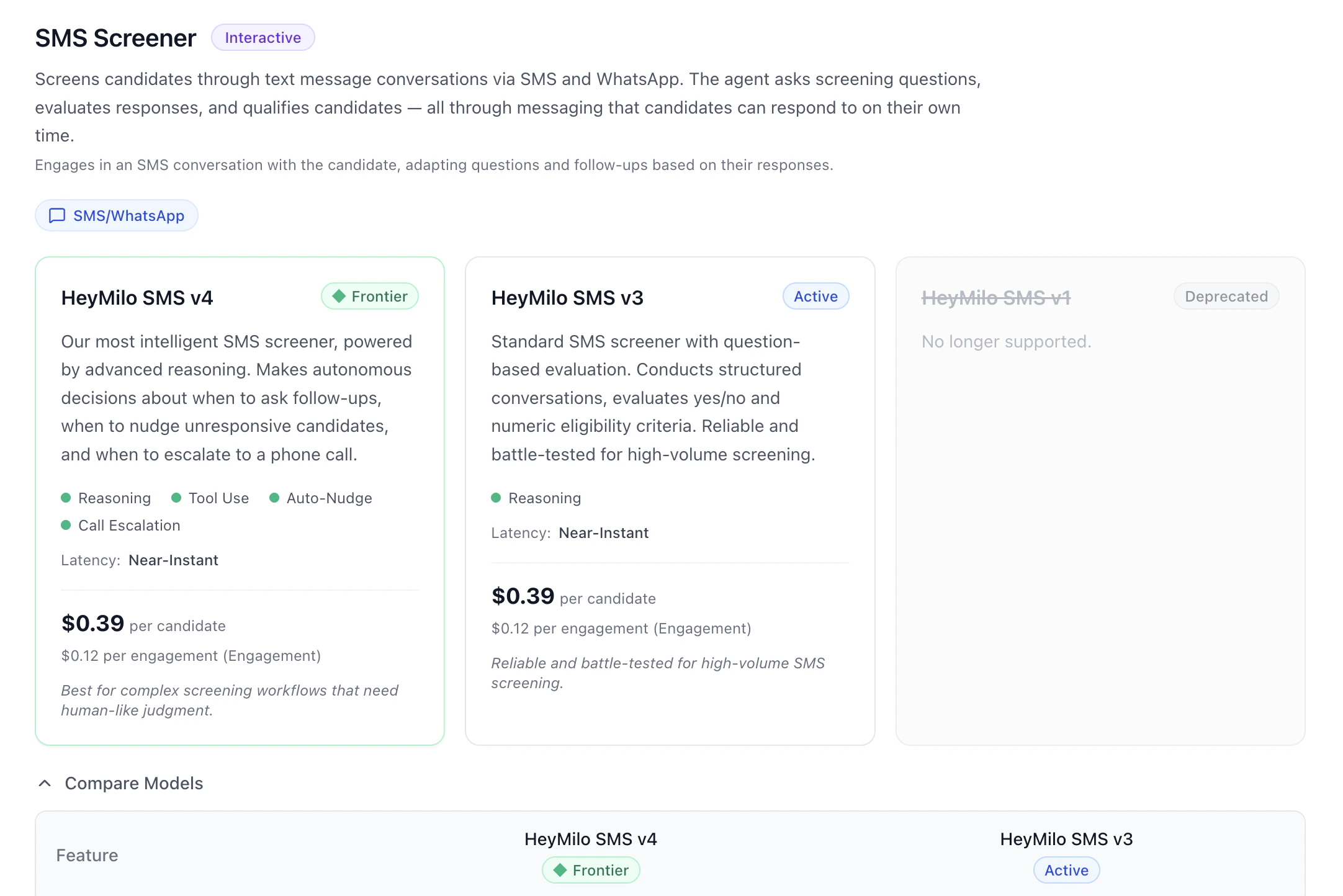
Text screening on SMS or WhatsApp. HeyMilo SMS v4 is Frontier: more judgment, tools, auto-nudges, and call escalation when your setup uses them. Additionally, V4 supports multiple choice and free text. SMS v3 is the Active workhorse for high-volume, structured eligibility screens.

Resume screener

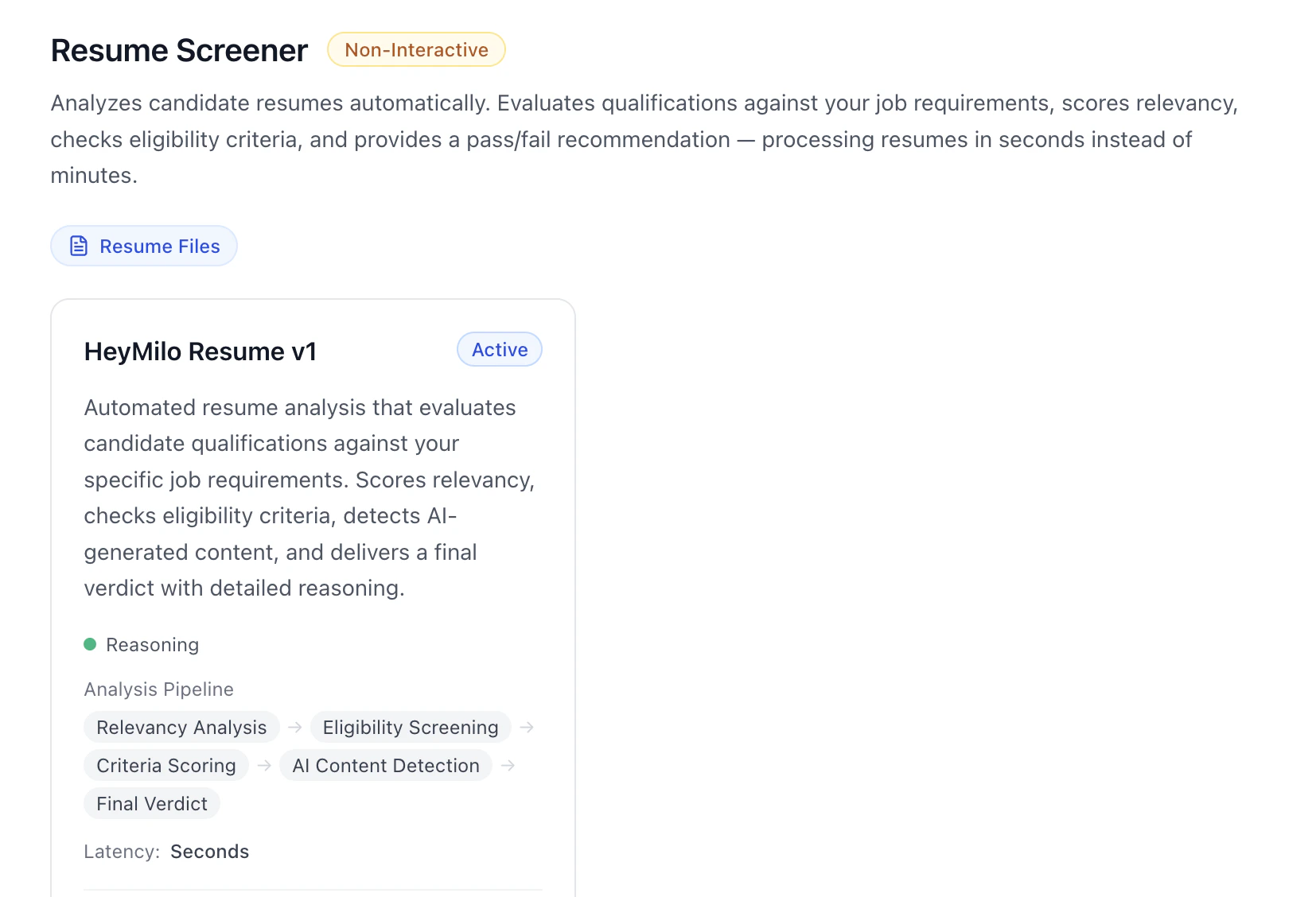
Non-interactive. Uploads or ingested resumes are scored against your role: fit, must-haves, criteria, signals for AI-generated content, and a clear verdict—HeyMilo Resume v1 is the Active model here.

Form collector

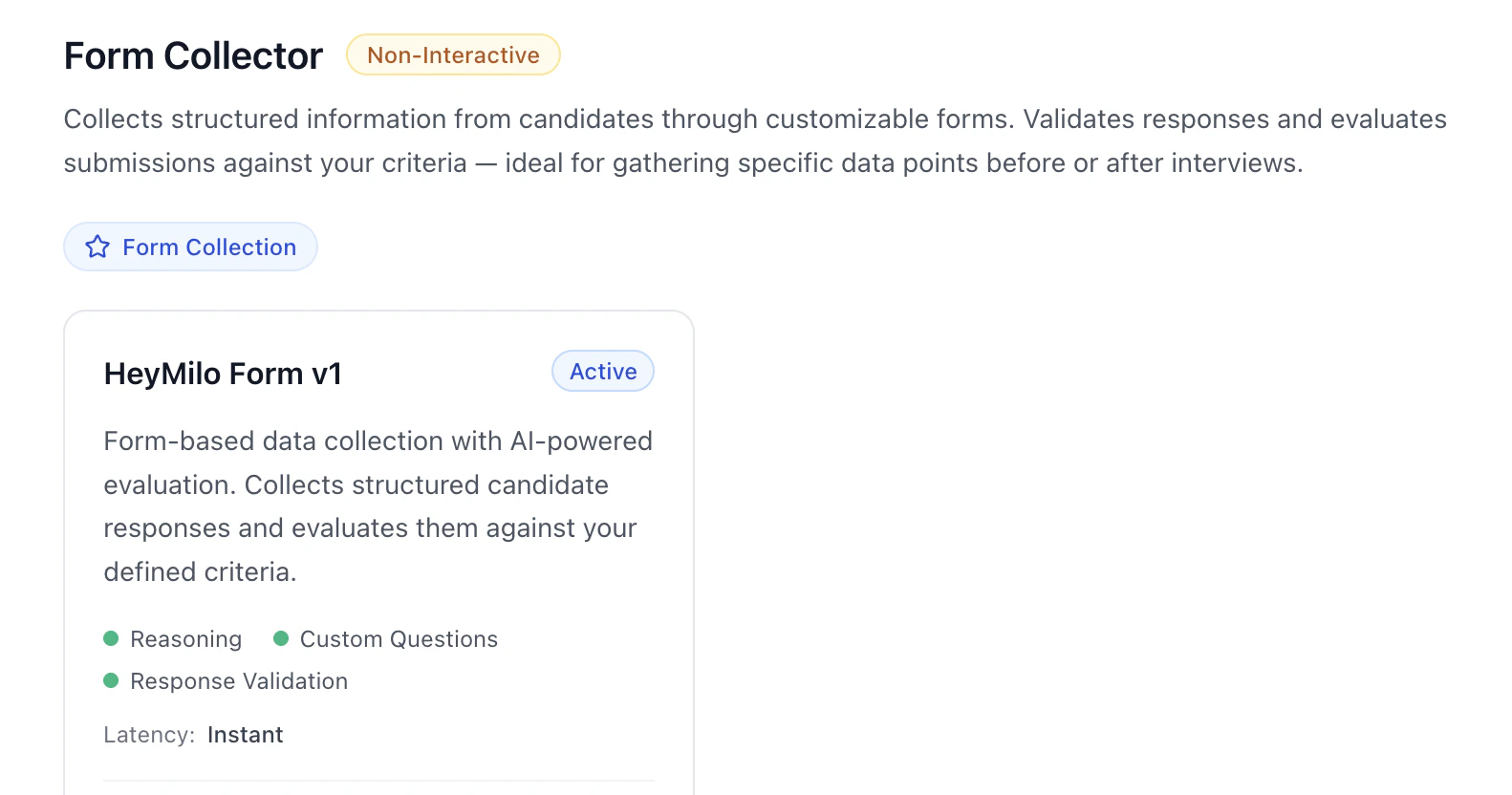
Non-interactive. Custom forms with validation and AI evaluation of answers—HeyMilo Form v1 is Active.

How this fits with Interview Templates

Agent Library = which engine powers each stage. Interview Templates = saved whole interviewer setups you reuse. Pick models when you care about version and capability; use templates when you want a full configuration copied forward.

Practical flow

  1. Match stage type to family—voice, SMS, resume, or form.
  2. Default to Frontier unless your team has standardized on a specific Active build.
  3. Open Compare models if you’re choosing between two versions.
  4. Do question and rubric work in the interviewer editor—the library is for choosing the model, not writing questions.

Next steps