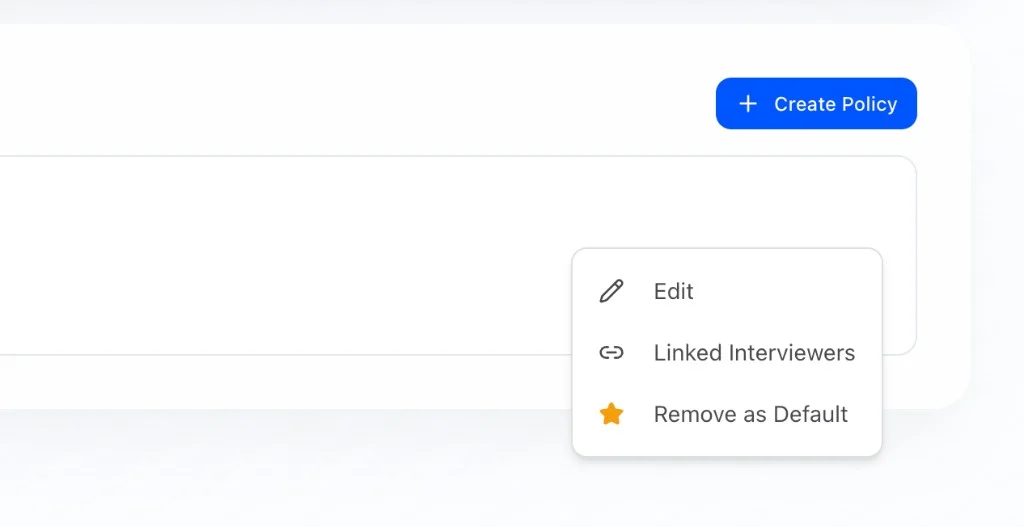
What it does
Communication Policies let you control how and when HeyMilo reaches out to candidates throughout the interview process. You can set nudge timing, business hours, lifecycle emails, and agent-specific overrides — then apply a policy to one or many interviewers.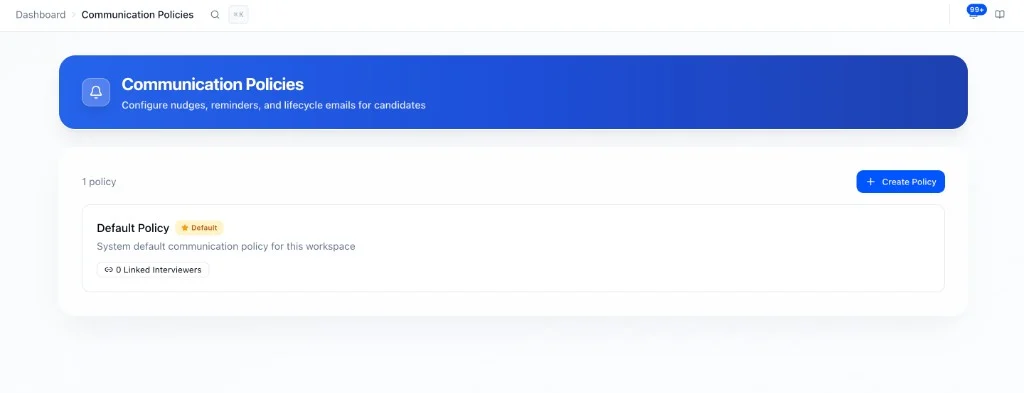
Creating a policy
Communication Policies → Create Policy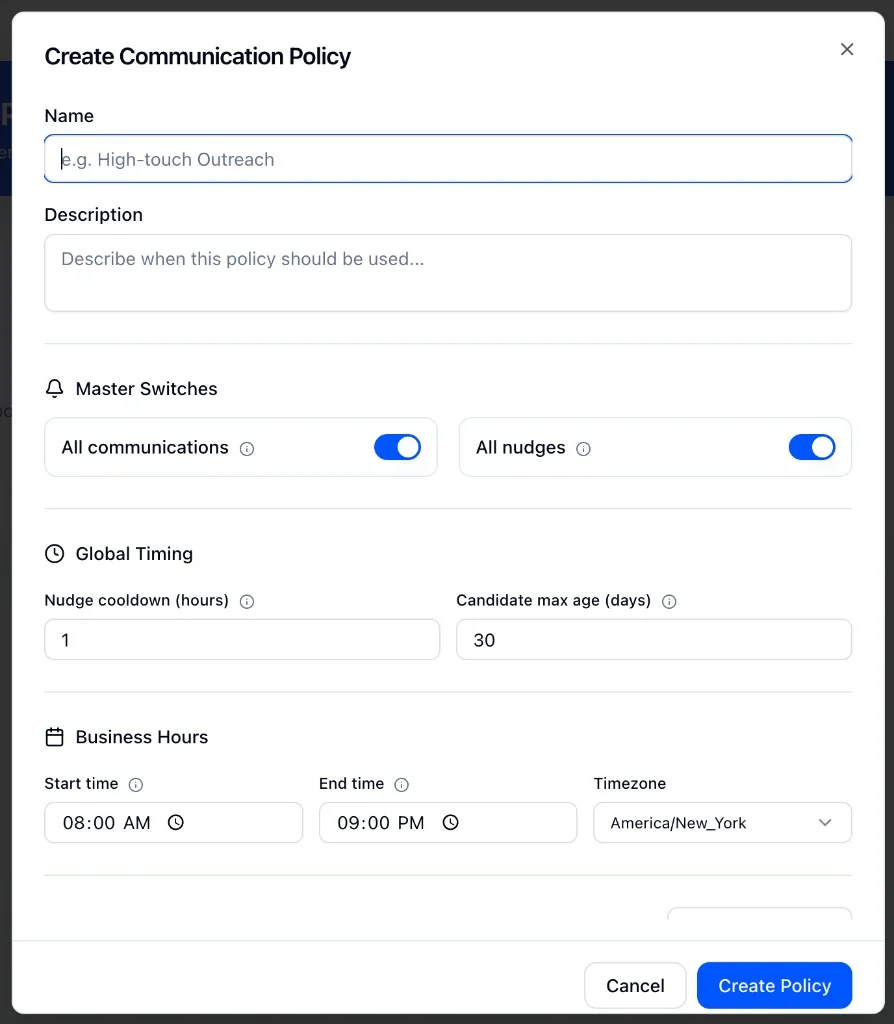
Policy settings
Master switches
Global timing
Nudge settings by agent type
By default, all agents use system nudge defaults. Use Add Override to customize nudge behavior for specific agent types:- Web Interview Reminders (Sarah): nudges to complete the video/web interview
- SMS Follow-ups (Tyler): SMS nudges and conversational follow-ups
- Resume Screening Reminders (Roscoe): nudges to submit resume for screening
- Form Reminders: nudges to complete application forms
- AI Scenario Assessment Reminders: nudges to complete AI scenario assessments
Lifecycle emails
Each can be toggled on or off independently.
Applying a policy to an interviewer