
Documentation Index
Fetch the complete documentation index at: https://docs.heymilo.ai/llms.txt
Use this file to discover all available pages before exploring further.
Integrating With Indeed
HeyMilo supports two common patterns for getting Indeed applicants into your pipeline. Use one or the other per job (or follow your CS team’s recommendation).Option A — Email applications into HeyMilo (quick setup)
Indeed sends each application to a unique inbox for that job in HeyMilo. HeyMilo can create candidate profiles from those messages so people show up in your pipeline.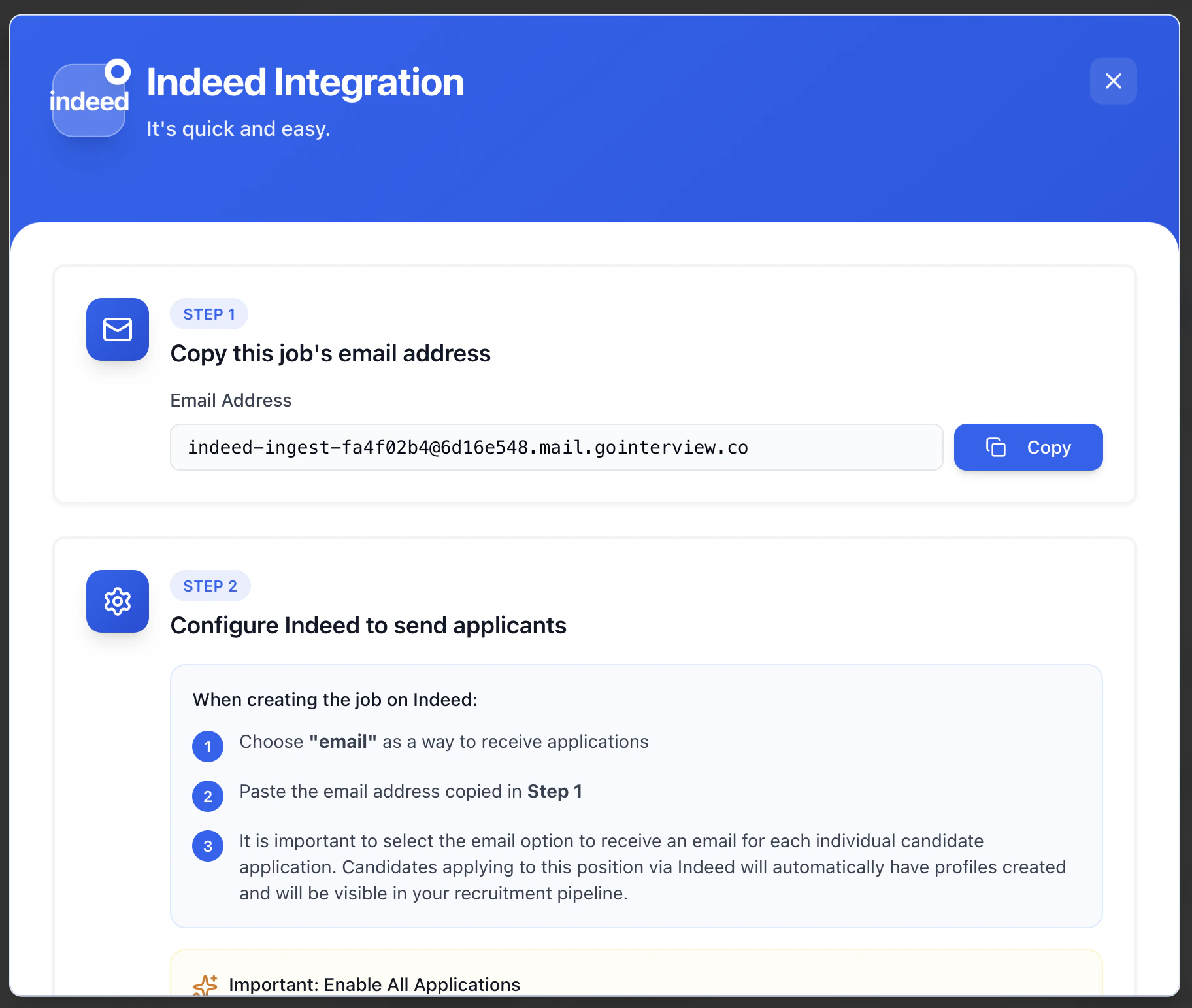
- Copy this job’s email address
- Find the Indeed integration section for this agent under Integrations.
- Copy the address shown (example pattern:
indeed-ingest-*****@*****.mail.gointerview.co). - Use Copy so the full address is exact.
- Configure Indeed to send applicants
- Choose email as a way to receive applications.
- Paste the email address from Step 1.
- Select the option to receive an email for each individual candidate application (wording may vary in Indeed). That way each applicant is sent through as their own message.
- In Indeed, use settings so all applications are forwarded as needed. Candidates may need to be marked Qualified, or you may need All candidate applications (or equivalent) enabled under Employer Settings in Indeed, depending on your account.
Option B — External apply URL (paid Indeed; avoids masked emails)
When candidates apply on Indeed, Indeed may pass masked contact info (for example @indeed routing instead of a personal email). That can hurt delivery, follow-ups, and data quality in HeyMilo. Many paid Indeed setups let you send candidates out of Indeed to your HeyMilo interviewer (agent) URL instead of using Apply on Indeed. In HeyMilo- Open the interviewer (agent) for the role.
- Copy the Share Link / public apply URL from Integrations → Inbound (the URL that starts candidates in this agent).
- Edit the job and open application / how candidates apply settings.
- Turn off receiving applications on Indeed
- Set an external apply URL and paste your HeyMilo agent URL (wording varies, for example Apply on company site / External URL).
Why teams pick this: Candidates usually enter their real email in HeyMilo, which improves reachability versus masked Indeed addresses.
Strongly recommended alongside this
- Custom domain for your HeyMilo links (when available) so the apply URL matches your brand and feels trustworthy.
- Sender domain / sender email setup in HeyMilo so automated messages are less likely to land in spam (separate from Indeed masking, but it affects conversion).