
Documentation Index
Fetch the complete documentation index at: https://docs.heymilo.ai/llms.txt
Use this file to discover all available pages before exploring further.
Salesforce
HeyMilo’s AI-powered candidate engagement and screening integrates seamlessly with Salesforce to streamline your hiring process. Every applicant is automatically screened, helping recruiters move faster without compromising on quality.
Agents Supported in Salesforce
| SMS Agent | Resume Agent | Voice/Video Agent |
|---|---|---|
| ✅ | ✅ | ✅ |
How does it work? As soon as candidates apply, they get a text from Milo with your questions. They respond directly in the thread, just like a real conversation. Once they finish, Milo sends over the voice or video interview invite automatically. | How does it work? | How does it work? After integration and job posting mapping, when a candidate applies to your Salesforce job posting, the candidate’s email address is pulled from the application form and the candidate is engaged through email to take the voice/video assessment. Once the candidate has completed it, the candidate’s detailed assessment report is attached to their profile in the Salesforce portal. |
Why Use HeyMilo + Salesforce?
Setting Up the Integration
Watch this video and follow the steps below to learn how to connect HeyMilo in Target Recruit on Salesforce:🛠 What You’ll Need to Get Started
Before connecting Salesforce with HeyMilo, you’ll need:- ✅ Admin access to your HeyMilo workspace
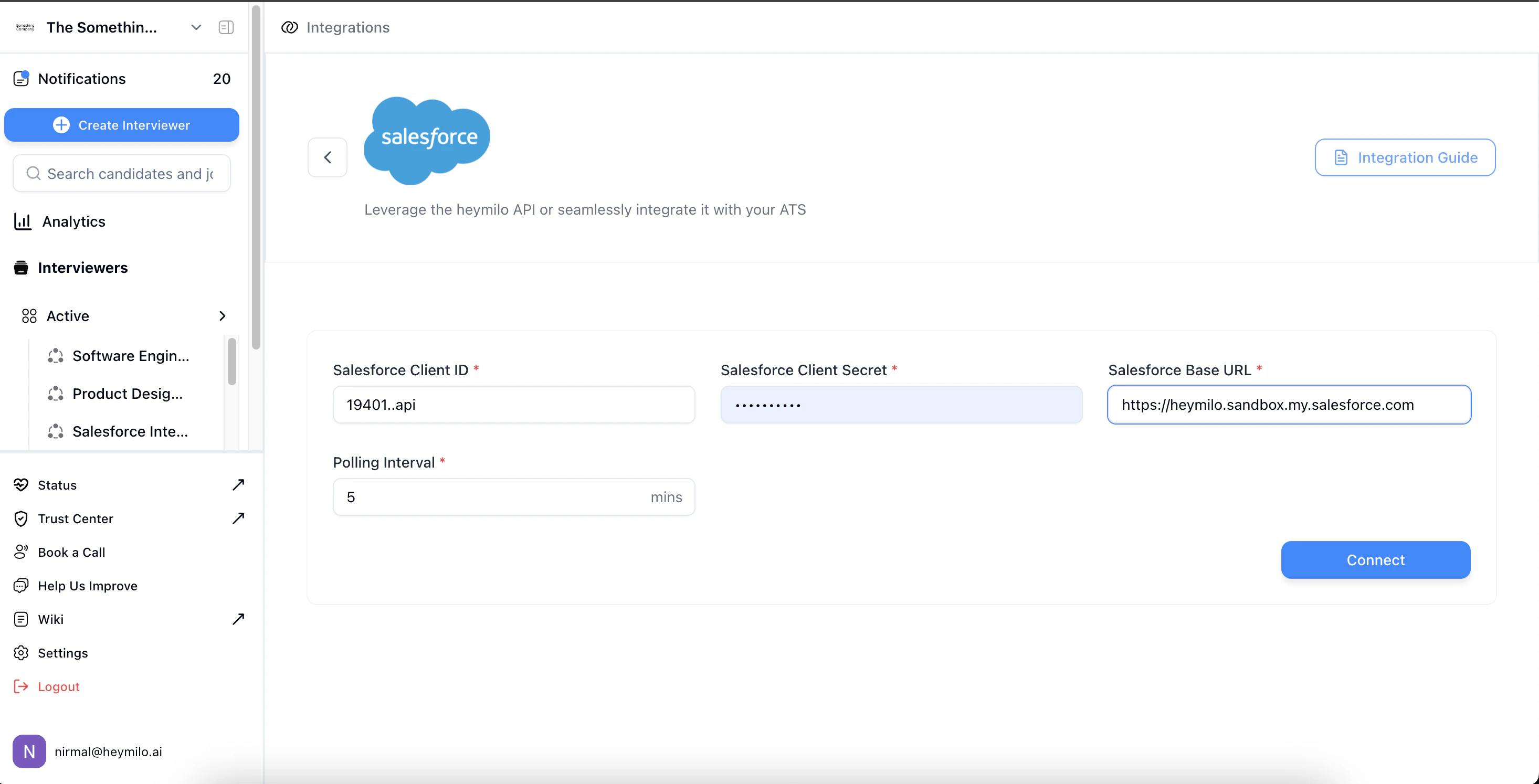
- ✅ Salesforce credentials (client ID, client secret) and base URL
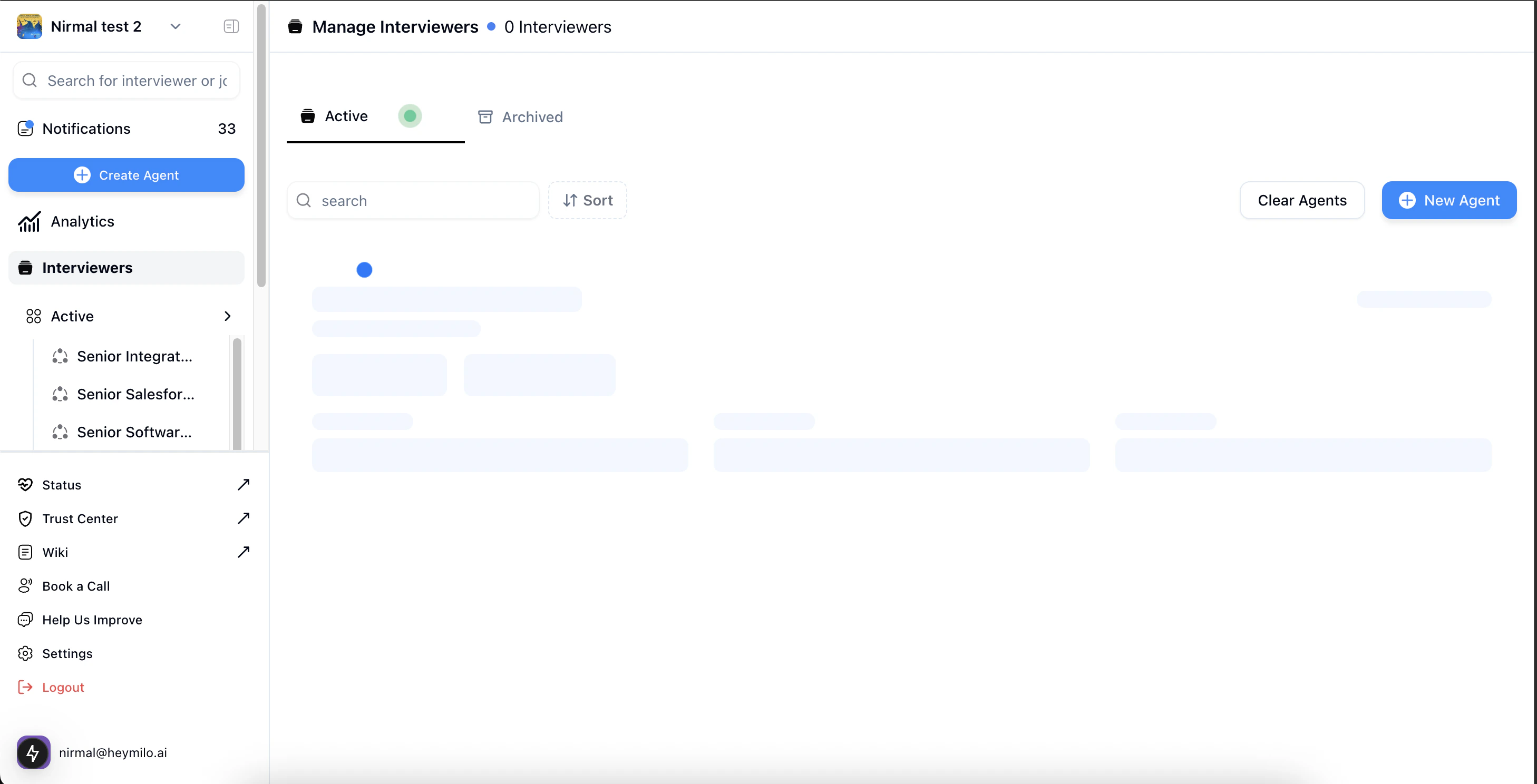
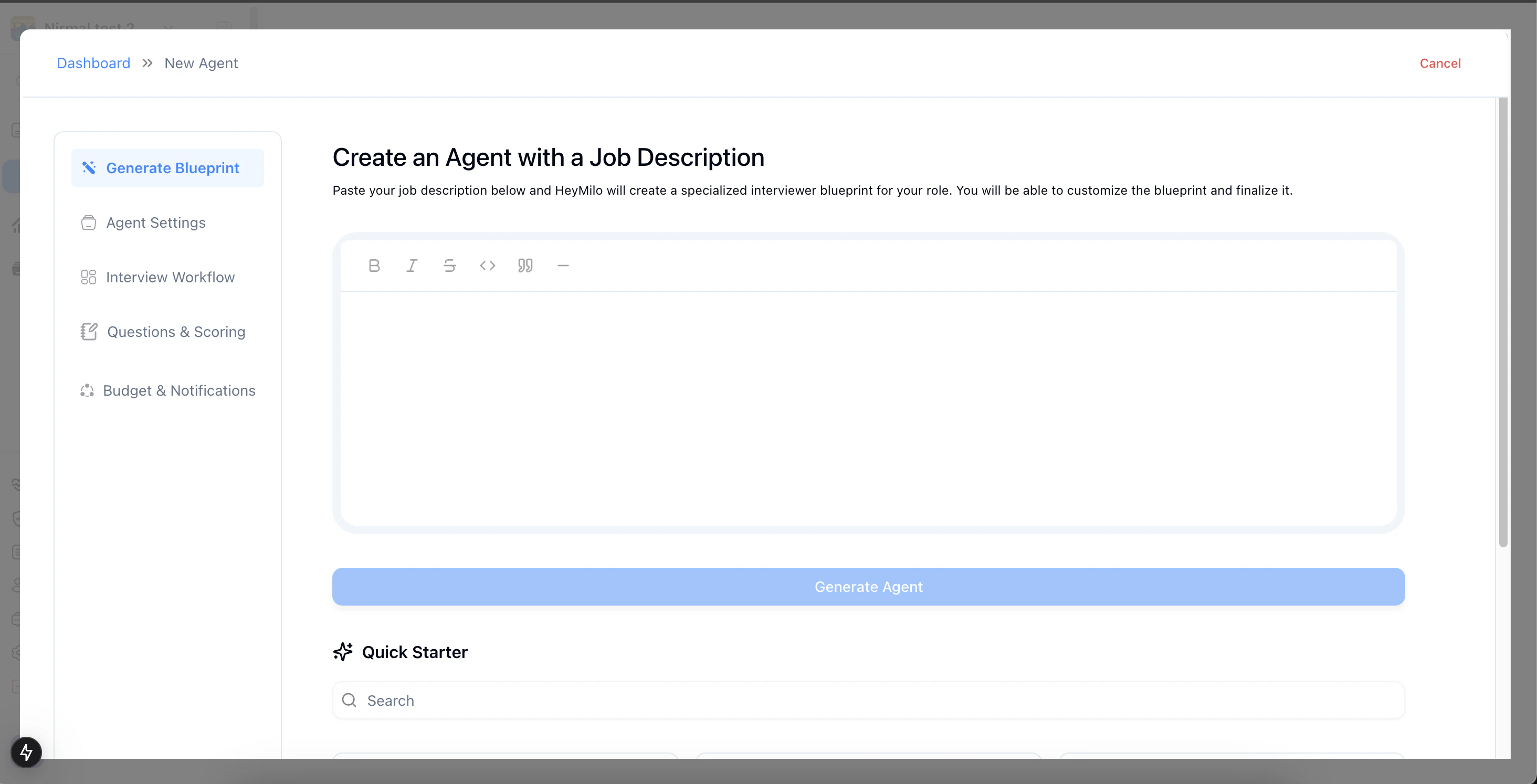
Create a Screening Agent
Step 1
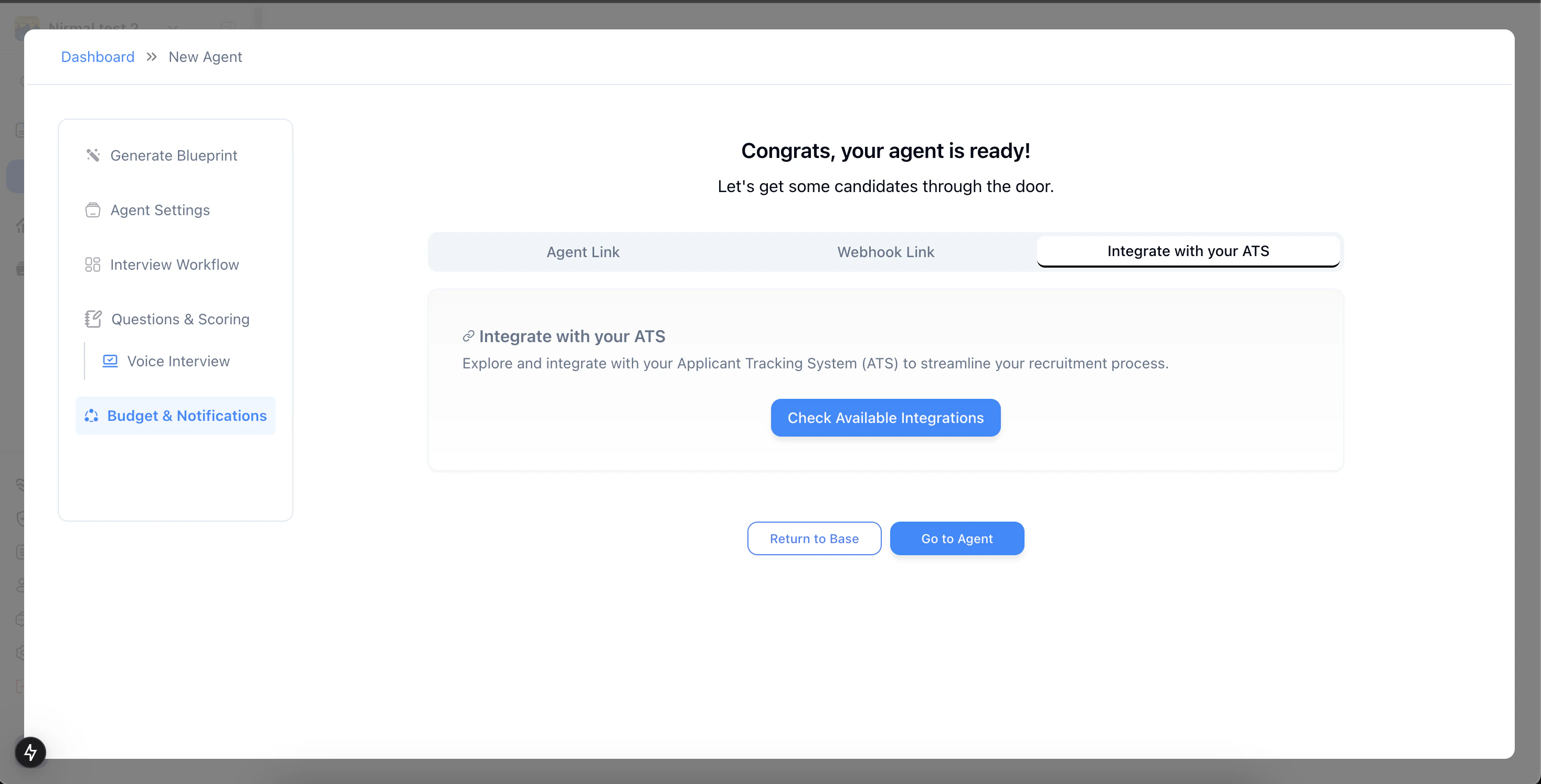
Connect HeyMilo to Salesforce
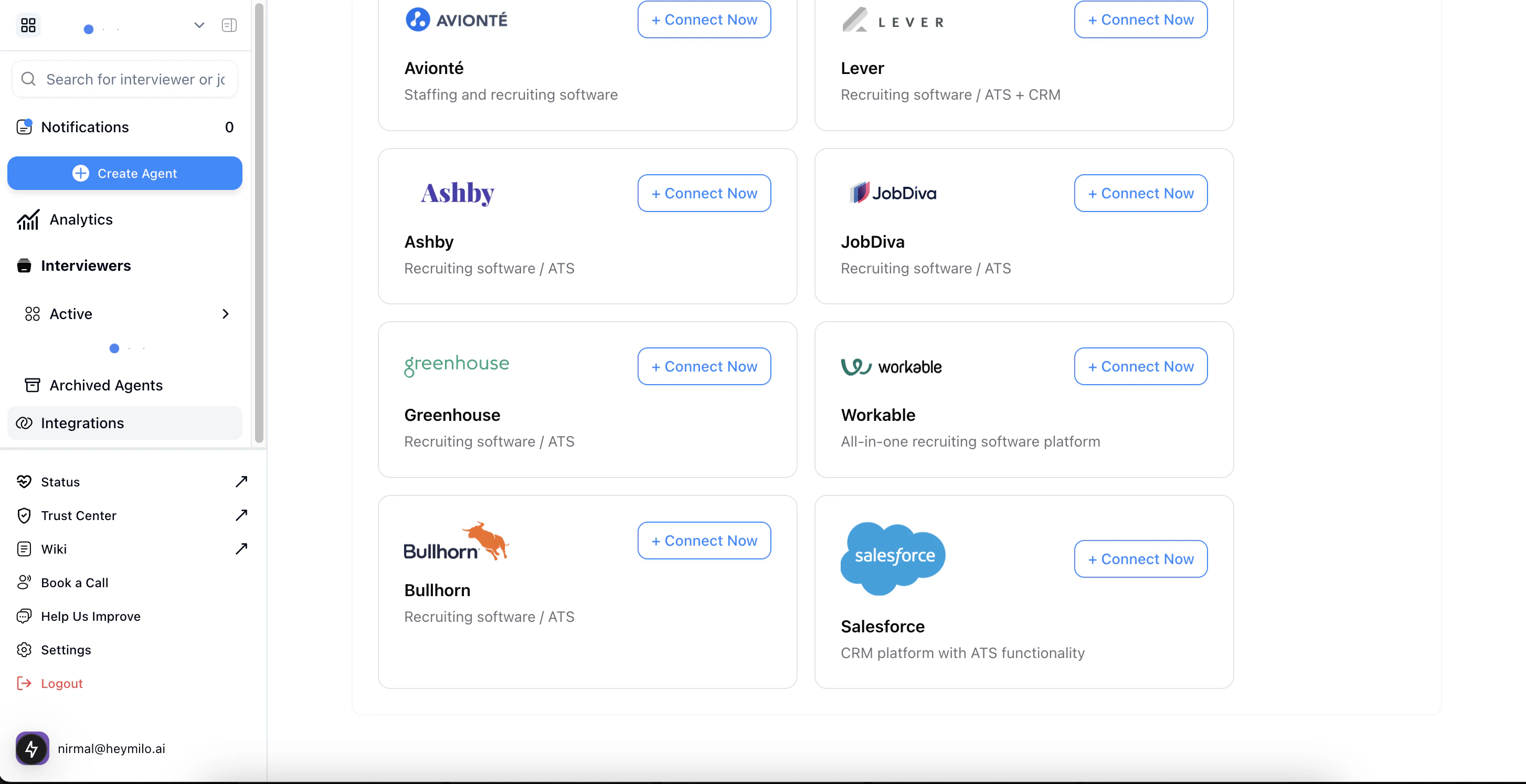
Step 3 — Enter Your Salesforce Credentials and Set a **Polling Interval** (1–1440 minutes)
- Enter a lower value (e.g.,
5) to fetch new applicants more frequently. - Use a higher value (e.g.,
1440) if real-time syncing is not critical.
Mapping HeyMilo Agents to Salesforce Jobs
You can map Salesforce jobs with a HeyMilo agent using our agent-ats mapping feature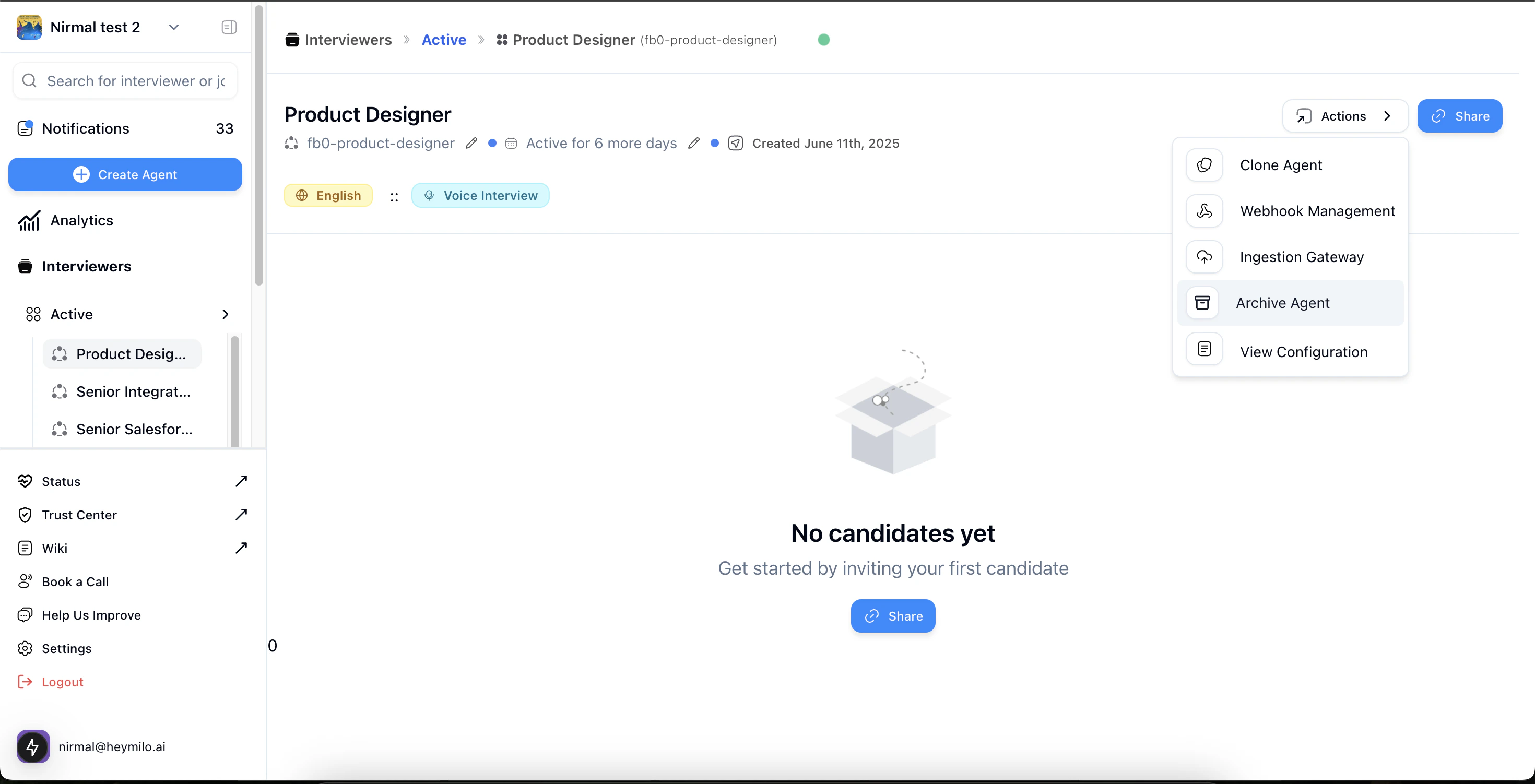
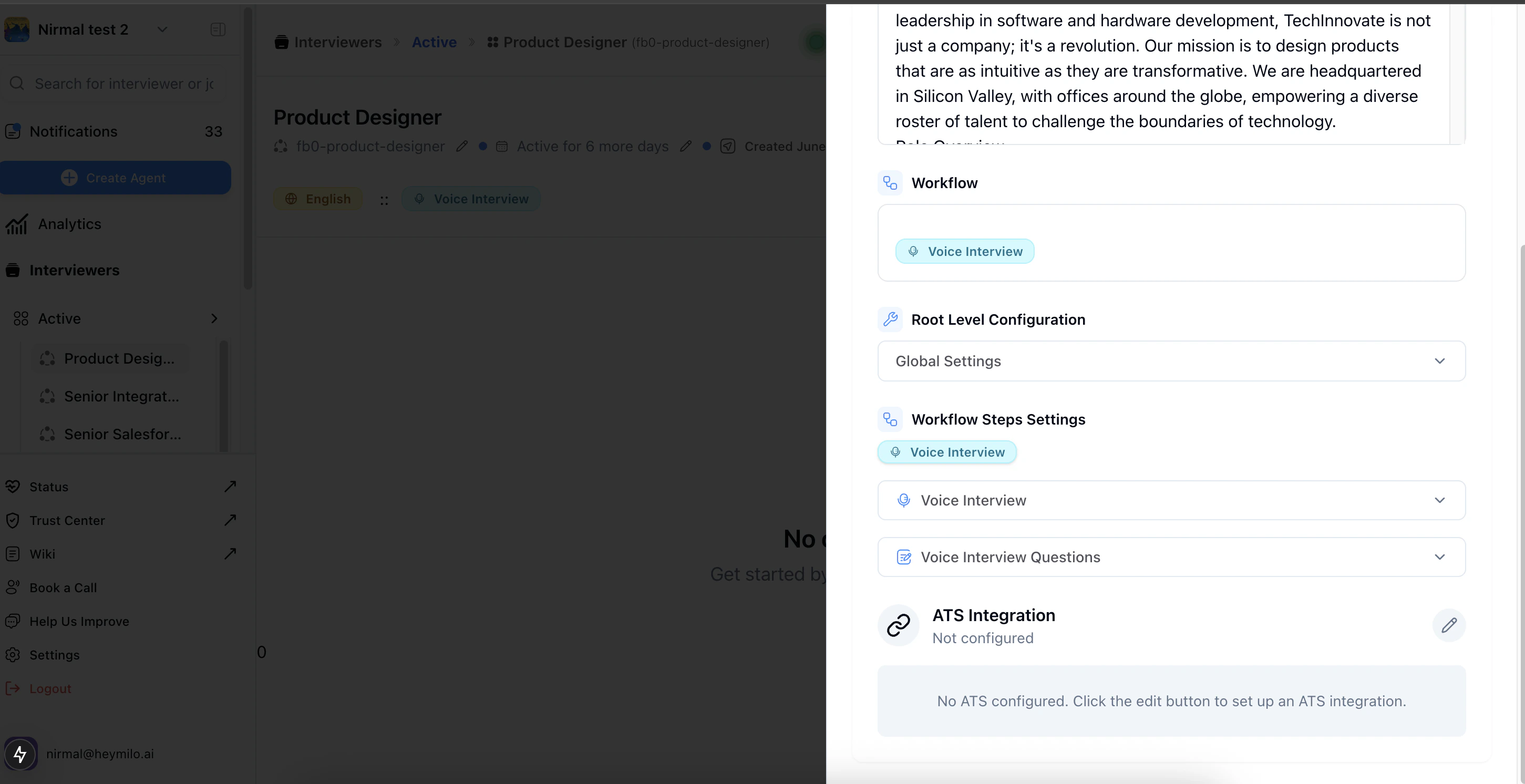
Step 3 — Select Salesforce as your **ATS Type**, select **Job Posting ID** as a **Mapping Parameter**, and paste your Salesforce **Job ID** from the Salesforce portal here
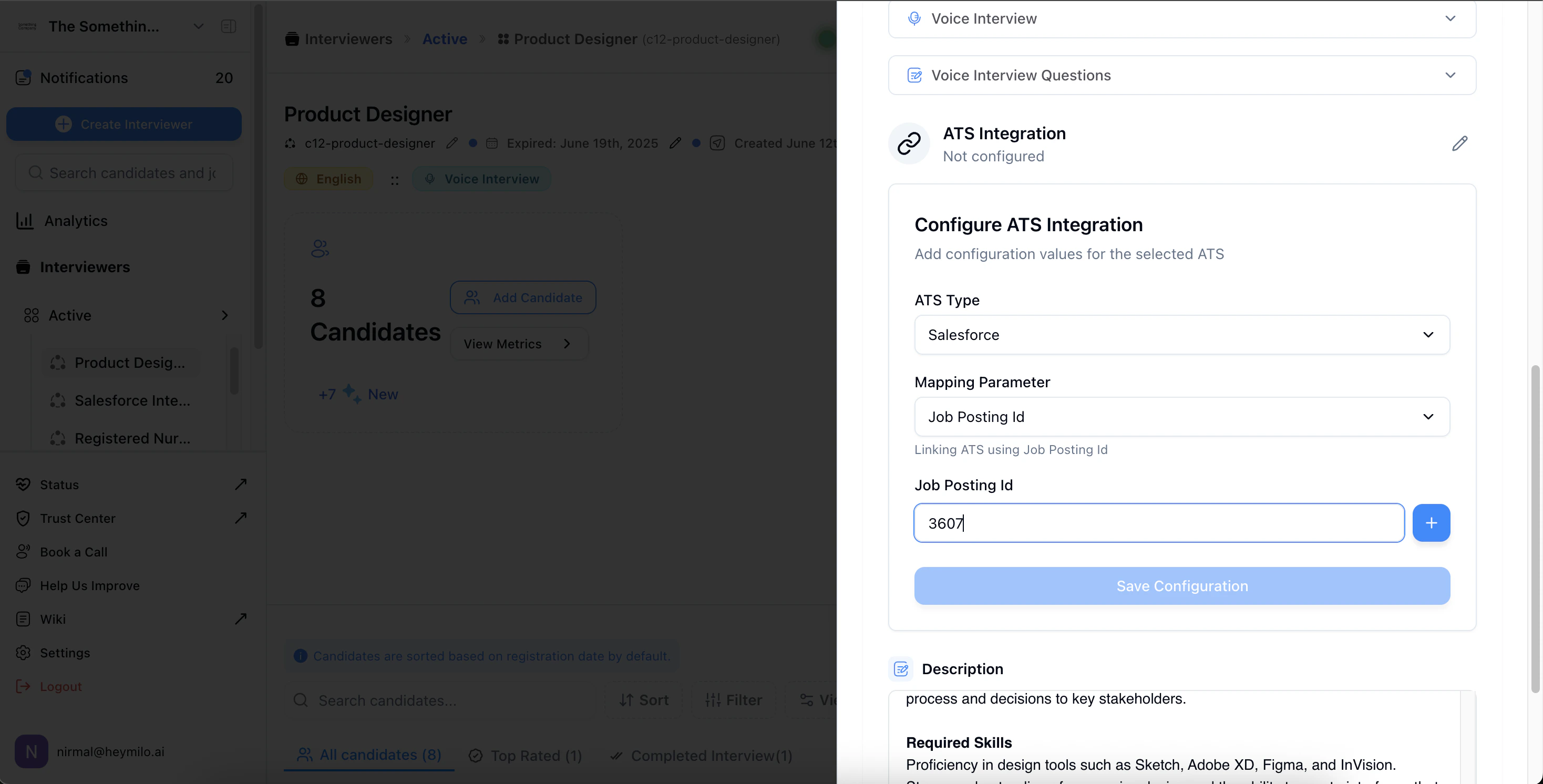
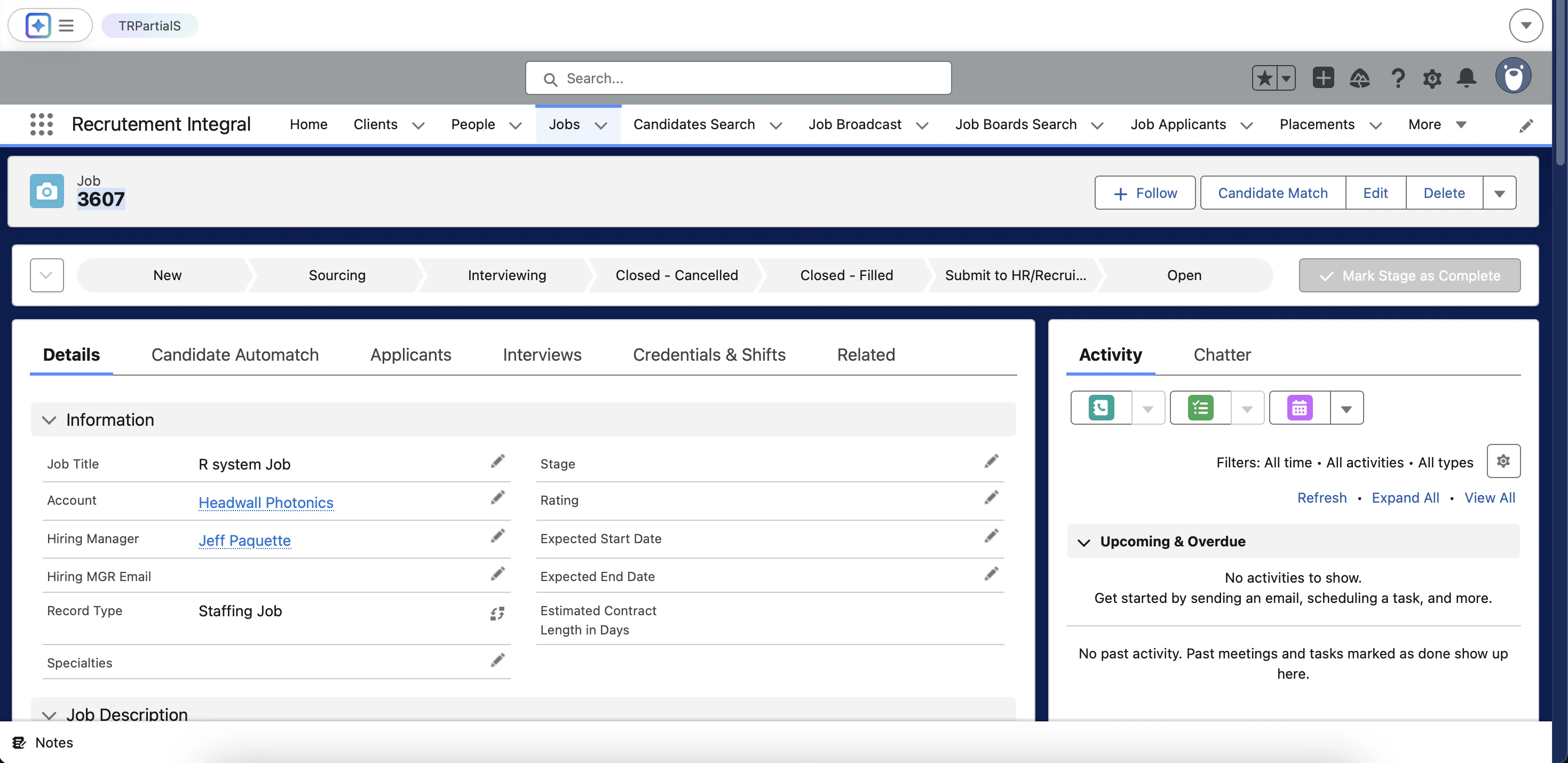
Automatic Candidate Sync
Candidates added to the mapped Salesforce job(s) will be ingested into HeyMilo at the configured polling interval..png?fit=max&auto=format&n=NExSwNhyKDI_FAL5&q=85&s=3d0b150e8439e991a15600049aba7d2f)
%20(1).png?fit=max&auto=format&n=NExSwNhyKDI_FAL5&q=85&s=4cc5338e536afebcbb6da1faf822c2eb)
Results & Feedback in Salesforce
When the interview is finished, HeyMilo generates a structured report—complete with transcripts, AI summaries, and scores—and adds it to the candidate’s Notes in Salesforce..png?fit=max&auto=format&n=NExSwNhyKDI_FAL5&q=85&s=c01e9bf8f03d93b0e32f7bb2398c788e)