

Managing Your Subscription
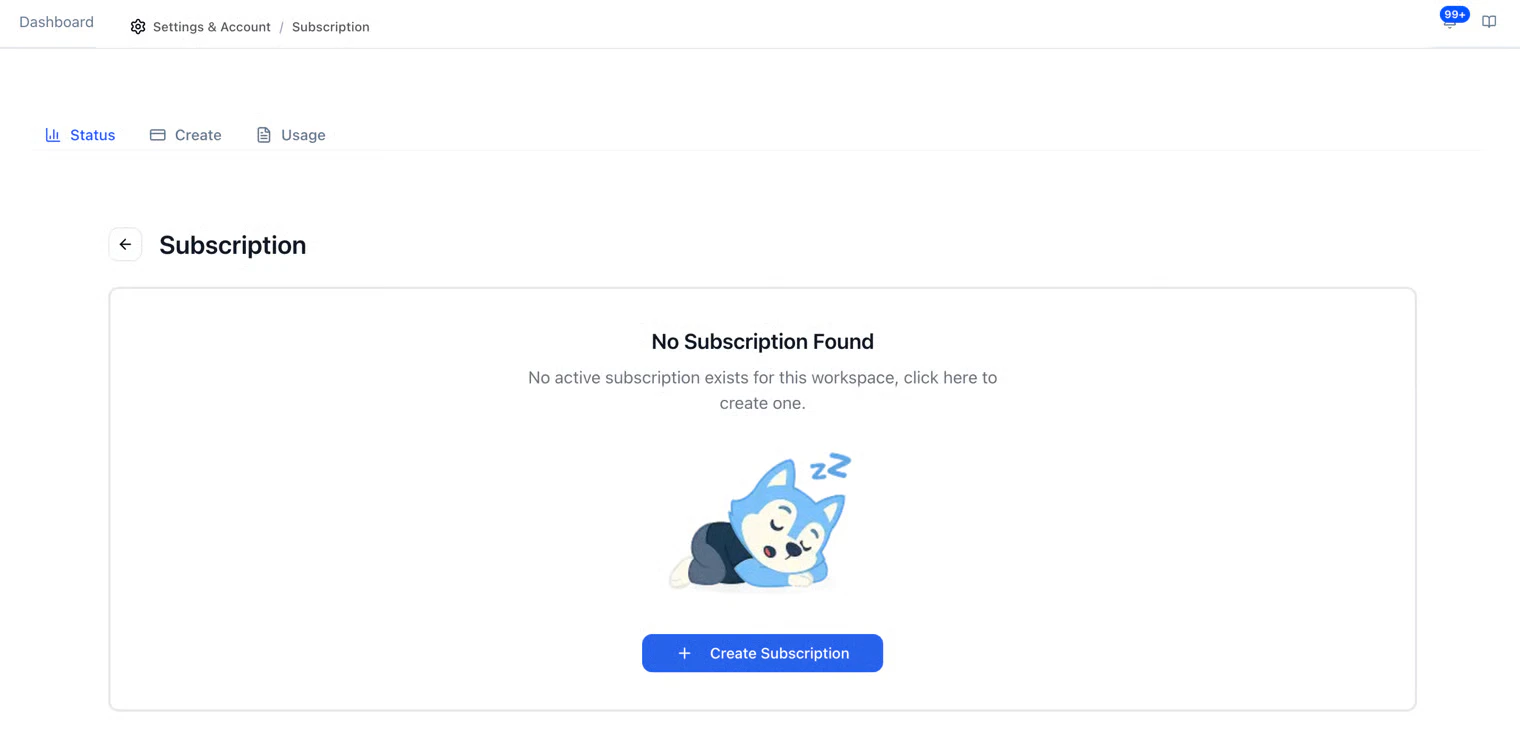
- Go to Settings > Billing in the sidebar
- View your current plan, usage, and billing cycle
- Upgrade or change your plan as needed
- Current plan: Which plan you’re on and what’s included
- Usage: How many interviews you’ve used this billing cycle
- Next billing date: When your next charge will occur
- Payment method: The card or payment method on file
Updating Payment
To update your payment method:- Go to Settings > Billing
- Click Update Payment Method
- Enter your new card details
- Save
Need Help with Billing?
If you have questions about your plan, need to discuss enterprise pricing, or have a billing issue, reach out to your HeyMilo account manager or contact support.Next Steps
- Team & Roles — Manage who has access to your account
- Compliance — Data privacy and retention settings