

Accessing API Key Usage
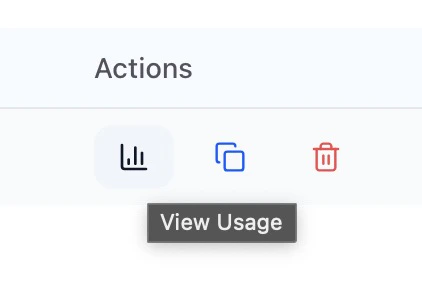
From the sidebar, expand Integrations and click API Keys. You’ll see a list of all your API keys with their descriptions and last used timestamps. Each API key row includes action buttons for viewing usage statistics (chart icon), copying the key, and deleting the key.
Usage Dashboard Overview
The API Key Usage dashboard provides comprehensive analytics for your API key activity. At the top of the page, you’ll see the API key name and a “Back to API Keys” link to return to the main API Keys list.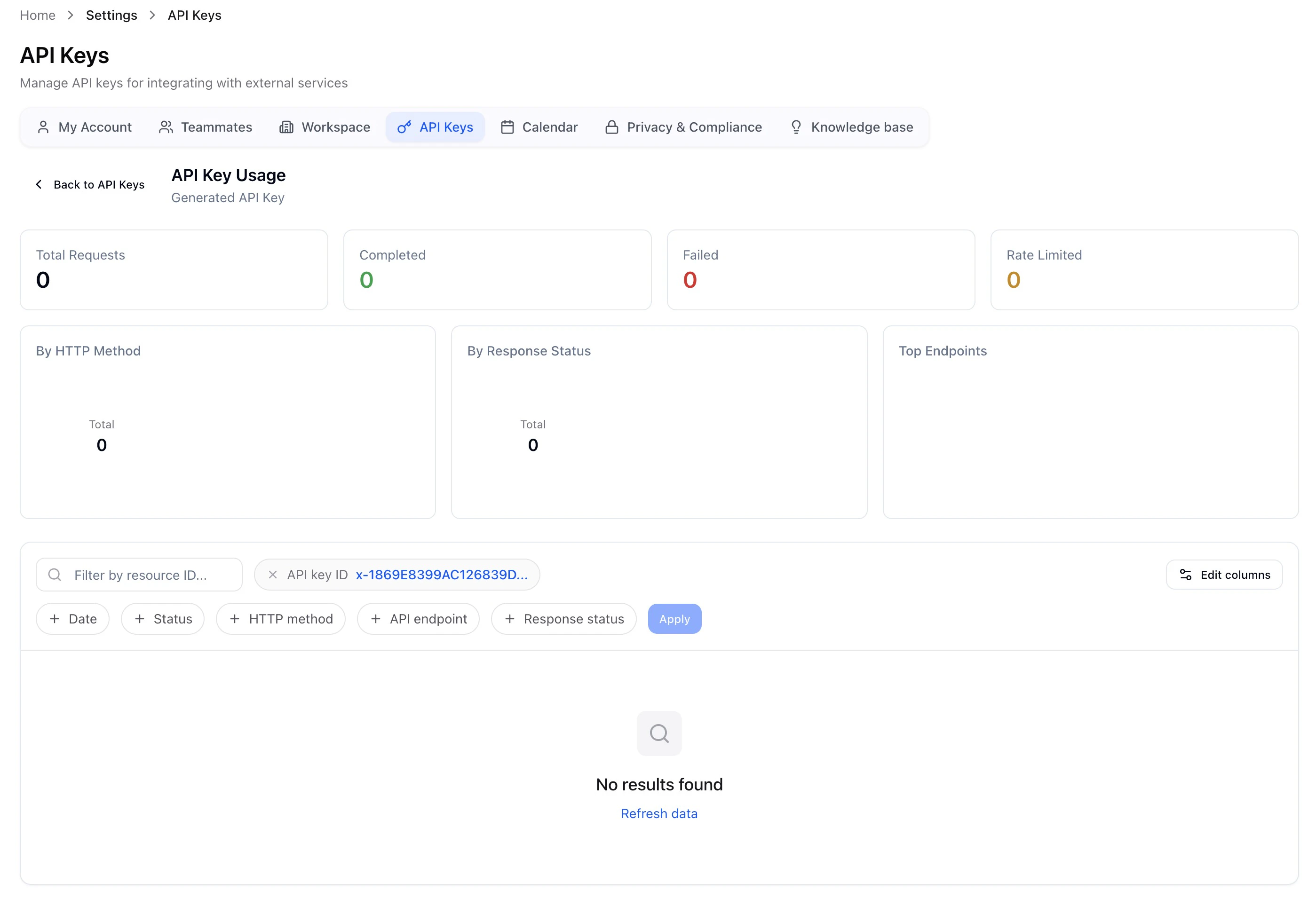
Summary Metrics
The dashboard displays four key metrics in card format:
Analytics Charts
The dashboard includes three visualization sections to help you understand your API usage patterns:
Request Log
Below the analytics section, you’ll find a detailed request log table that shows individual API requests. The table includes the following columns: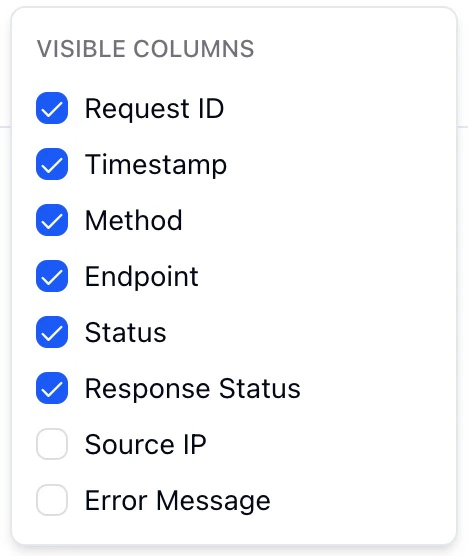
Filtering Requests
The request log supports multiple filtering options to help you find specific requests:
Managing API Keys
From the main API Keys page, you can perform the following actions:
Why Use Multiple API Keys
A single API key works across all agents and postings in your workspace, but creating multiple keys gives you better control over monitoring, security, and troubleshooting — especially useful for staffing agencies managing multiple clients or integrations.For Staffing Agencies: Consider creating separate API keys per client or per integration type. This makes it easy to track usage, troubleshoot issues, and revoke access if a client relationship ends.
Best Practices
When managing your API keys, consider the following recommendations:- Use descriptive names for your API keys that indicate their purpose or the integration they’re used for. This makes it easier to manage multiple keys and identify which key is used where.
- Regularly review your API key usage to identify unused keys that can be deleted, reducing security risk.
- Monitor the Failed and Rate Limited metrics to catch integration issues early. A sudden spike in failed requests may indicate a problem with your integration or changes to the API.
- If you’re consistently hitting rate limits, review your integration logic to reduce unnecessary API calls or implement request batching where possible.