> ## Documentation Index
> Fetch the complete documentation index at: https://docs.heymilo.ai/llms.txt
> Use this file to discover all available pages before exploring further.
> Connect your ATS so jobs and candidates sync with HeyMilo and results flow back.
# Integrations
# Integrations
Connect your ATS so jobs and candidates sync with HeyMilo and results flow back.
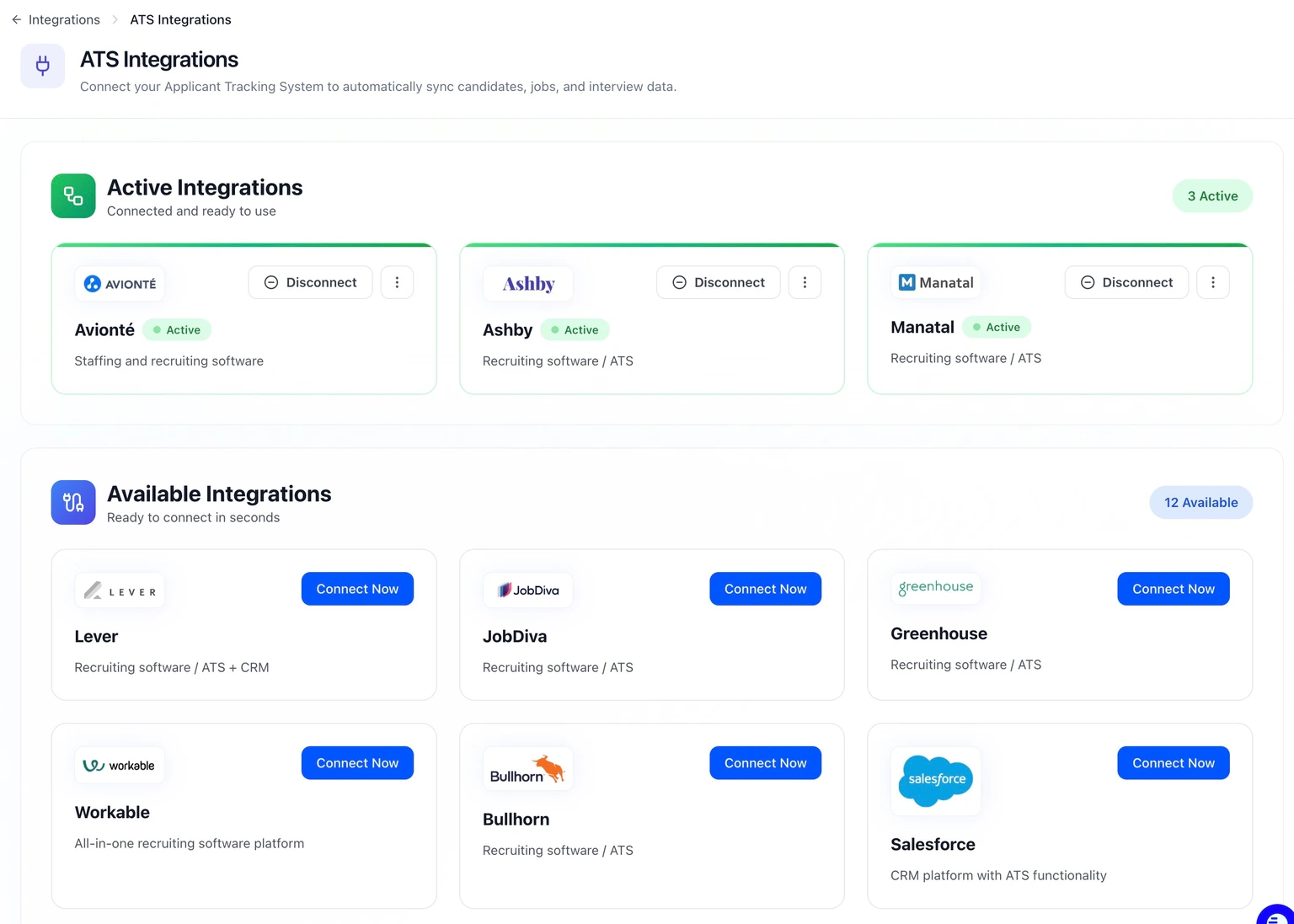 ## Supported ATS
| ATS | Job Sync | Candidate Sync | Writeback | Stage Mapping |
| ---------------------------------------------------------------------------------------------------------------- | -------- | -------------- | --------- | ------------- |
| Greenhouse, Lever, Ashby, Bullhorn, Workable, Salesforce, Manatal, TeamTailor, Avionte, JobDiva, Ceipal, Tracker | Yes | Yes | Yes | Yes |
## What You Get
* **Bidirectional sync** — Jobs and candidates flow between your ATS and HeyMilo.
* **Writeback** — Notes, scores, stage moves, and attachments pushed to your ATS (details vary by provider; see your ATS quickstart).
* **Stage mapping** — Map your pipeline stages to HeyMilo actions (configured per ATS connection).
* **Automations** — Workflows, polling, and webhooks where supported; see [Webhook Management](../webhook-management/webhook-documentation) for HTTP webhook setup.
## Setup
1. [ATS Integrations & quickstarts](ats-quickstarts) — Connect your ATS and per-provider steps
2. [Import from ATS](ats-quickstarts/import-from-ats) — Pull jobs/candidates from your ATS where applicable
3. **Writeback & stage mapping** — Covered in your provider’s quickstart and in-product Integrations settings
4. [ATS Quickstarts](ats-quickstarts) — Full list of provider guides
## Supported ATS
| ATS | Job Sync | Candidate Sync | Writeback | Stage Mapping |
| ---------------------------------------------------------------------------------------------------------------- | -------- | -------------- | --------- | ------------- |
| Greenhouse, Lever, Ashby, Bullhorn, Workable, Salesforce, Manatal, TeamTailor, Avionte, JobDiva, Ceipal, Tracker | Yes | Yes | Yes | Yes |
## What You Get
* **Bidirectional sync** — Jobs and candidates flow between your ATS and HeyMilo.
* **Writeback** — Notes, scores, stage moves, and attachments pushed to your ATS (details vary by provider; see your ATS quickstart).
* **Stage mapping** — Map your pipeline stages to HeyMilo actions (configured per ATS connection).
* **Automations** — Workflows, polling, and webhooks where supported; see [Webhook Management](../webhook-management/webhook-documentation) for HTTP webhook setup.
## Setup
1. [ATS Integrations & quickstarts](ats-quickstarts) — Connect your ATS and per-provider steps
2. [Import from ATS](ats-quickstarts/import-from-ats) — Pull jobs/candidates from your ATS where applicable
3. **Writeback & stage mapping** — Covered in your provider’s quickstart and in-product Integrations settings
4. [ATS Quickstarts](ats-quickstarts) — Full list of provider guides