> ## Documentation Index
> Fetch the complete documentation index at: https://docs.heymilo.ai/llms.txt
> Use this file to discover all available pages before exploring further.
> How to access your HeyMilo account and troubleshoot common login issues.
# Log In
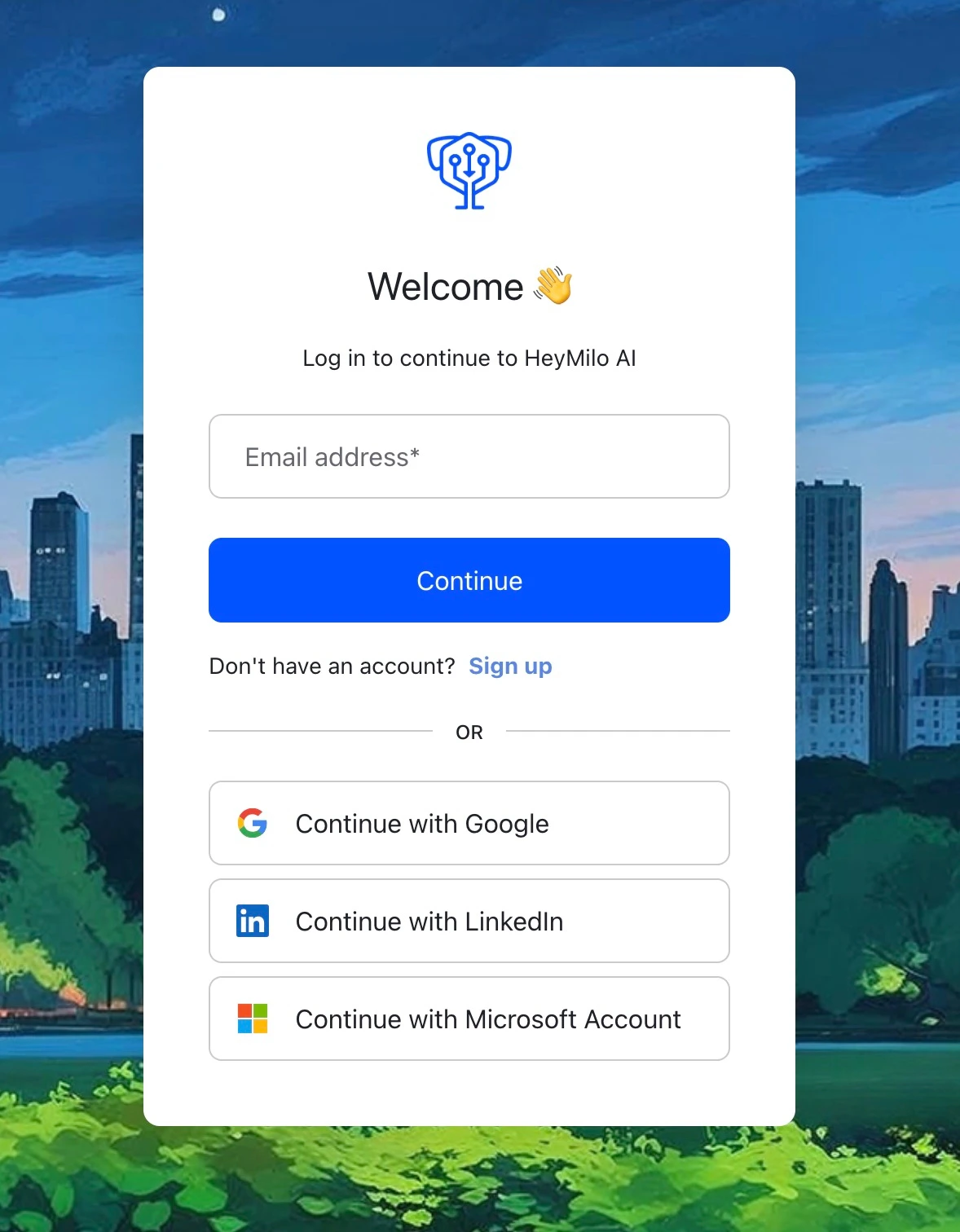
Go to [**admin.heymilo.ai**](https://admin.heymilo.ai/) to log in.
## Log In (If You Already Have an Account)
Sign in with your work email using one of these methods:
* **Google Sign-In** — Click "Sign in with Google" and select your work Google account. Fastest if your company uses Google Workspace.
* **Email & Password** — Enter your email and password. Forgot it? Click "Forgot password?" to reset via email.
* **SSO (Single Sign-On)** — Click "Sign in with SSO" and enter your company email. You'll be redirected to your company's identity provider.
 ## Create Your Account (If You're New)
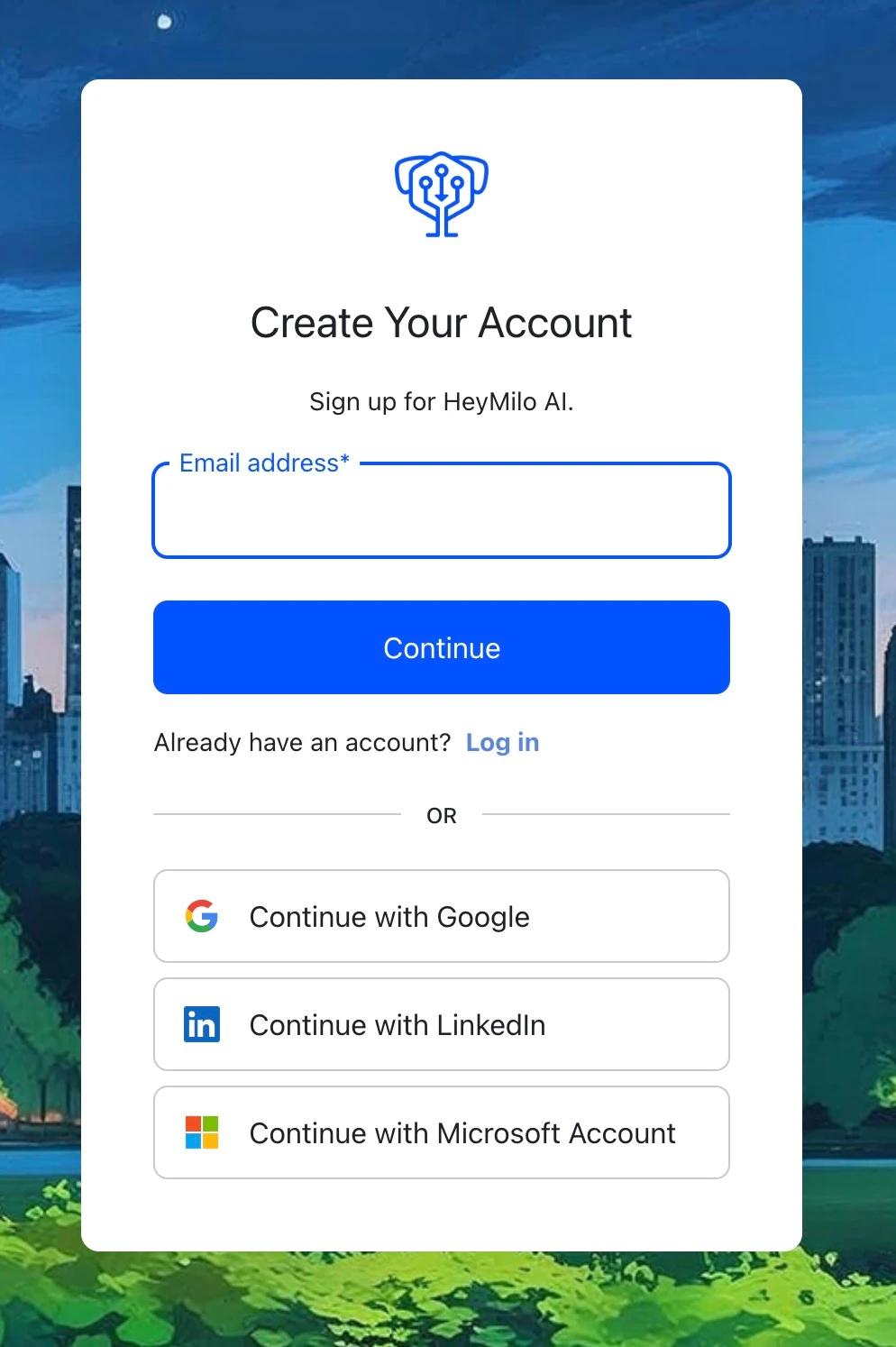
1. You'll need an **invitation** from your team admin. Check your email (and spam) for an invite from HeyMilo — it contains a link to set up your account.
2. Click the link in the email and follow the prompts to create your account.
**If prompted, enter the onboarding key:** `HELLO-COLD-34`
## Create Your Account (If You're New)
1. You'll need an **invitation** from your team admin. Check your email (and spam) for an invite from HeyMilo — it contains a link to set up your account.
2. Click the link in the email and follow the prompts to create your account.
**If prompted, enter the onboarding key:** `HELLO-COLD-34`
 ## Troubleshooting Login Issues
**"I never received an invitation email"**
* Check your spam/junk folder — invitation emails sometimes land there.
* Ask your team admin to resend the invitation from **Settings > Team**.
* Make sure you're checking the correct email address (the one your admin used to invite you).
**"I forgot my password"**
* Click "Forgot password?" on the login page.
* Enter your email address. You'll receive a reset link within a few minutes.
* If the reset email doesn't arrive, check spam or try again.
**"I'm getting an 'account not found' error"**
* Double-check the email address — it must match the one your admin used to invite you.
* If you recently changed your work email, ask your admin to update your account or send a new invitation.
**"Google sign-in isn't working"**
* Make sure you're selecting the correct Google account (your work email, not personal).
* Try clearing your browser cache or using an incognito/private window.
* If your company restricts third-party app access, ask your IT team to allow HeyMilo.
**"I can sign in but I don't see anything / my dashboard is empty"**
* You may not have the right permissions yet. Ask your team admin to check your role in **Settings > Team**.
* If you were just added, try refreshing the page or logging out and back in.
## Next Steps
Once you're logged in, head to [Creating an Interviewer](creating-an-interviewer) to create your first interview.
## Troubleshooting Login Issues
**"I never received an invitation email"**
* Check your spam/junk folder — invitation emails sometimes land there.
* Ask your team admin to resend the invitation from **Settings > Team**.
* Make sure you're checking the correct email address (the one your admin used to invite you).
**"I forgot my password"**
* Click "Forgot password?" on the login page.
* Enter your email address. You'll receive a reset link within a few minutes.
* If the reset email doesn't arrive, check spam or try again.
**"I'm getting an 'account not found' error"**
* Double-check the email address — it must match the one your admin used to invite you.
* If you recently changed your work email, ask your admin to update your account or send a new invitation.
**"Google sign-in isn't working"**
* Make sure you're selecting the correct Google account (your work email, not personal).
* Try clearing your browser cache or using an incognito/private window.
* If your company restricts third-party app access, ask your IT team to allow HeyMilo.
**"I can sign in but I don't see anything / my dashboard is empty"**
* You may not have the right permissions yet. Ask your team admin to check your role in **Settings > Team**.
* If you were just added, try refreshing the page or logging out and back in.
## Next Steps
Once you're logged in, head to [Creating an Interviewer](creating-an-interviewer) to create your first interview.